15
GB
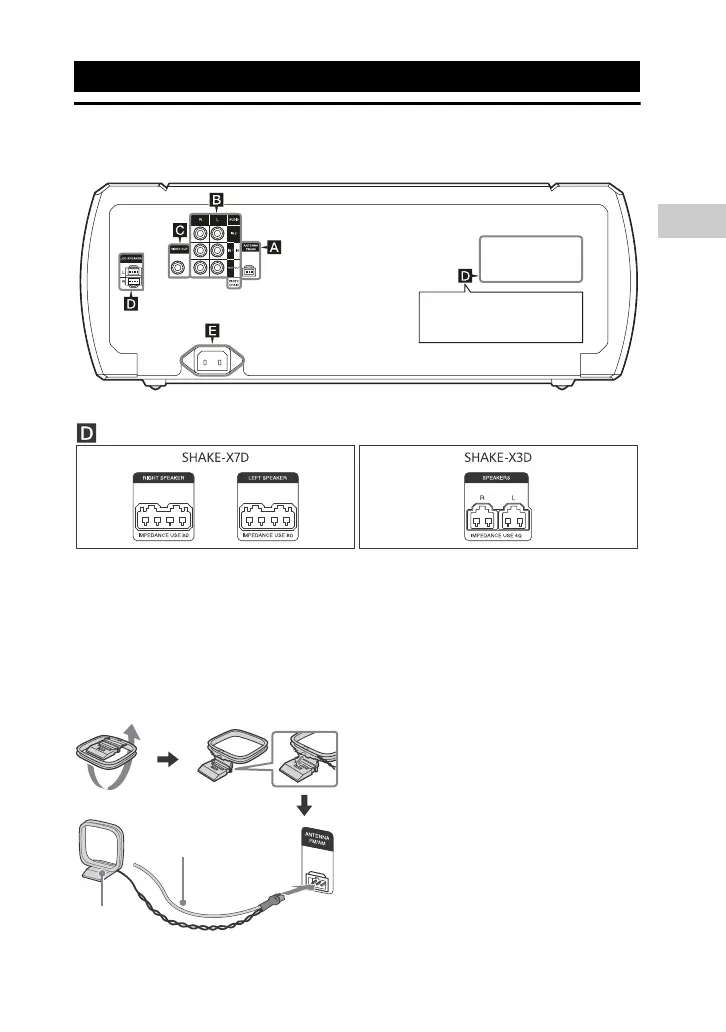
Hooking up the system securely
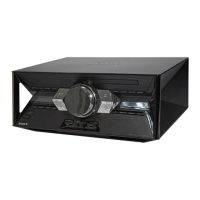
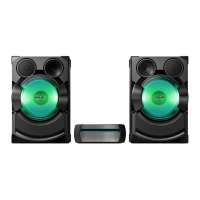
SHAKE-X7D/SHAKE-X3D
Antennas
Find a location and an orientation that
provide good reception when you set
up the antennas.
Keep the antennas away from the
speaker cords, the AC power cord
(mains lead) and the USB cable to
avoid picking up noise.
Audio
Use an audio cord (not supplied) to
make either connection as follows:
AUDIO OUT/PARTY CHAIN OUT
L/R jacks
Connect to the audio input jacks of
an optional equipment.
Connect to another audio system
to enjoy the Party Chain function
(page 41).
AUDIO IN 1/PARTY CHAIN IN
L/R jacks
Connect to the audio output jacks
of a TV or an audio/video
equipment. The sound is output
through this system.
Connect to another audio system
to enjoy the Party Chain function
(page 41).
Getting Started
is different depending
on the model.
See below.
AM loop
antenna
Extend the FM lead
antenna horizontally


 To Next Page