Getting Started
6
Getting Started
Step 1
Unpacking
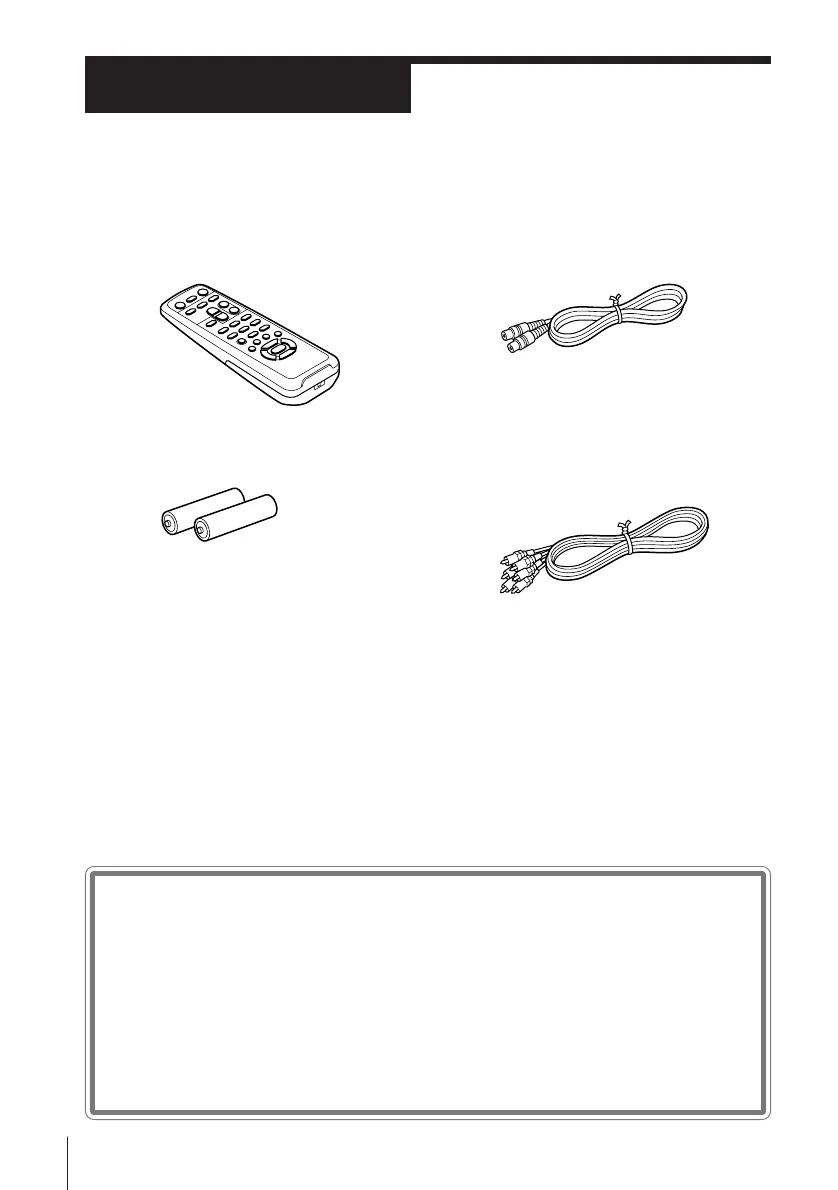
Check that you have received the following items with the unit:
• Aerial cable
• Audio/video cable (3-phono to 3-
phono) (SLV-PH88EE only)
Checking your model name
The instructions in this manual are for the 2 models: SLV-P58EE and
PH88EE. Check your model number by looking at the rear panel of
your VCR. The SLV-P58EE is the model used for illustration
purposes. Any difference in operation is clearly indicated in the text,
for example, “SLV-PH88EE only.”
• Remote commander
• R6 (Size AA) batteries



 To Next Page