Getting Started
30
US
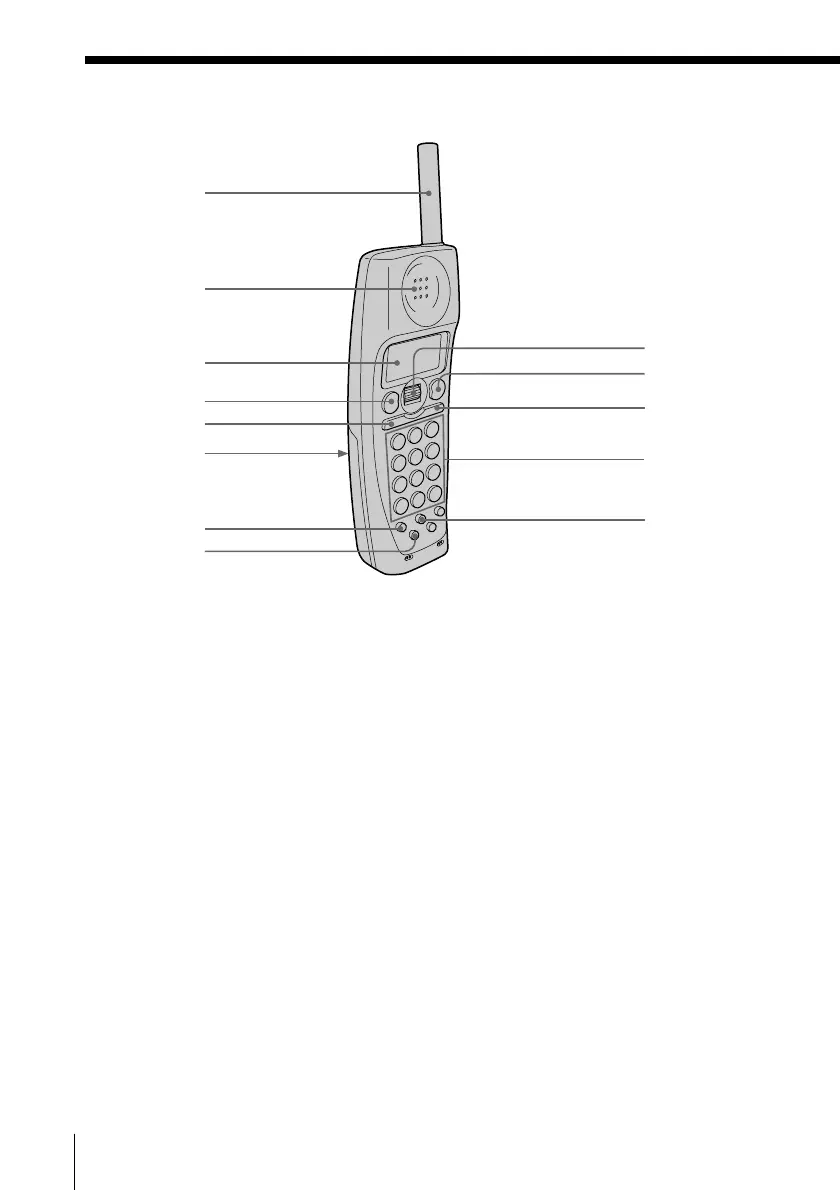
Identifying the parts (continued)
1 Antenna
2 Speaker
3 Display window (p. 32, 68)
4 TALK button (p. 32)
Lets you make or receive a call.
5 HOLD/PLAY button
(p. 33, 60, 64)
Puts a call on hold/plays back
recorded messages.
6 Battery compartment (p. 14)
7 CALL WAITING/FLASH button
(p. 33, 77)
Switches to a second call if you
have “call waiting” service, or lets
you make a new call.
Cordless handset
8 EZ ACCESS button (p. 23, 33)
Lets you make a call with the
registered access number.
9 Jog Dial (p. 17, 39, 69)
0 OFF button (p. 32, 38)
Allows you to disconnect the call.
qa INTERCOM button (p. 50, 51)
Lets you talk between the cordless
handsets (when the system has any
other additional cordless handsets).
qs Dialing keys (p. 32)
qd ERASE button (p. 18, 41, 63)
1
qs
qd
2
3
4
5
6
7
8
9
0
qa


 To Next Page
 Loading...




