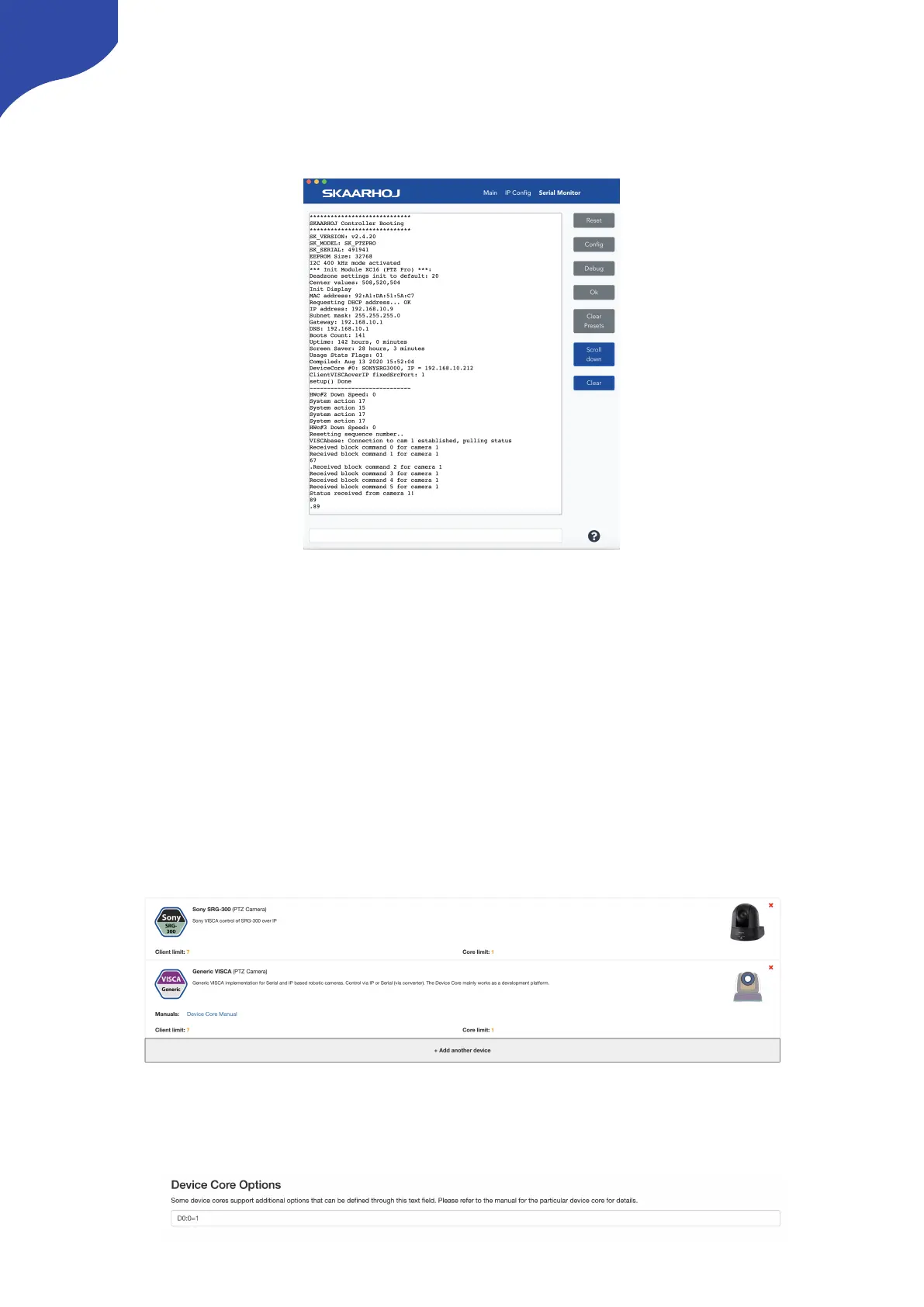
Confirm Connection
The Serial Monitor from the Firmware Application can be used to monitor connection status.
Device Configurations
Device configuration options exist:
-
Index 0: VISCA over IP/Serial
-
If “1” = VISCA over Serial
Example:
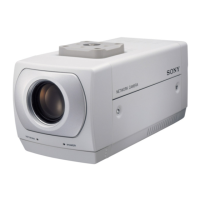
Enabling VISCA over serial could look like this device configuration code: “D0:0=1” where the general
form would be “Dx:y=z” where “x” is the number of the device core as installed on the controller (starting
with zero for the first device core), “y” the index number and “z” the value for that index.
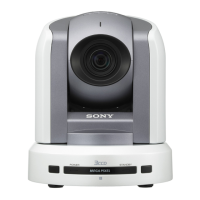
If the Sony SRG-300 Device Core is the first like below:
Setting VISCA over serial would be set by this configuration under “Manage Media” on the configuration
page for your controller. Access this by pressing “Online Configuration” in the Firmware Application.
Remember to save on the configuration page and press “Check for updates” in the Firmware Application.



 To Next Page