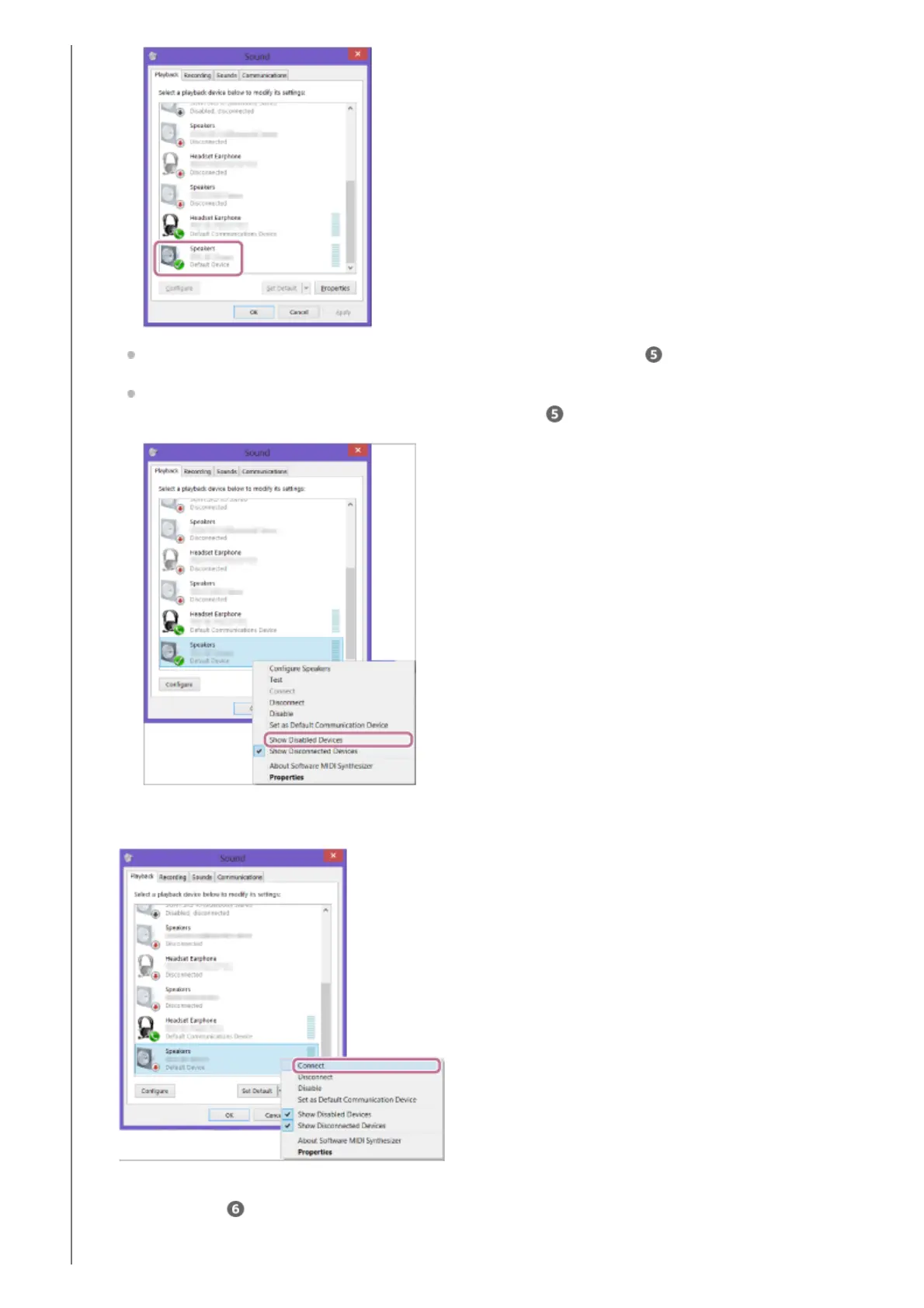
If there is not a checkmark (green) on [SRS-XB13 Stereo], proceed to step -7.
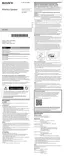
If [SRS-XB13 Stereo] does not appear, right-click on the [Sound] screen, and select [Show Disabled
Devices] from the menu that appears. Then proceed to step
-7.
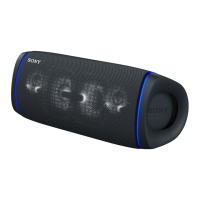
Right-click on [SRS-XB13 Stereo], and select [Connect] from the menu that appears.
When the speaker is connected, a checkmark will appear on [SRS-XB13 Stereo] on the [Sound] screen.
Proceed to step
.
7.


 To Next Page