Hint
The above instructions on the computer are provided as an example. For details, refer to the operating instructions supplied with
your computer. In addition, not all the computers are tested and found compatible with the above procedure and the procedure is
not applicable to home-built computers.
Note
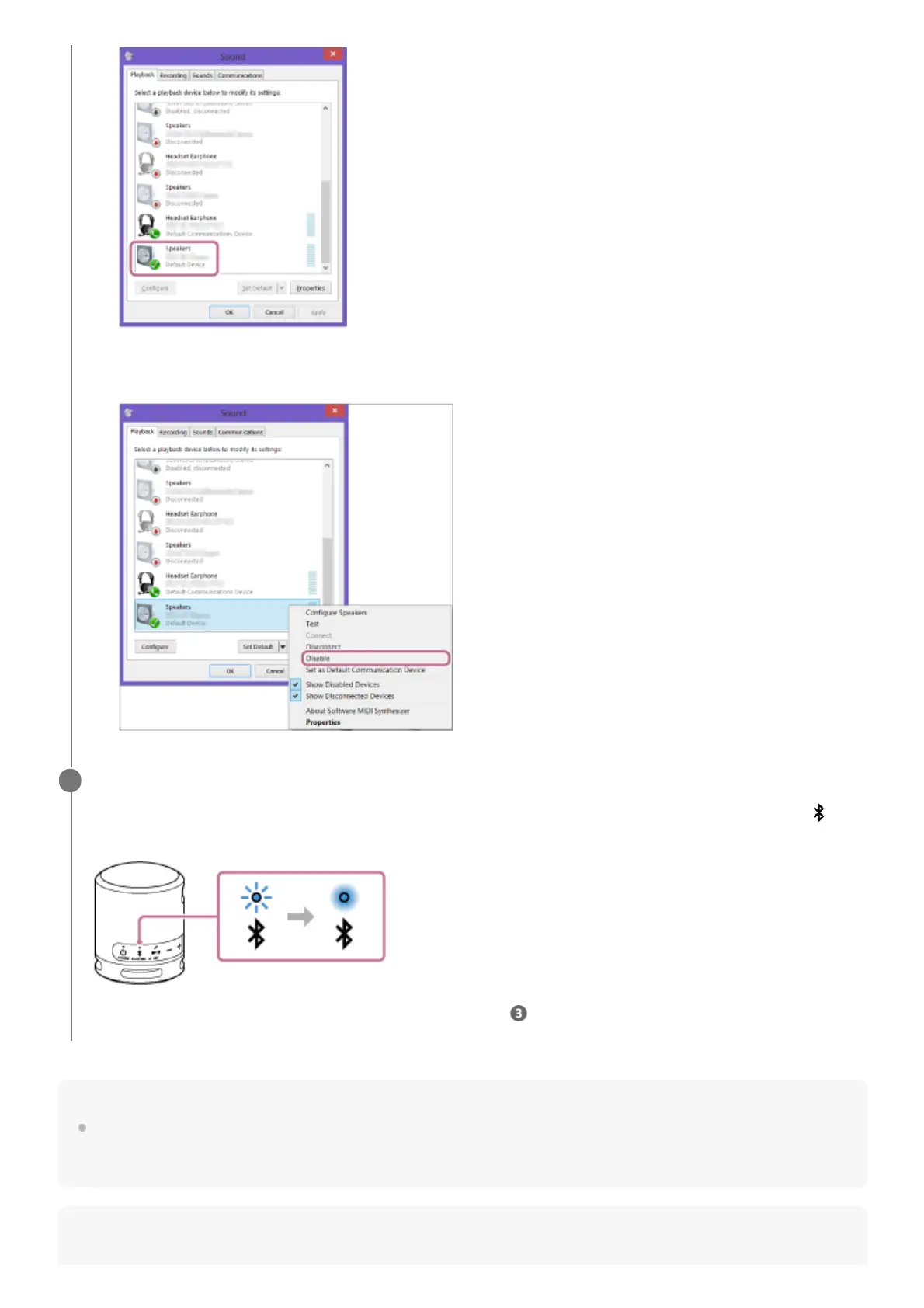
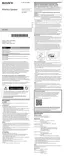
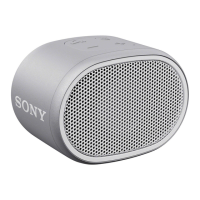
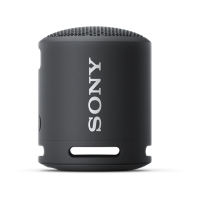
If you cannot click [Connect] for [SRS-XB13 Stereo], select [Disable] for the [Default Device] that currently has a
checkmark (green).
Follow the on-screen instructions to establish a BLUETOOTH connection.
When the BLUETOOTH connection is established, you hear a beep from the speaker and the activity of the
(BLUETOOTH) indicator changes from flashing to lit.
If the connection attempt fails, repeat the procedure from step .
6


 To Next Page