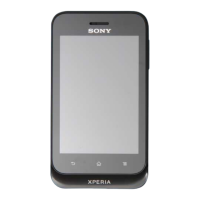
13 Touchscreen
14 Headset connector
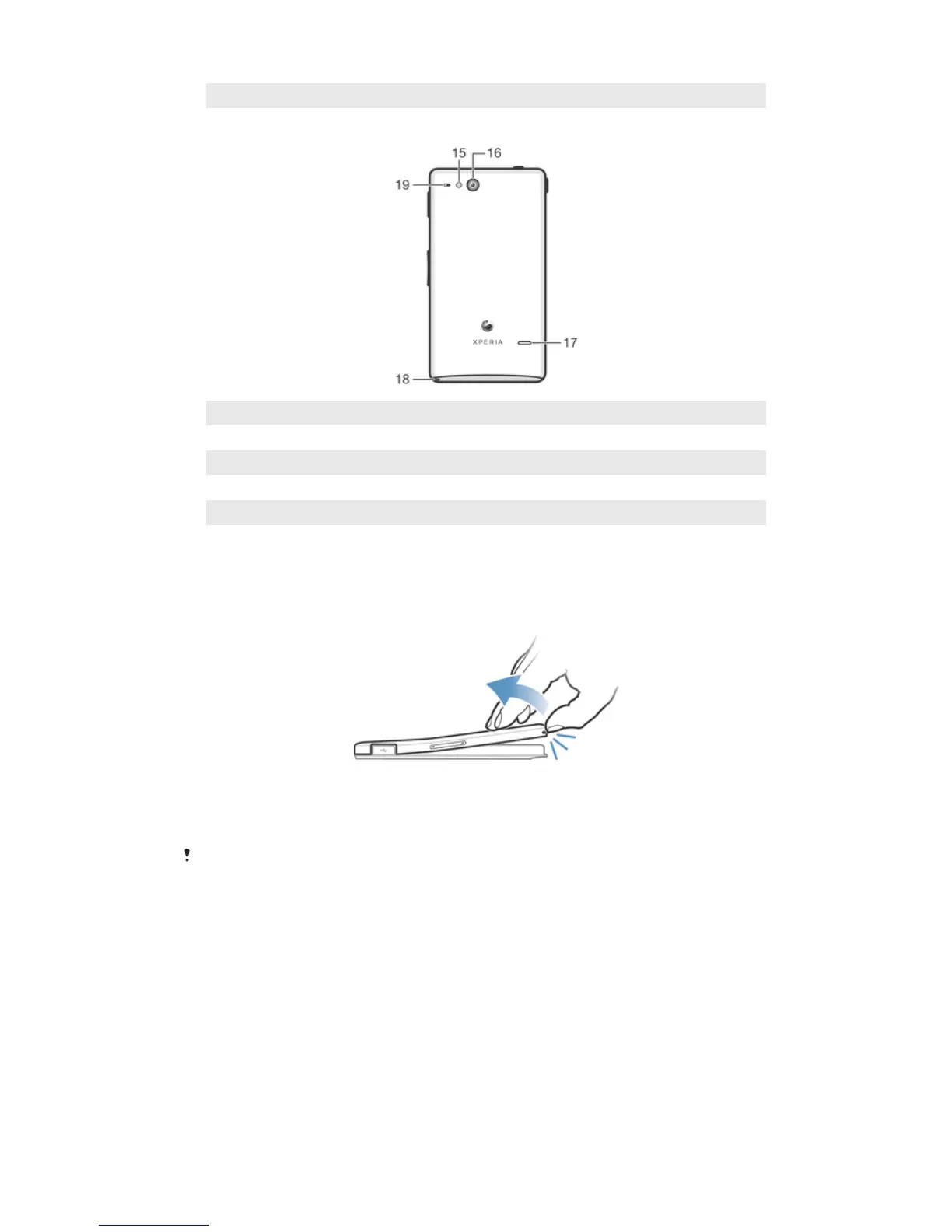
15 Camera LED light
16 Camera lens
17 Speaker
18 Strap hole
19 Second microphone
Assembly
To remove the back cover
•
Insert a thumbnail into the strap hole opening on the back cover, then use your
thumb to firmly lift up the cover.
To insert the SIM card
Do not insert an incompatible SIM card, for example, a micro SIM card, into the SIM card slot.
Doing so could permanently damage your SIM card or your phone.
8
This is an Internet version of this publication. © Print only for private use.



 To Next Page