Help Guide
Multi Channel AV Receiver
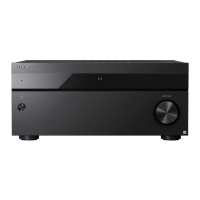
STR-AZ7000ES/STR-AZ5000ES/STR-AZ3000ES
Notes on connecting to the Internet
Caution of the internet use without the router
When connecting the receiver to the Internet, be sure to connect via a router (*1) with the appropriate security settings.
Once a security issue occurs, this product may suffer damage caused by malware (malicious software), etc. via the Internet and be exposed to security threats such as theft or
tampering of personal information or content. This product may also cause damage to network services without your knowledge.
Wired router
ADSL modem router
Optical Network Unit (ONU) with router function
Wi-Fi access point that can function as a router
In-wall access point router (*2)
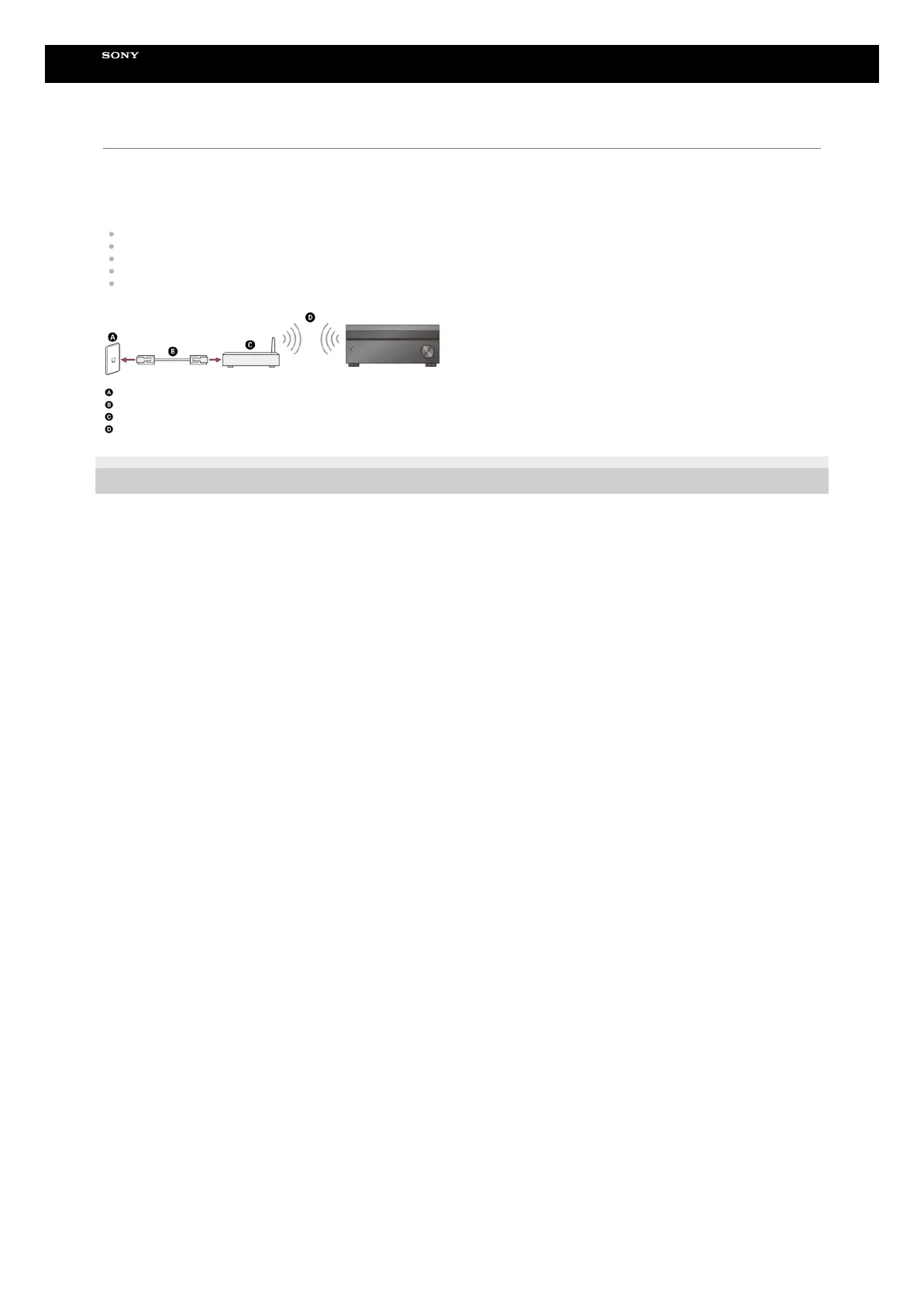
LAN port on the wall
LAN cable
Router
Wireless LAN
5-037-021-11(1) Copyright 2022 Sony Corporation
A router is a device that relays the Internet and a local area network connection to other devices. There are the following types of routers:
*1
If you are not sure whether an in-wall access point can be used as a router, check with your apartment manager or Internet service provider, etc.
*2





 To Next Page