27
EN
STR-AZ7000ES/STR-AZ5000ES/STR-AZ3000ES
5-037-019-11(1)
Changing the settings
, ///
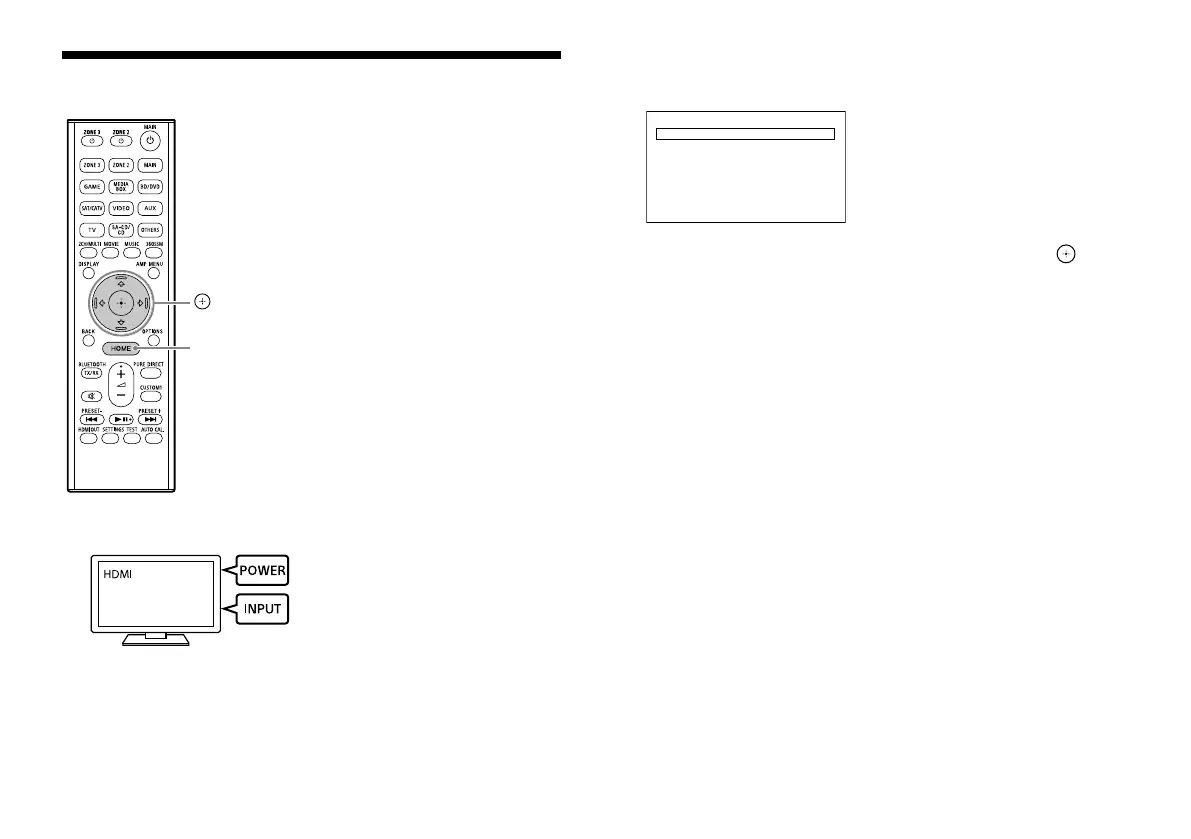
HOME
1 Turn on the TV, and then switch the input of the TV to which
the receiver is connected.
2 Press HOME.
The home menu is displayed on the TV screen.
Watch
Listen
Custom Preset
Sound Eects
Zone Controls
Setup
3 Press / repeatedly to select [Setup], and then press .
4 Select the settings you want to configure.
Example:
To select a sound field
You can select from a variety of sound field according to speaker
connections or input sources. Select [Audio Settings] - [Sound Field].
• 2ch Stereo
• Direct
• A.F.D.
• Multi Stereo
• A.F.D. Movie
• Dolby Mode
• DTS:X Mode
• Audio Enhancer
• Headphone (2ch)*
* Available only when BLUETOOTH headphones/BLUETOOTH speakers
are connected to the receiver
For details on each sound field, visit the Help Guide.
https://rd1.sony.net/help/ha/straz305070/h_uc/


 To Next Page
 Loading...





