EasyManua.ls Logo

Sony STR-V323 - Quick Reference Guide

Sony STR-V323
26 pages
Print Icon
To Next Page IconTo Next Page
To Previous Page IconTo Previous Page
Loading...
25
GB
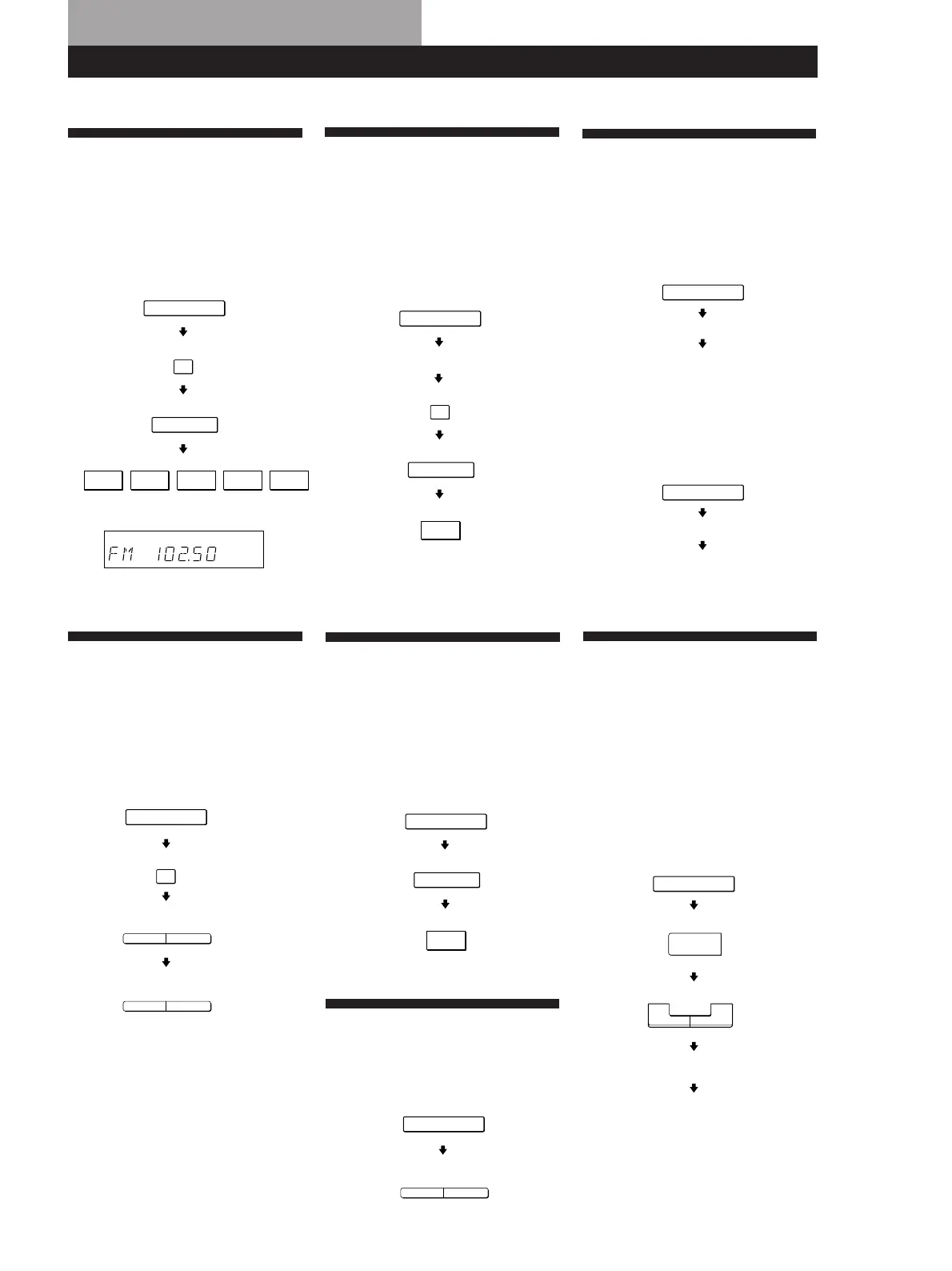
Receiving Broadcasts
(direct tuning)
Example: Receiving FM
102.50 MHz
Presetting Radio
Stations
Example: Presetting a
station as A7
Selecting a
Component
Example 1:Playing a CD
Example 2:Watching a video
tape
Quick Reference Guide
Display
Using Pre-
programmemed Sound
Fields
Example: Watching the
video tape of a
Dolby Surround-
encoded movie
Receiving Preset
Stations
Example: Receiving the
station number A7
Scanning Radio
Stations
(automatic tuning)
Example: Scanning FM
stations
Scanning Preset
Stations
Select FM.
10250
TUNER
FM
DIRECT
MHz
Select A.
Tune in the station you want.
TUNER
MEMORY
SHIFT
7
Turn on the CD player.
Start playing.
Turn on the VCR.
Start playing.
CD
VIDEO
Select FM.
To continue
scanning.
TUNING
+
TUNING
+
FM
TUNER
Select A.
TUNER
SHIFT
7
PRESET
TUNING
+
TUNER
SOUND FIELD
SOUND FIELD
Turn on the VCR player.
Select C
STUDIO.
Start playing.
VIDEO
ON/OFF
+
MODE
MODE

Other manuals for Sony STR-V323

Related product manuals