− 10 (EN) −
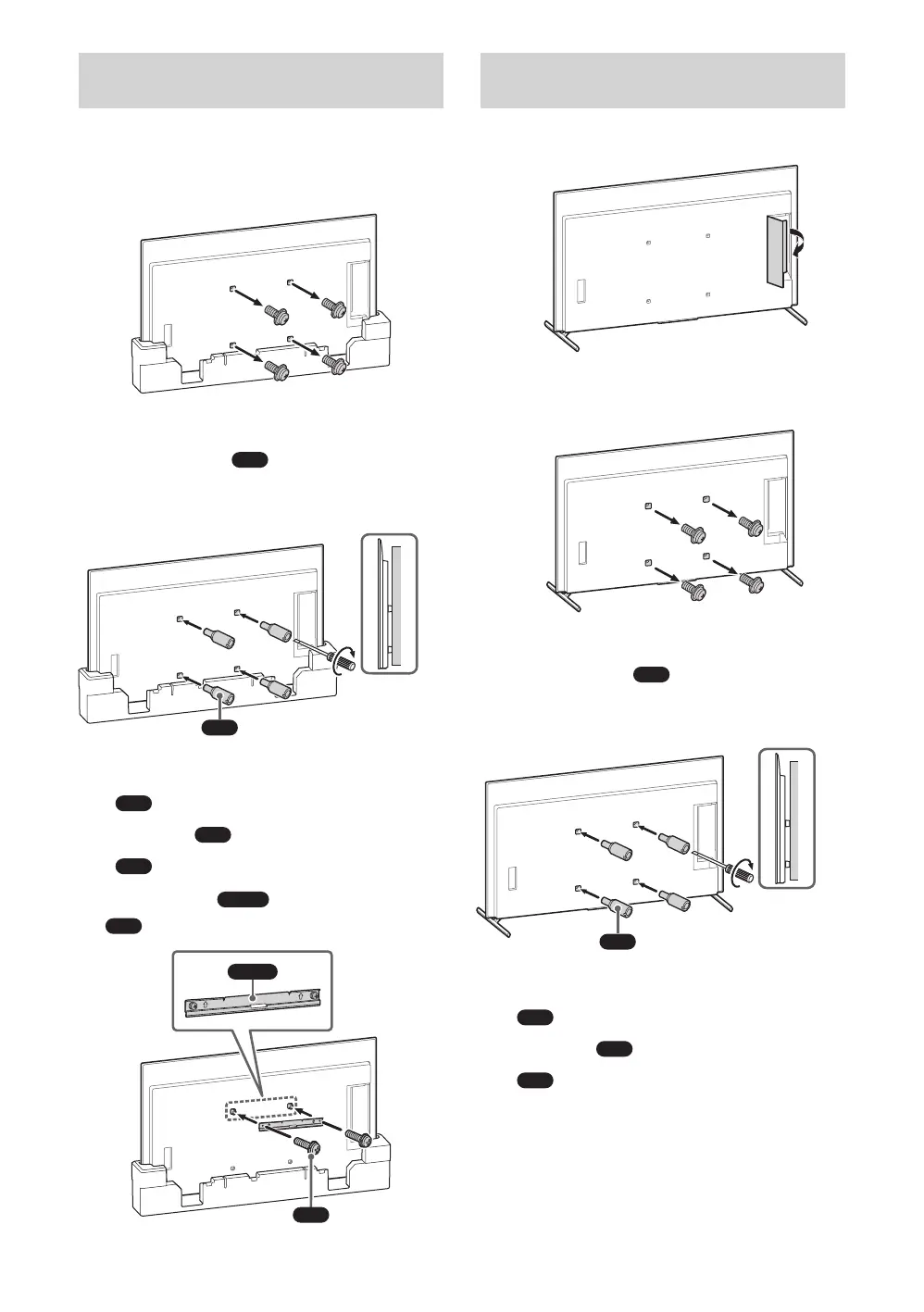
Installing the TV to the Wall from
Carton*
* Only for limited region/country/model.
1 Remove the screws from the rear
of the TV.
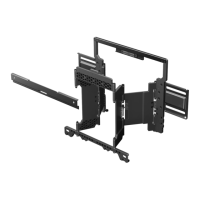
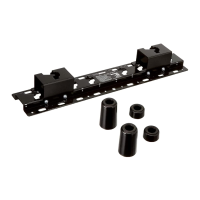
2 Attach the Wall-Mount
Attachment
(supplied with
the TV) to the rear of the TV (to
make it parallel with the wall).
VS
1.5 N·m/1,5 N·m
{15 kgf·cm}
Note
Be sure to fasten the Wall-Mount Attachment
VS
when attaching them to the TV. Use only a
flat head screwdriver to install the Wall-Mount
Attachment
VS
. Use of another tool might result
in over torqueing the Wall-Mount Attachment
VS
and damaging the TV.
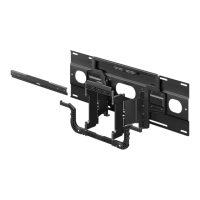
3 Attach the
WM2
to the TV using
M6
.
M6
WM2
Installing the TV to the Wall from
Table-Top Stand
1 Remove the terminal cover.
2 Remove the screws from the rear
of the TV.
3 Attach the Wall-Mount
Attachment
(supplied with
the TV) to the rear of the TV (to
make it parallel with the wall).
VS
1.5 N·m/1,5 N·m
{15 kgf·cm}
Note
Be sure to fasten the Wall-Mount Attachment
when attaching them to the TV. Use only a
flat head screwdriver to install the Wall-Mount
Attachment
. Use of another tool might result
in over torqueing the Wall-Mount Attachment
and damaging the TV.


 To Next Page