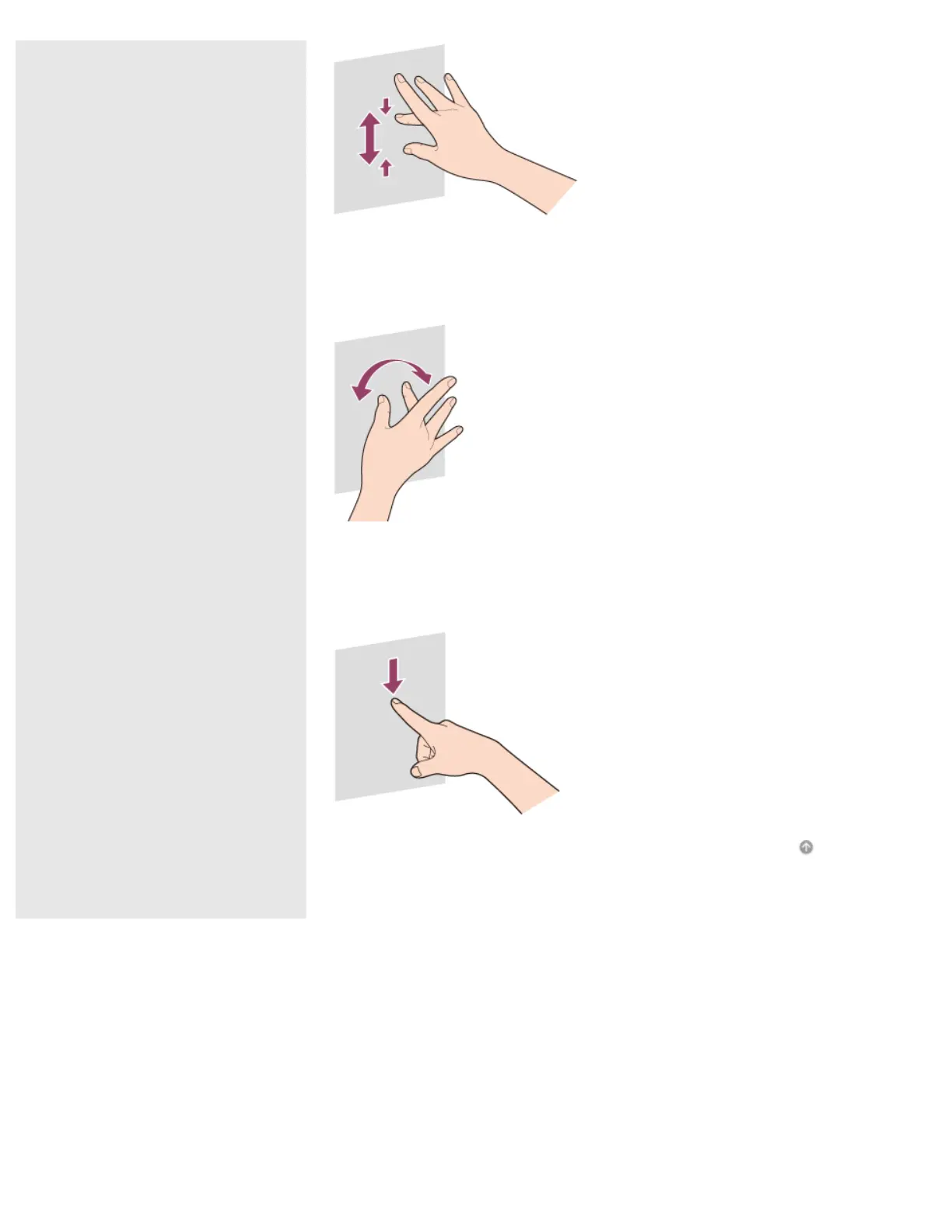
To rotate an image such as a photo (rotate)
Put two fingers on the touch screen and slide them in circles to rotate an image,
such as a photo. You cannot rotate images depending on the apps you are using.
To select by swiping
Slide your finger in short distance in the direction that the screen does not scroll.
You can select an item, such as an app tile or a picture.
Go to Page Top










 To Next Page