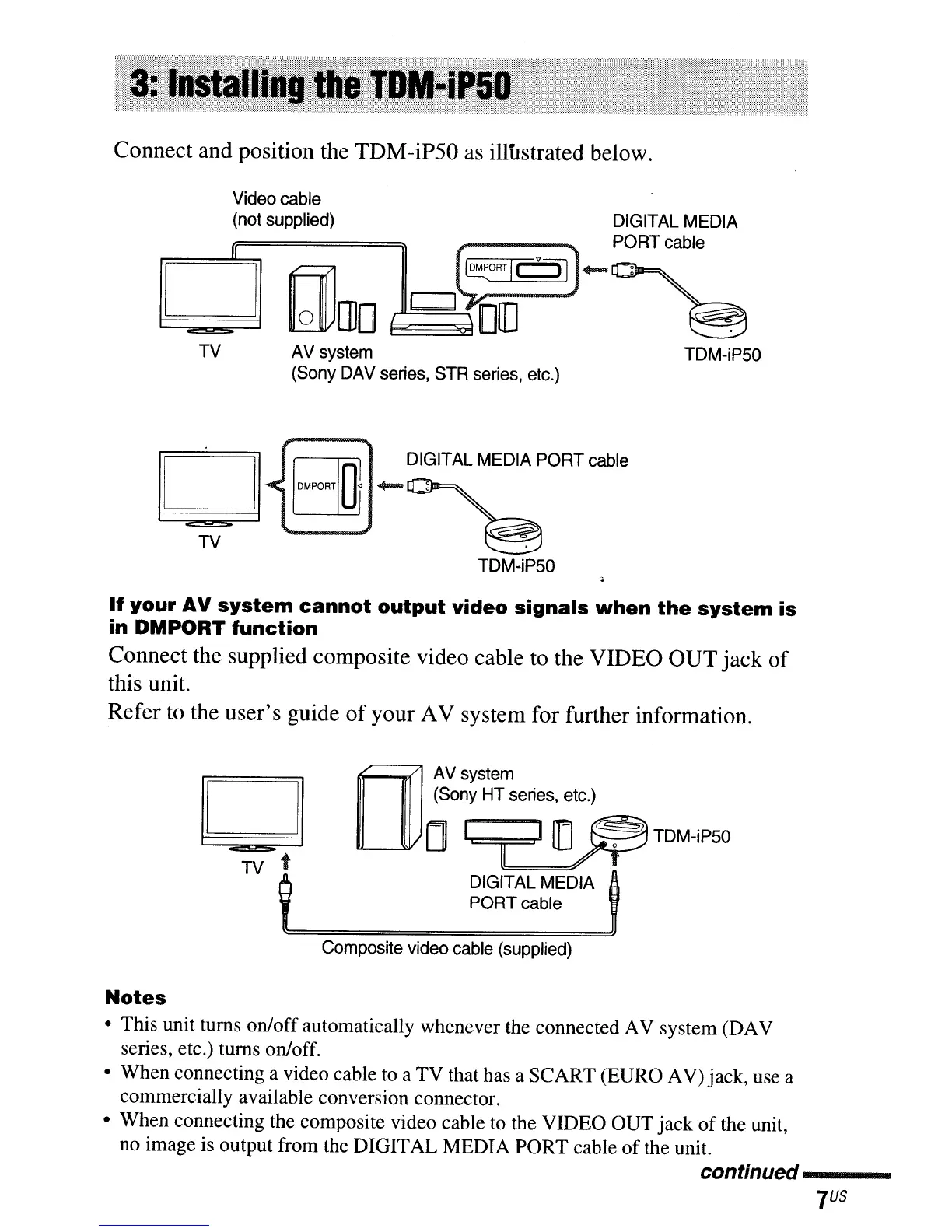
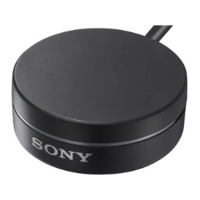
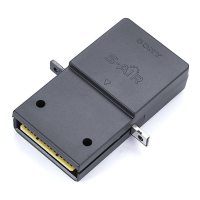
Connect and position the TDM-iP50 as illustrated below.
Video cable
(not supplied) DIGITAL MEDIA
lejl
CIDrno
J~~:#)_P~RTcabllr=-=>el
TV
TV
AV
system
(Sony DAV series, STR series, etc.)
DIGITAL MEDIA PORT cable
TOM-iPSO
TOM-iPSO
If
your
AV
system
cannot
output
video
signals
when
the
system
is
in
DMPORT
function
Connect the supplied composite video cable to the VIDEO OUTjack of
this unit.
Refer to the user's guide
of
your AV system for further information.
bJ
TV t
OJ
AV
system
(Sony HT series,
~tc.)
o
ITI
[J~TDM-iP50
DIGITAL MEDIA
PORT cable
Composite video cable (supplied)
Notes
• This unit turns on/off automatically whenever the connected AV system (DAV
series, etc.) turns on/off.
• When connecting a video cable to a TV that has a SCART (EURO AV) jack, use a
commercially available conversion connector.
• When connecting the composite video cable
to
the VIDEO OUT jack
of
the unit,
no image is output from the DIGITAL MEDIA PORT cable
of
the unit.
continued----


 To Next Page