EasyManua.ls Logo

Sony TPS-L2 - Page 12

Sony TPS-L2
16 pages
Print Icon
To Next Page IconTo Next Page
To Previous Page IconTo Previous Page
Loading...
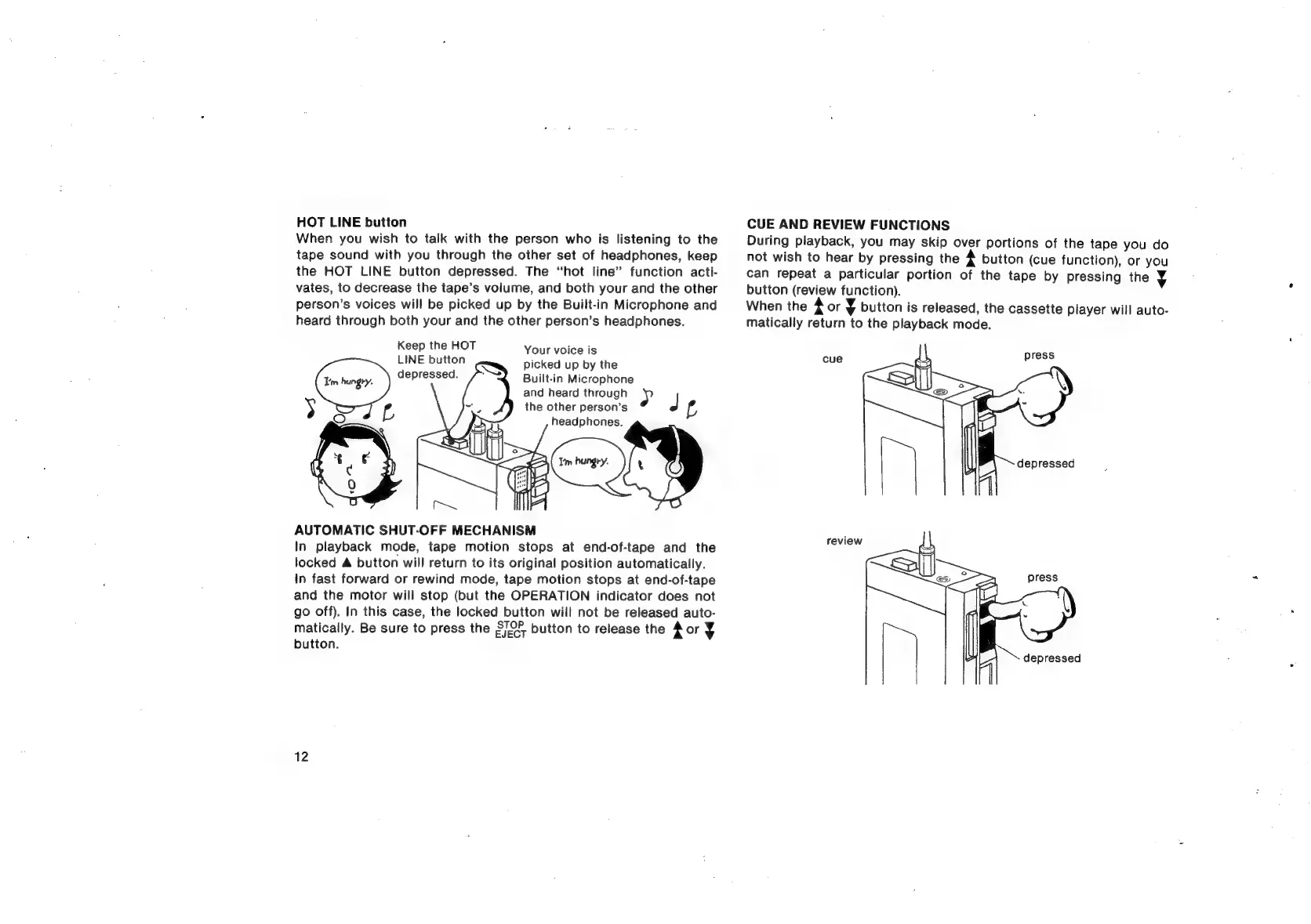
HOT
LINE
button
When
you
wish
to
talk
with
the
person
who
is
listening
to
the
tape
sound
with
you
through
the
other
set
of
headphones,
keep
the
HOT
LINE
button
depressed.
The
“hot
line”
function
acti-
vates,
to
decrease
the
tape’s
volume,
and
both
your
and
the
other
person’s
voices
will
be
picked
up
by
the
Built-in
Microphone
and
heard
through
both
your
and
the
other
person’s
headphones.
Keep
the
HOT
LINE
button
depressed.
Your
voice
is
picked
up
by
the
Built-in
Microphone
and
heard
through
AY
the
other
person’s
P|
is
headphones.
AUTOMATIC
SHUT-OFF
MECHANISM
In
playback
mode,
tape
motion
stops
at
end-of-tape
and
the
locked
A
button
will
return
to
its
original
position
automatically.
In
fast
forward
or
rewind
mode,
tape
motion
stops
at
end-of-tape
and
the
motor
will
stop
(but
the
OPERATION
indicator
does
not
go
off).
In
this
case,
the
locked
button
will
not
be
released
auto-
matically.
Be
sure
to
press
the
S/9F
button
to
release
the
Aor
¥
button.
12
CUE
AND
REVIEW
FUNCTIONS
During
playback,
you
may
skip
over
portions
of
the
tape
you
do
not
wish
to
hear
by
pressing
the
4
button
(cue
function),
or
you
can
repeat
a
particular
portion
of
the
tape
by
pressing
the
y
button
(review
function).
When
the
4
or
y
button
is
released,
the
cassette
player
will
auto-
matically
return
to
the
playback
mode.
=i
depressed
review

Related product manuals