17
Chapter 2 Menu
Choosing one of two or more selections
Selecting in yellow text
1 Using the UP/DOWN buttons or PHASE knob,
move the cursor to the desired item and press the
ENTER or Ent button.
The selected item is displayed in yellow text and
set to setting mode.
2 Using the UP/DOWN buttons or PHASE knob,
change the setting.
3 Press the ENTER or Ent button.
The setting is confirmed (The item is displayed in
white text again).
Selecting from the setting list
1
Using the UP/DOWN buttons or PHASE knob, move
the cursor to the desired item in the setting list.
2 Press the ENTER or Ent button.
The display returns to the menu of the upper level,
and the selected setting is executed.
4 Repeat steps 2 and 3 until the desired menu is
displayed.
For more information about setting and adjustments,
see below.
To abort menu operation
Press the MENU button. The menu of the upper level
is displayed.
The setting or adjustment being performed is canceled,
and data loading or saving is aborted.
If “NG” or “ERROR” appears during menu
operation
Press the MENU button to return to the menu in use.
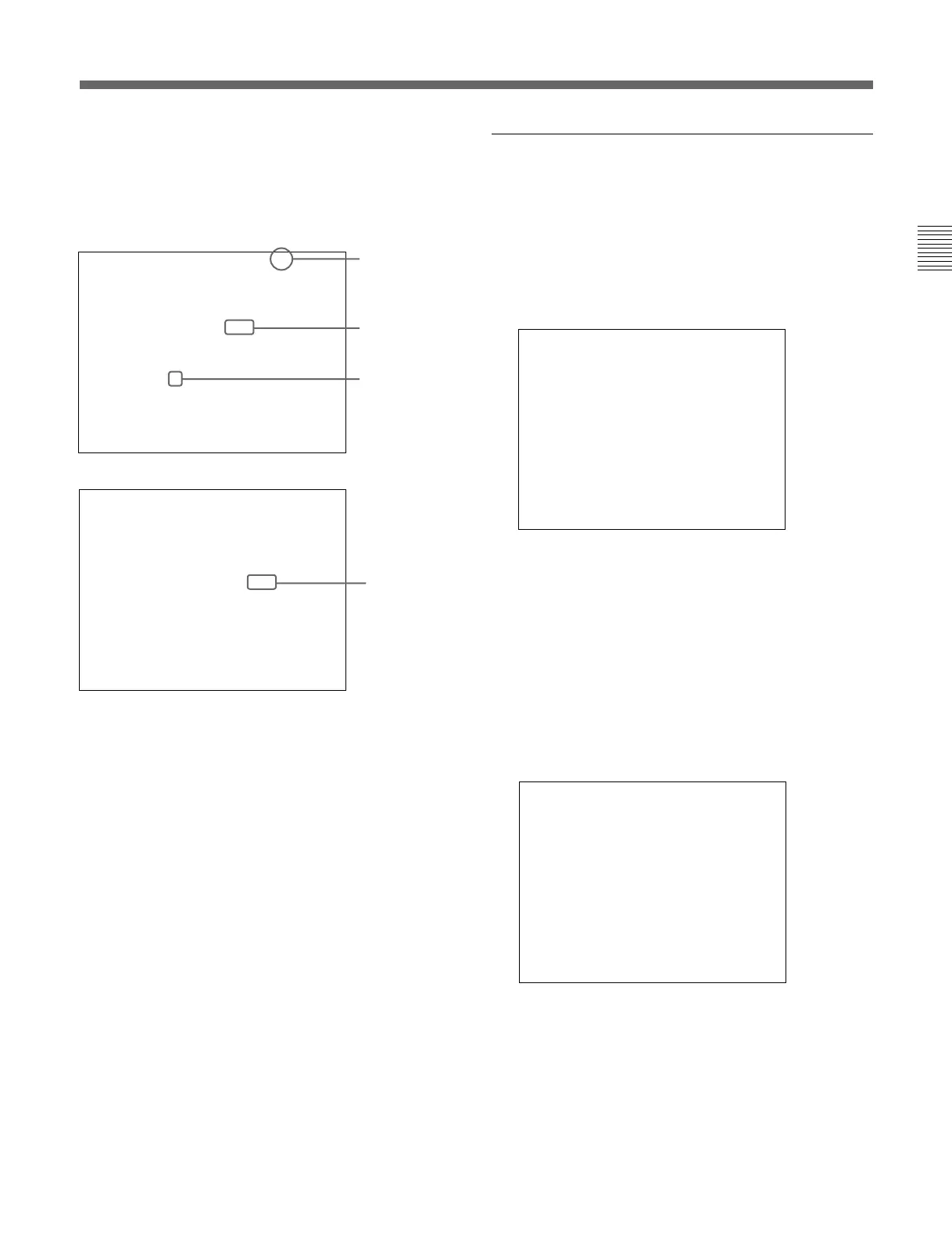
[ ↓ ] indicates that
the menu
continues onto
next page.
[ ↑ ] indicates that
the menu is
continued from
previous page.
Selects from
various options.
Indicates that
this item has
sub-list. Thus,
you can go to the
lower level.
CH01
INPUT CONFIGURATION
CHANNEL NAME... PROG
pCONTROL PRESET
COLOR TEMP STD
H PHASE 000
COPY FROM...
↑↓
CH01
INPUT CONFIGURATION
pFORMAT... 4:4:4 GBR
SCAN CONVERSION X3
LINK NO DUAL LINK
SYNC MODE ---
SCREEN MODE NORMAL
SAFE AREA DISPLAY OFF
MODE...
↑↓
CH01
FORMAT
HD SDI 4:2:2 YPBPR
HD SDI 4:4:4 YPBPR
pHD SDI 4:4:4 GBR
ANALOG RGB
(continued)
Enters numerical
values.
SYSTEM CONFIGURATION
INPUT SELECT DIRECT
STANDBY MODE OFF
DEFAULT CH... LAST
pDEGAUSS DELAY 000
CONT/BRT HOLD OFF
CONT/BRT CENTER 1000
COL TEMP SHORT-CUT OFF








 To Next Page