EasyManua.ls Logo

Sony TRINITRON KV-1442 - TELETEXT PAGE CONTROL

Sony TRINITRON KV-1442
35 pages
Print Icon
To Next Page IconTo Next Page
To Previous Page IconTo Previous Page
Loading...
To
prevent
a
teletext
page
(subpage)
from
being
updated/changed
Press
HOLD.
“HOLD”
appears
at
the
top
of
the
screen.
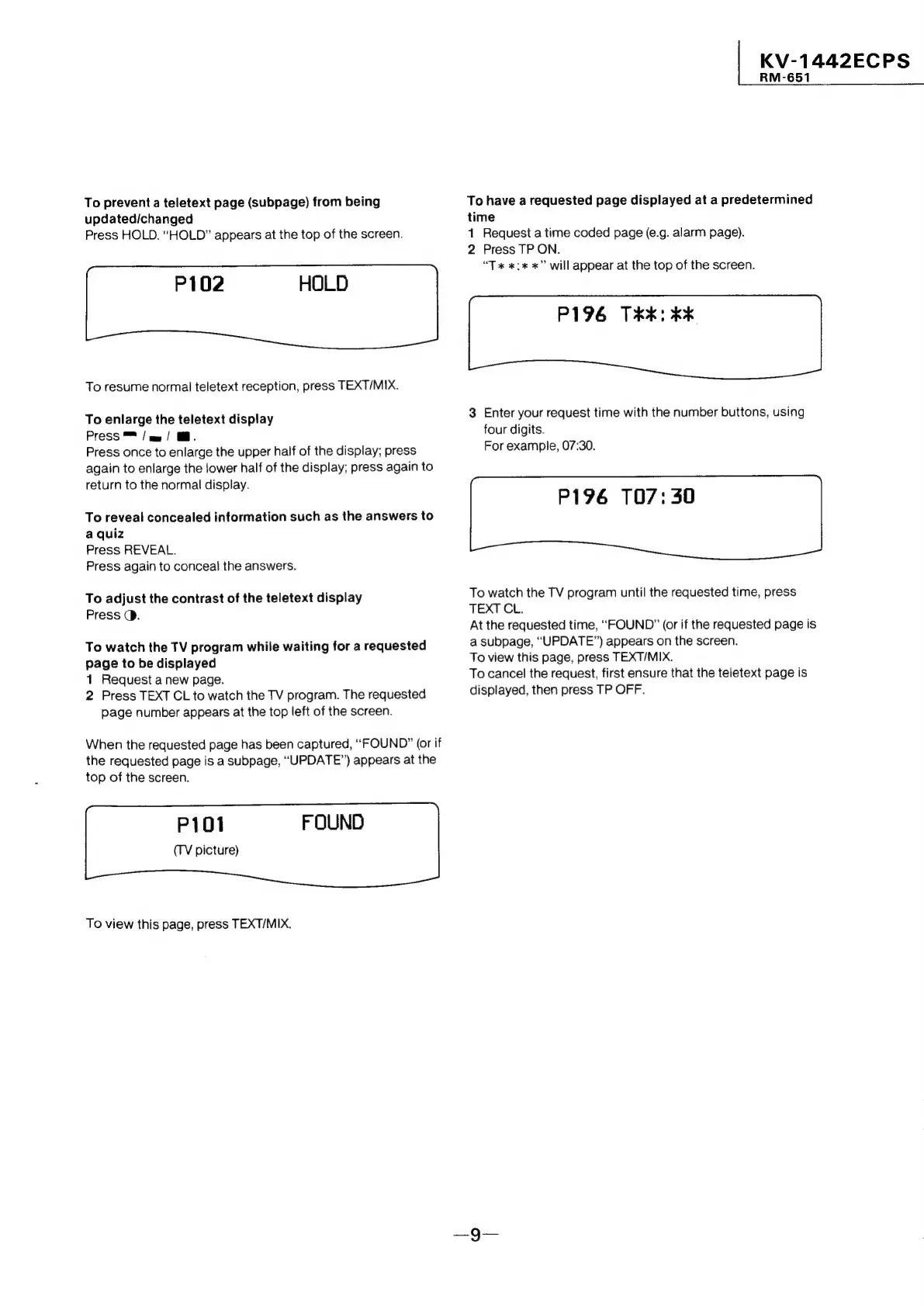
P102
HOLD
To
resume
normal
teletext
reception,
press
TEXT/MIX.
To
enlarge
the
teletext
display
Press
™
/
am
/
@.
Press
once
to
enlarge
the
upper
half
of
the
display;
press
again
to
enlarge
the
lower
half
of
the
display;
press
again
to
return
to
the
normal
display.
To
reveal
concealed
information
such
as
the
answers
to
a
quiz
Press
REVEAL.
Press
again
to
conceal
the
answers.
To
adjust
the
contrast
of
the
teletext
display
Press
@.
To
watch
the
TV
program
while
waiting
for
a
requested
page
to
be
displayed
1
Request
a
new
page.
2
Press
TEXT
CL
to
watch
the
TV
program.
The
requested
page
number
appears
at
the
top
left
of
the
screen.
When
the
requested
page
has
been
captured,
“FOUND”
(or
if
the
requested
page
is
a
subpage,
“UPDATE”)
appears
at
the
top
of
the
screen.
FOUND
P101
(TV
picture)
To
view
this
page,
press
TEXT/MIX.
|
KV-1442ECPS
RM-651
To
have
a
requested
page
displayed
at
a
predetermined
time
1
Request
a
time
coded
page
(e.g.
alarm
page).
2
Press
TP
ON.
“Tx
*:
x”
will
appear
at
the
top
of
the
screen.
P196
TK:
x
3
Enter
your
request
time
with
the
number
buttons,
using
four
digits.
For
example,
07:30.
P196
107:
30
To
watch
the
TV
program
until
the
requested
time,
press
TEXT
CL.
At
the
requested
time,
“FOUND”
(or
if
the
requested
page
is
a
subpage,
“UPDATE”)
appears
on
the
screen.
To
view
this
page,
press
TEXT/MIX.
To
cancel
the request,
first
ensure
that
the
teletext
page
is
displayed,
then
press
TP
OFF.