EasyManua.ls Logo

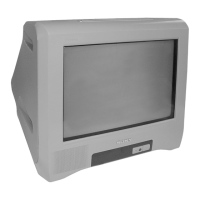
Sony TRINITRON KV-BT212M81 - User Manual

Sony TRINITRON KV-BT212M81
165 pages
Print Icon
To Next Page IconTo Next Page
Loading...
REVISION HISTORY
BX1S
MODEL
KV-BT212M80
KV-BT212M81
KV-BT212N40
KV-BT212N50
KV-BT212P40
KV-BT212P52
KV-BT212P52/L
KV-BT212P52/N
PA RT N O. : 9-872-451-01
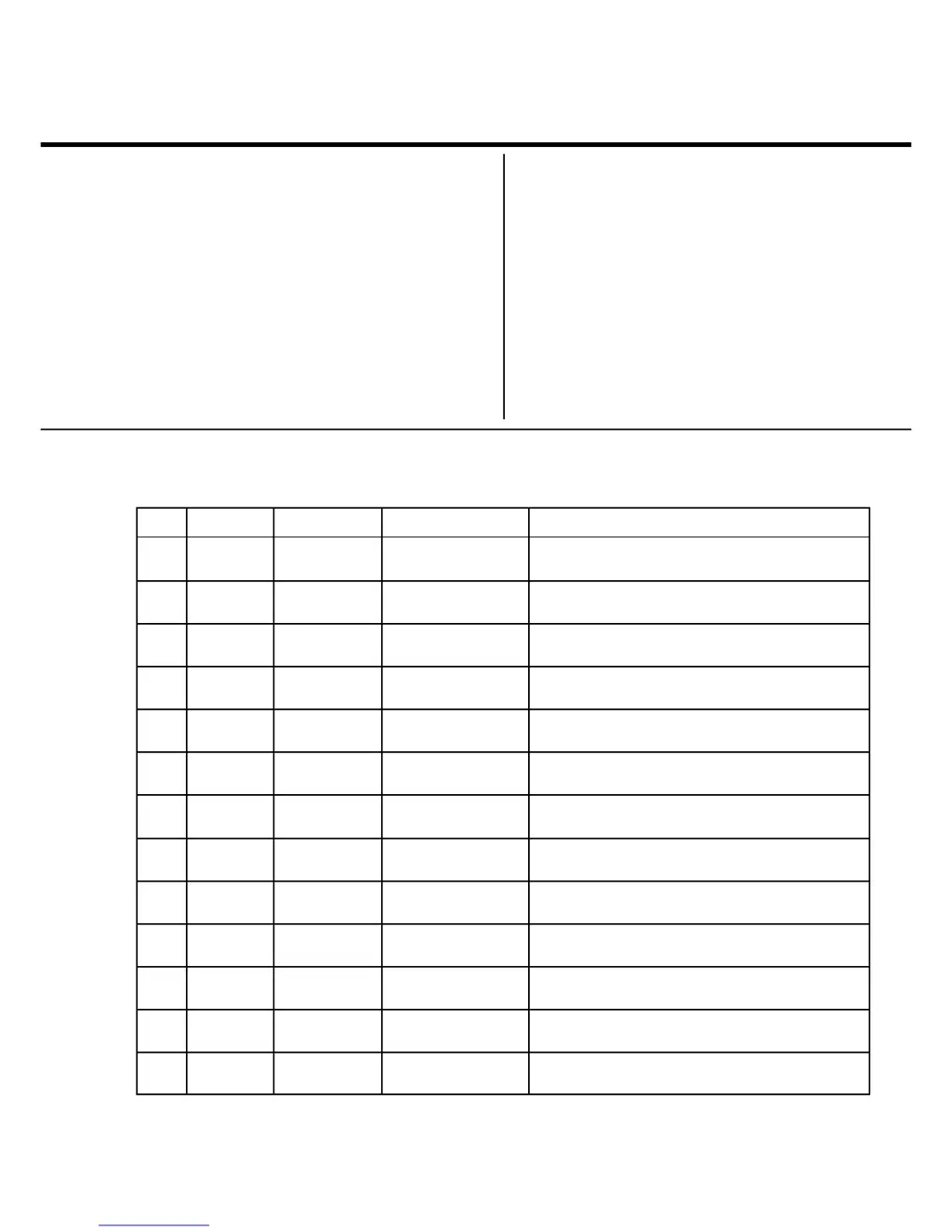
NO. SUFFIX DATE SUPPL. / CORR DESCRIPTION
CHASSIS
1 -01 2004/6 1st. Issue
--

Table of Contents

Questions and Answers

  • B
    berryjordanAug 9, 2025
    What to do if my Sony TRINITRON KV-BT212M81 TV has no picture and no sound?
    • E
      Emily MonroeAug 9, 2025
      If your Sony TV shows no picture and produces no sound, first check the power cord, antenna, and VCR connections to ensure they are properly connected. Also, make sure the TV is turned on by pressing the power button. If the TV does not respond, try turning off the TV for about five seconds using the main power button on the TV, then turn it on again.
  • T
    tony53Aug 16, 2025
    How to fix a Sony TV with a snowy picture and noisy sound?
    • J
      John DoyleAug 16, 2025
      To resolve a snowy picture and noisy sound on your Sony TV, start by checking the antenna cable and its connections at the TV, VCR, and wall. If the connections are secure, verify the antenna setup is appropriate. If issues persist, access the “Channel Setup” menu, select “Manual Program,” and preset the channel again. If the signal transmission is weak, go to the “Channel Setup” menu, set the “Signal Booster” to “Auto” from “Manual Program”, or try using an external booster.
  • M
    Michael GarrettAug 23, 2025
    Why is my Sony TRINITRON KV-BT212M81 TV picture distorted with noisy sound?
    • D
      Daniel BassAug 25, 2025
      A distorted picture and noisy sound on your Sony TV may be due to overly strong broadcast signals. If you're using an external booster, try turning it off or disconnecting it. Alternatively, access the “Channel Setup” menu and set the “Signal Booster” to “Off” from “Manual Program.
  • L
    Lisa StanleyAug 31, 2025
    What to do if my Sony TRINITRON KV-BT212M81 TV has good picture but noisy sound?
    • C
      Crystal TaylorAug 31, 2025
      If your Sony TV displays a good picture but has noisy sound, the TV system setting might be inappropriate. Access the “Channel Setup” menu and select the appropriate “TV System” from “Manual Program” to correct this.

Summary

SAFETY-RELATED COMPONENT WARNING!

CAUTION

Important safety caution regarding high voltage discharge after power off.

SELF DIAGNOSTIC FUNCTION

1. DIAGNOSTIC TEST INDICATORS

Lists diagnostic items, flash counts, probable causes, and detected symptoms for TV errors.

2. DISPLAY OF STANDBY (1) INDICATOR FLASH COUNT

Explains the meaning of standby indicator flash patterns during self-diagnosis.

3. STOPPING THE STANDBY (1) INDICATOR FLASH

Instructions on how to stop the flashing standby indicator.

4. SELF-DIAGNOSTIC SCREEN DISPLAY

How to display error counts and interpret diagnostic results on screen.

5. HANDLING OF SELF-DIAGNOSTIC SCREEN DISPLAY

Guidelines for checking and clearing self-diagnostic screen results.

6. SELF-DIAGNOSTIC CIRCUIT

Details on the internal circuit responsible for self-diagnosis functions.

DISASSEMBLY

1-1. Rear Cover Removal

Step-by-step guide to removing the television's rear cover.

1-2. Speaker Removal

Instructions for safely removing the internal speaker components.

1-3. Chassis Assy Removal

Details on how to remove the main chassis assembly from the TV.

1-4. Service Position

Guidance on placing the TV in a suitable position for service.

1-5. Terminal Bracket Removal

Steps for removing terminal brackets and connectors.

1-6. A Board Removal

Procedure for removing the primary A-board from the TV chassis.

1-7. Picture Tube Removal

Detailed instructions for safely removing the CRT picture tube.

SET-UP ADJUSTMENTS

2-1. Beam Landing

Adjusting the electron beam for proper screen alignment and focus.

2-2. Convergence

Steps to correct color convergence for sharp image display.

2-3. Focus Adjustment

Fine-tuning the focus for a clear picture across the screen.

2-4. G2 (SCREEN) Adjustments

Adjusting the grid 2 voltage for optimal picture brightness and contrast.

2-5. White Balance Adjustment

Calibrating white balance for accurate color reproduction.

2-6. Sub Bright Adjustment

Adjusting the sub-brightness for low-light picture conditions.

CIRCUIT ADJUSTMENTS

3-1. Adjustment With Commander

Performing adjustments using the remote commander.

3-2. Adjustment Method

General procedures for making adjustments via the service menu.

3-3. Picture Quality Adjustments

Fine-tuning picture parameters like contrast and color.

3-4. Deflection Adjustment

Adjusting deflection circuits for correct image geometry.

3-5. Picture Distortion Adjustment

Correcting geometric distortions in the picture display.

DIAGRAMS

4-1. Block Diagram

Overview of the TV's internal circuit blocks and signal flow.

4-2. Circuit Boards Location

Identifying the physical location of main circuit boards within the TV.

4-3. Schematic Diagrams

Detailed schematics for various A board sections like Processor, Audio, Power Supply.

4-4. Voltage Measurement and Waveforms

Expected voltage values and waveforms at various test points.

4-5. Printed Wiring Boards and Parts Location

Visual guides for component placement and PWB layout.

4-6. Semiconductors

Identification and images of diodes, transistors, and ICs used.

EXPLODED VIEWS

5-1. Chassis

Exploded view of the TV's chassis and main assembly.

ELECTRICAL PARTS LIST

OPERATING INSTRUCTIONS

Installation

Initial steps to set up the TV, including battery insertion and antenna connection.

Overview of Controls

Description of the TV's top, front, and rear panel controls and their functions.

Advanced Operations

Viewing Teletext

Instructions for accessing and navigating Teletext information services.

Menu Adjustment

Introducing the menu system

An overview of how to navigate the TV's menu structure.

Changing the “Picture” setting

Adjusting video parameters like mode, color temperature, and intelligent picture.

Changing the “Sound” setting

Adjusting audio parameters like mode, balance, and surround sound.

Changing the “Timer” setting

Setting the TV to turn off or turn on automatically.

Changing the “Channel Setup” setting

Presetting channels, labeling, blocking, and sorting TV channels.

Changing the “Setup” setting

Modifying menu language, picture position, video labels, and color system.

Additional Information

Connecting optional components

Guides for connecting external devices like camcorders, VCRs, and audio systems.

Troubleshooting

Common TV problems, their possible causes, and recommended solutions.

Specifications

Technical details and specifications of the TV model.

WARNING

Securing the TV

Instructions and safety measures for securing the TV to prevent tipping or falling.

Sony TRINITRON KV-BT212M81 Specifications

General IconGeneral
Screen Size21 inches
Display TechnologyCRT
BrandSony
ModelKV-BT212M81
Aspect Ratio4:3
InputsComposite, RF
Sound OutputMono
ResolutionStandard Definition

Related product manuals