EasyManua.ls Logo

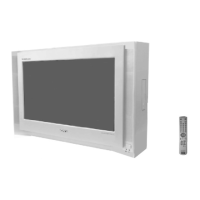
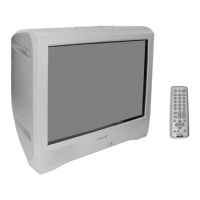
Sony Trinitron KV-BT21M80 - User Manual

Sony Trinitron KV-BT21M80
80 pages
Print Icon
To Next Page IconTo Next Page
Loading...
REVISION HISTORY
BX1
MODEL
KV-BT21M80
PART NO. : 9-872-418-01
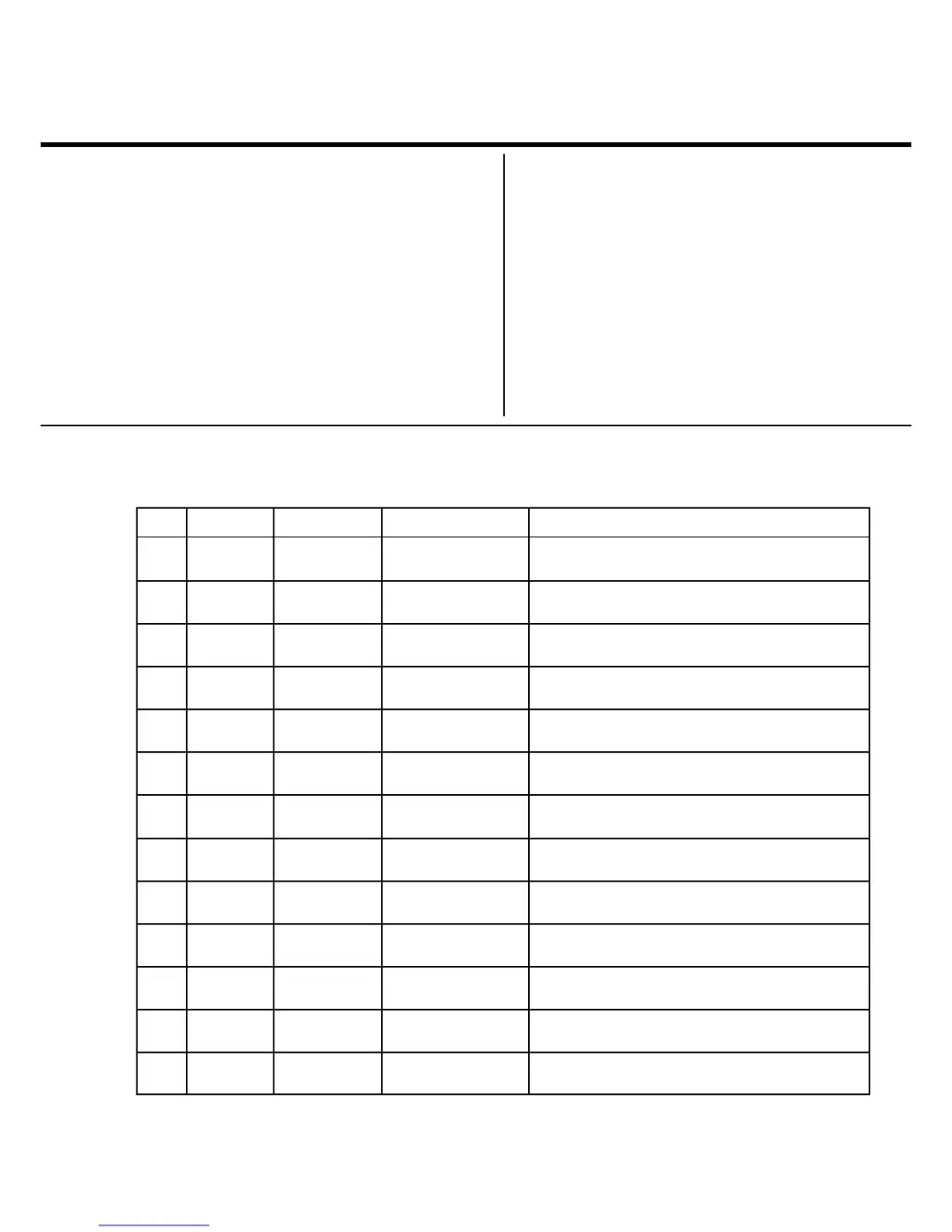
NO. SUFFIX DATE SUPPL. / CORR DESCRIPTION
CHASSIS
1 -01 2003/11 -- 1st. Issue

Table of Contents

Questions and Answers

  • T
    Tanner HuffmanAug 17, 2025
    What to do if my Sony TV has no picture and no sound?
    • C
      craigruthAug 17, 2025
      First, ensure that the power cord, antenna, and VCR are properly connected to your Sony TV. Next, verify that the TV is turned on by pressing the power button. If it still doesn't work, press the main power button on the TV to turn it off for about five seconds, then turn it on again.
  • W
    Willie GuerreroAug 19, 2025
    Why does my Sony TV have a good picture but no sound?
    • D
      Dylan EdwardsAug 19, 2025
      If your Sony TV has a good picture but no sound, first, ensure that the volume level isn't too low by pressing the volume up button. Also, check if the sound is muted and, if so, cancel the muting. If the issue persists, the TV system setting might be inappropriate. To resolve this, display the “Channel Setup” menu and select the appropriate “TV System”.
  • C
    Christopher MitchellAug 22, 2025
    What causes double images or ghosts on Sony Trinitron KV-BT21M80 and how to fix it?
    • B
      Benjamin EricksonAug 22, 2025
      Double images or 'ghosts' on your Sony TV can occur if broadcast signals are reflected. Try using a highly directional antenna or use the fine tuning function. Inappropriate antenna setup or use of a booster may also cause this problem, so check the antenna setup, or turn off/disconnect the booster if it is in use.
  • L
    Laura WintersAug 26, 2025
    Why does my Sony Trinitron KV-BT21M80 have dotted lines or stripes on the screen?
    • L
      Lawrence PerezAug 26, 2025
      Dotted lines or stripes on your Sony TV screen may be caused by local interference from cars, neon signs, hair dryers, power generators, etc. Avoid using a hair dryer or other interfering equipment near the TV. Also, check the antenna setup.
  • T
    tammy67Aug 27, 2025
    What does it mean when the standby indicator on my Sony Trinitron KV-BT21M80 flashes red?
    • D
      Dawn KochAug 27, 2025
      If the standby indicator on your Sony TV flashes red, it indicates a possible problem detected by the TV's self-diagnosis function. Count the number of times the standby indicator flashes, then press the main power button to turn off your TV.
  • G
    Gerald RobinsonAug 30, 2025
    How to fix snowy picture and noisy sound on Sony TV?
    • T
      Tammy LambAug 30, 2025
      If your Sony TV displays a snowy picture and noisy sound, check the antenna cable and its connections at the TV, VCR, and the wall. It may be that the antenna setup is inappropriate, or channel presetting is incomplete, so check the antenna setup or display the 'Channel Setup' menu and select 'Manual Program' to preset the channel again. If the signal transmission is low, try using a booster.
  • K
    Kristin MaxwellSep 2, 2025
    How to fix no color on Sony Trinitron KV-BT21M80 TV?
    • A
      Alexander WalkerSep 2, 2025
      If your Sony TV has no color, first, display the “Picture” menu and select “Personal” of “Mode”, then adjust the “Color” level in “Picture Adjustment”. If this doesn't solve the issue, display the “Setup” menu and check the “Color System” setting, typically set to “Auto”. Also, the antenna setup may be inappropriate.
  • E
    Erica RobertsSep 5, 2025
    What to do if my Sony TV has distorted picture and noisy sound?
    • M
      Mark SparksSep 5, 2025
      If your Sony TV shows a distorted picture and noisy sound, it might be due to broadcast signals being too strong. If you are using a booster, try turning it off or disconnecting it.
  • L
    Lynn AlexanderSep 7, 2025
    What causes abnormal color patches on Sony TV?
    • E
      Ebony HallSep 7, 2025
      Abnormal color patches on your Sony TV may be due to magnetic disturbance from external speakers or other equipment, or the direction of the earth’s magnetic field. Keep external speakers or other electrical equipment away from the TV and do not move the TV while it is turned on. Turn off the TV for about 15 minutes, then turn it on again to demagnetize it.
  • M
    Matthew HardySep 12, 2025
    Why is the picture slanted on my Sony Trinitron KV-BT21M80?
    • S
      sarahclarkSep 12, 2025
      A slanted picture on your Sony TV might be caused by magnetic disturbance from external speakers or other equipment, or the direction of the earth’s magnetic field. Keep external speakers or other electrical equipment away from the TV. You can also display the “Setup” menu and adjust “Picture Rotation” so that the picture position is optimal (KV-BT21M81 only).

Summary

Self Diagnostic Function

Diagnostic Test Indicators

Details error codes indicated by the standby light flashes.

Display of Standby Indicator

Explains the meaning of standby indicator flash counts.

Self-Diagnostic Screen Display

Describes how to view error history on screen.

Handling of Self-Diagnostic Screen Display

Covers clearing and managing diagnostic results.

Section 1 Disassembly

Rear Cover Removal

Step-by-step guide to remove the rear cover.

Speaker Removal

Instructions for safely removing the speaker unit.

Chassis Assy Removal

Steps to remove the main chassis assembly.

Picture Tube Removal

Procedure for safely removing the picture tube.

Section 2 Set-Up Adjustments

Beam Landing

Adjusts the convergence of electron beams for a clear picture.

Convergence

Aligns red, green, and blue electron beams for precise color.

Focus Adjustment

Optimizes picture sharpness by adjusting focus controls.

White Balance Adjustment

Calibrates color reproduction for accurate white balance.

Section 3 Circuit Adjustments

Adjustments with Commander

Explains how to use the remote for service adjustments.

Adjustment Method

Details the general procedure for making adjustments via service mode.

Picture Quality Adjustments

Covers adjustments for PMAX, Contrast, Sub Hue, and Sub Color.

Deflection Adjustment

Instructions for H-Trapezoid adjustment and Normal Mode (50Hz).

Drive Adjustment

Steps for adjusting drive signals for optimal picture output.

Picture Distortion Adjustment

Corrects various picture distortions like centering and sizing.

Section 4 Diagrams

Block Diagram

High-level overview of the TV's internal functional blocks.

Circuit Boards Location

Identifies the physical location of main circuit boards.

Schematic Diagram

Provides detailed circuit schematics for troubleshooting.

C Board Schematic Diagram

Detailed schematic for the C Board (Video Amp).

A Board - Processor (Block A)

Schematic for the A Board Processor section.

A Board - Audio (Block B)

Schematic for the A Board Audio section.

A Board - Power Supply (Block C)

Schematic for the A Board Power Supply section.

A Board - Deflection (Block D)

Schematic for the A Board Deflection section.

A Board - Tuner (Block E)

Schematic for the A Board Tuner section.

A Board - Jack (Block F)

Schematic for the A Board Jack section.

Voltage List and Waveform

Lists expected voltages and waveforms for key test points.

Printed Wiring Boards and Parts Location

Shows the layout of components on the printed circuit boards.

Semiconductors

Illustrates and lists common semiconductor components used.

Section 5 Exploded Views

Chassis

Illustrates the TV chassis and its main parts with reference numbers.

Section 6 Electrical Parts List

Capacitors

Lists part numbers and specifications for capacitors.

Diode

Lists part numbers and types for diodes.

IC

Lists integrated circuits with their part numbers.

Transistor

Lists transistors with part numbers and types.

Resistor

Lists part numbers and specifications for resistors.

Tuner

Lists part numbers for tuner components.

Sony Trinitron KV-BT21M80 Specifications

General IconGeneral
Screen Size21 inches
Display TechnologyCRT
BrandSony
ModelKV-BT21M80
Aspect Ratio4:3
InputsComposite, RF
Power Consumption90W

Related product manuals