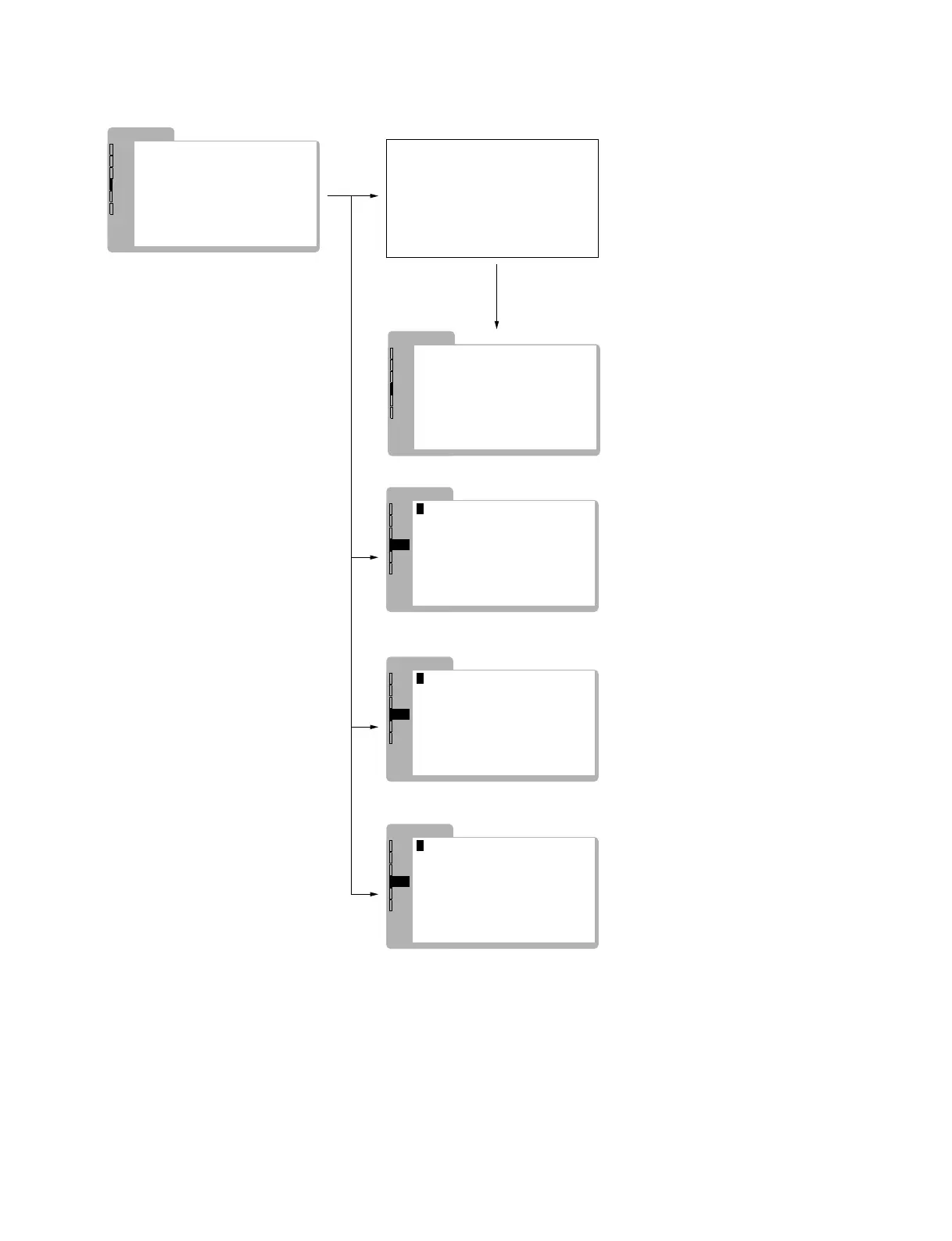
2-5
PVM-14L2/20L2
SYSTEM
SIG
VERSION
• MODEL INCH
• MODEL TYPE
1.0
14
J
• AGING MODE
• FACTORY...
•
SIGNAL...
•
MAINTENANCE ID 0
•
SETUP...
DEF
OPT
SYS
STA
ENG
SYSTEM
SIG
VERSION
• MODEL INCH
• MODEL TYPE
1.0
14
J
• AGING MODE
• FACTORY...
•
SIGNAL...
•
MAINTENANCE ID 0
•
SETUP...
DEF
OPT
SYS
STA
ENG
SYSTEM
SIG
• STANDARD...
• LOAD...
DEF
OPT
SYS
STA
ENG
FACTORY
AGING MODE
All white screen
SYSTEM
SIG
COLOR DET.
DEF
OPT
SYS
STA
ENG
SIGNAL
AUTO
•
SYSTEM
SIG
CHINESE ENA
DEF
OPT
SYS
STA
ENG
SETUP
OFF
•
LOAD cannot be selected and remains
in the blue display unless the NVM data is valid.
In such a case, clear the NVM and
make the NVM data valid first.
However, if the default factory data is damaged,
or if the FACTORY SET process is not executed
after ROM is replaced, LOAD cannot be executed.
STANDARD returns the various setups
of the user menu to the default factory setting.
To return to the original screen,
press the button of the input selector
illuminating in orange.




 To Next Page