57
Using the Smart Utilities
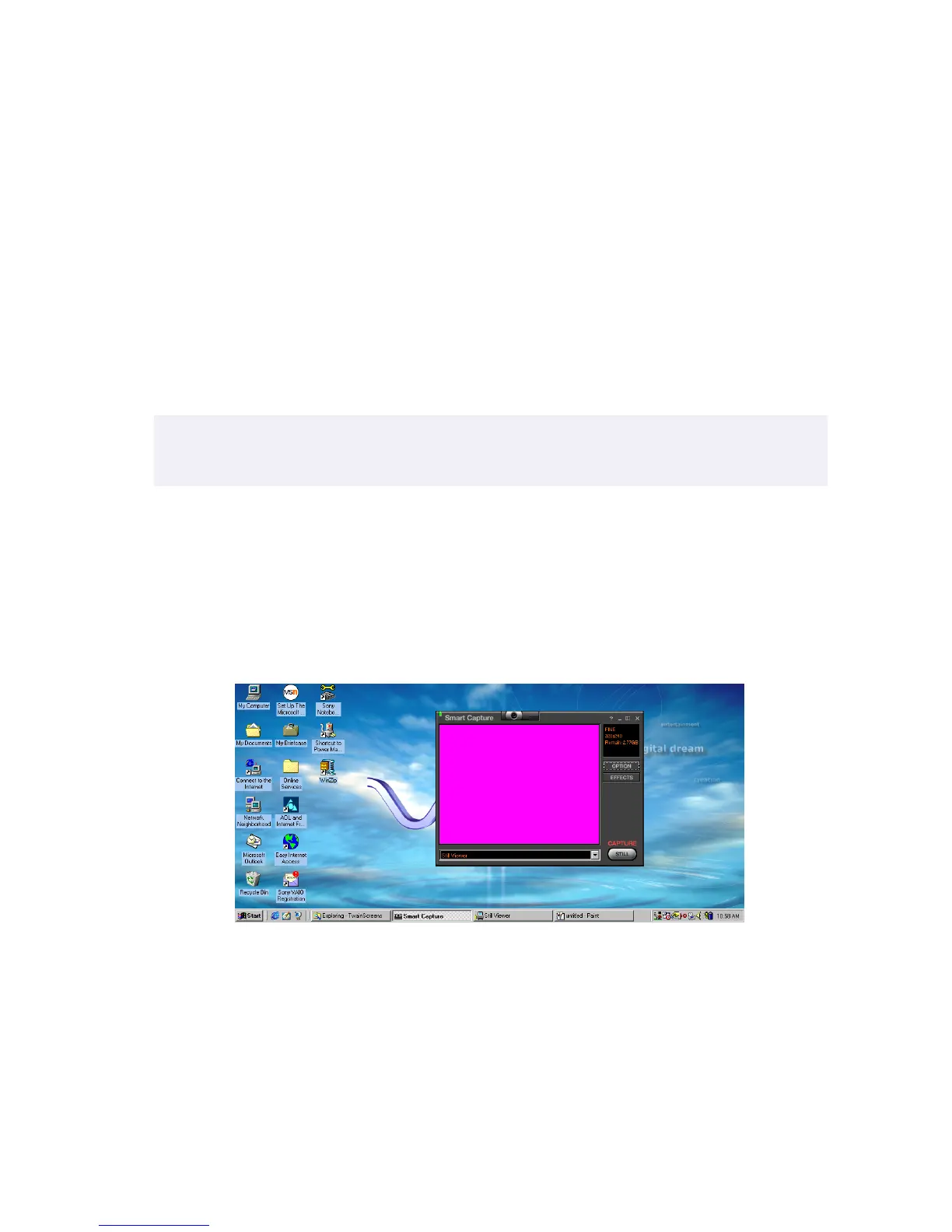
Using Smart Capture
Your computer includes an integrated digital camera. You can use the
camera to capture still images and record video clips.
Capturing a still image
1
Click the Start button on the Windows 98 taskbar.
2
Point to VAIO, then click Smart Capture. The Smart Capture window
appears. You can also launch Smart Capture by pressing the
CAPTURE button in the upper right corner of the keyboard.
✍
Do not touch the camera lens.
Do not point the camera at the sun.
Click here.







 To Next Page