Sony VAIO Desktop User Guide
Connecting peripheral devices
43
nN
Connecting a projector
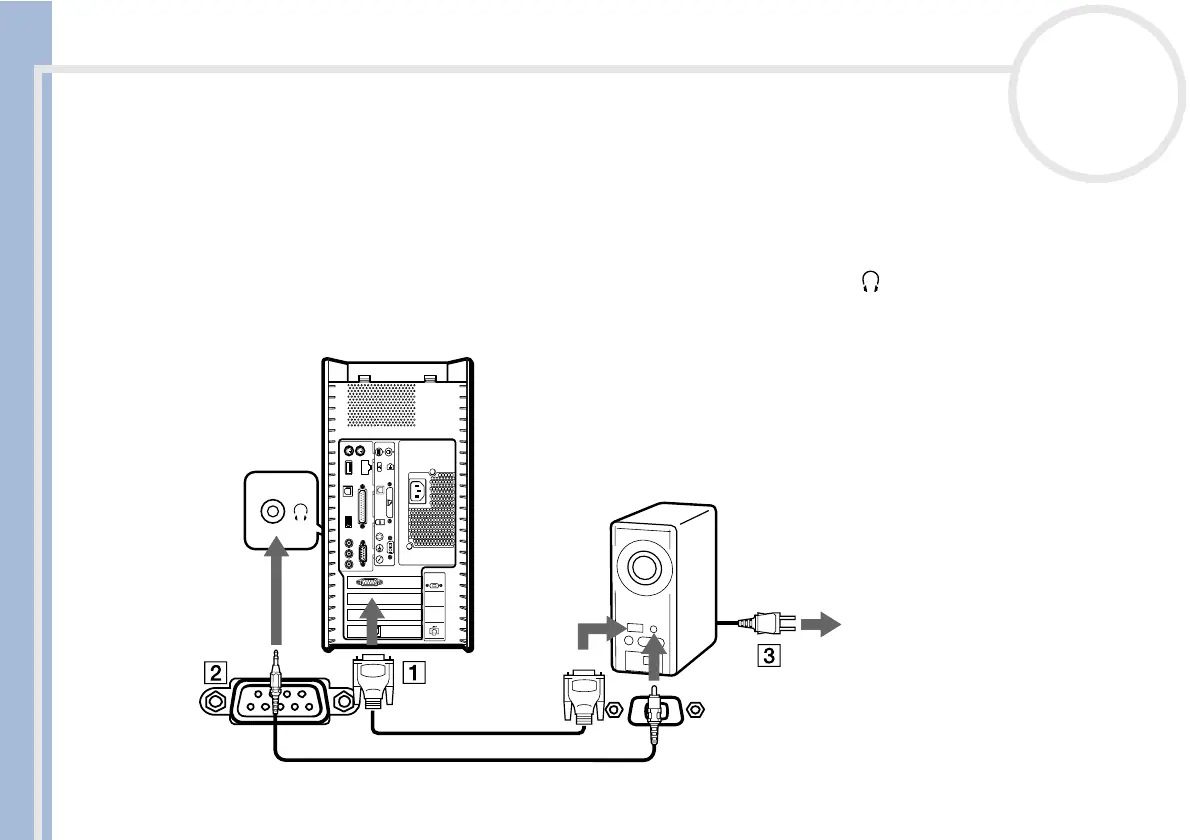
You can connect a projector (such as the Sony LCD projector) directly to your computer.
To connect a projector to your VAIO desktop, proceed as follows:
1 Plug one end of the VGA cable into the VGA connector on the back of your computer, and the other end
into the projector you want to use (1).
2 Plug the audio cable into the headphones connector identified by the symbol (2).
3 Connect the power cord of the projector into an AC outlet (3).
4
3
2
1







 To Next Page