Sony VAIO Desktop User Guide
Upgrading your VAIO computer
72
nN
5 Handle the memory only by the edges, and remove it from its anti-static package.
6 Locate the notches on the bottom edge of the memory module.
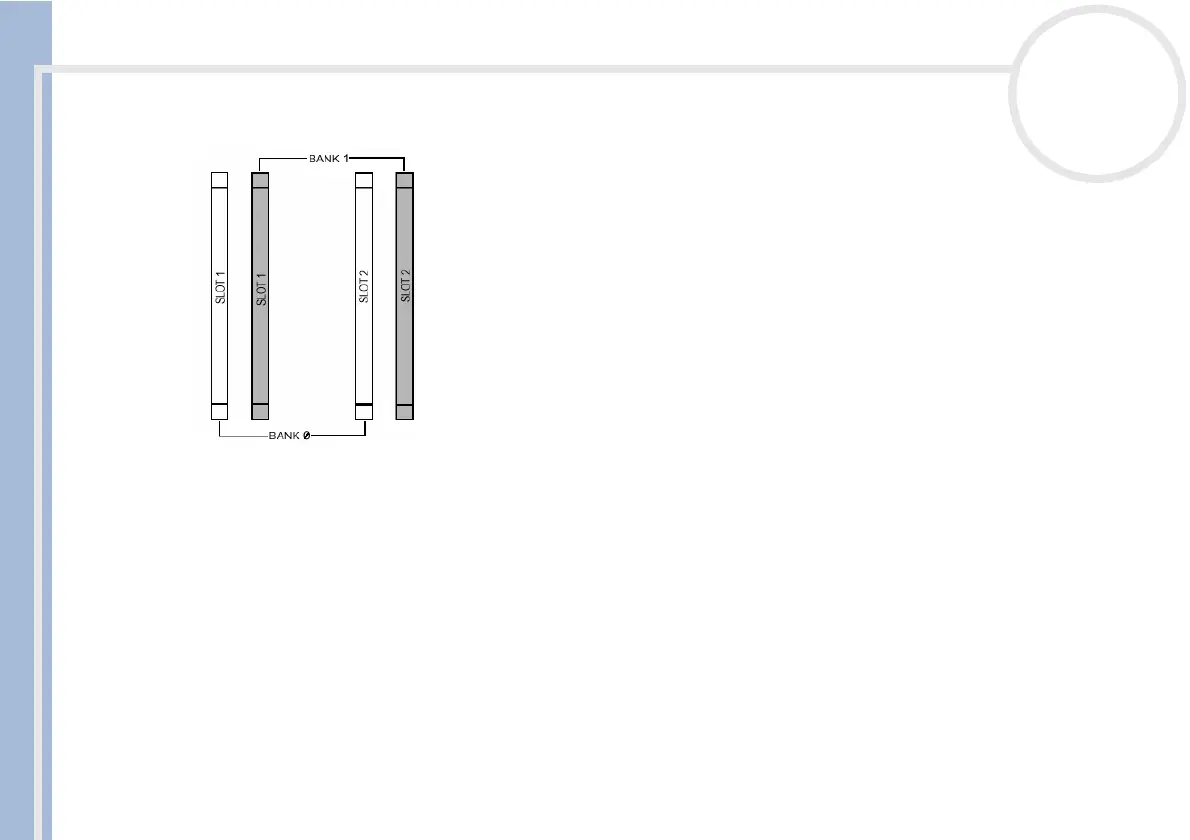
7 Align the memory module over the slots that originally held the CRIMMs.
8 Locate the notches on the bottom edge of the memory module.
9 Firmly insert the bottom edge of the memory module into the slot.
10 Press evenly against the memory module's upper corners. The end latches snap into position
automatically, as shown:







 To Next Page