6
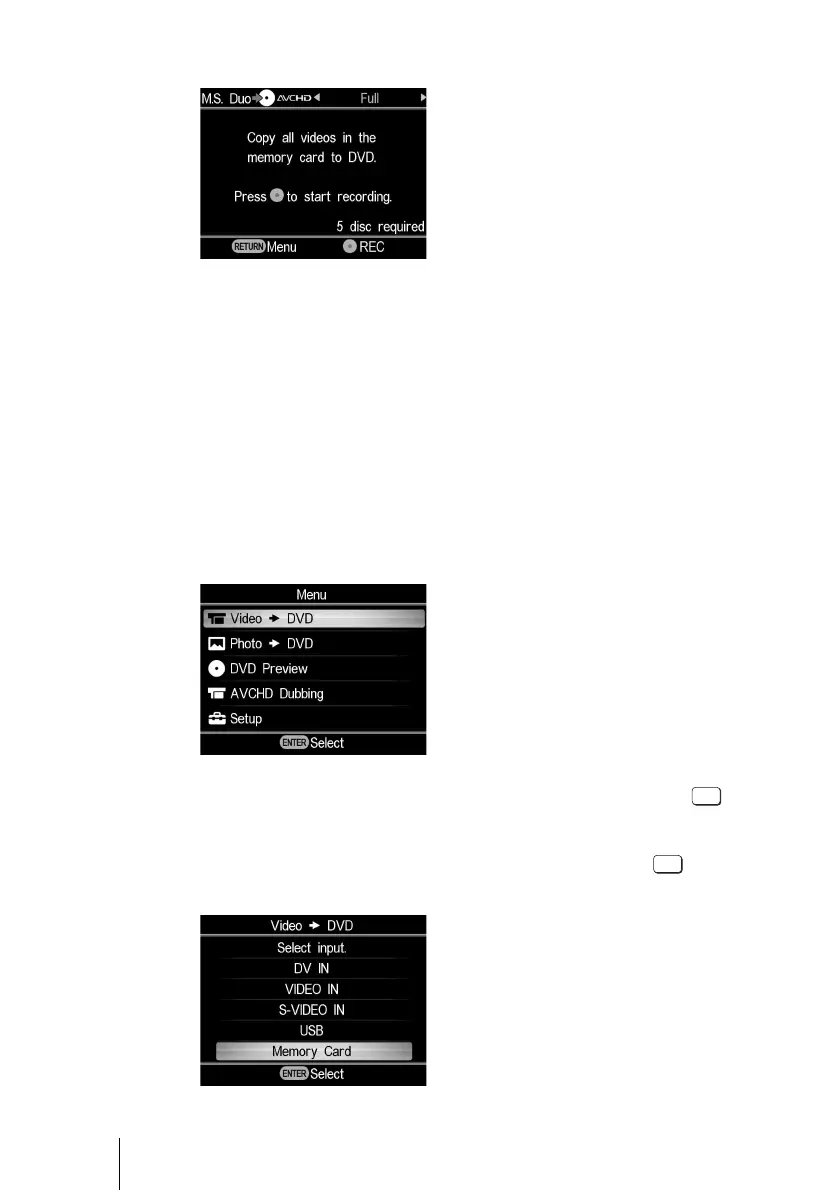
3 The following appears in the DVDirect’s display window.
You can select a dubbing mode, which can be displayed in the top right of the
display window by pressing < or ,.
For selecting each dubbing mode, refer to the page of the operating instructions
below.
• Full (All) Dubbing page 37
• Incremental Dubbing page 38
• Playlist Dubbing page 40
• Scene Selection Dubbing page 41
x To dub SD (Standard Definition) video
1 Press the RETURN button to display the “Menu.”
2 Confirm the selection of “Video , DVD” and press the
(select) button.
3 Press M or m to select “Memory card” and press the (select)
button.



 To Next Page