OPERATIONAL PROFICIENCY
(to be done during your scheduled appointment)
A. Remove the VX-2000 from the case and identify all
controls and parts.
B. Correctly and securely set up the VX-2000 and/or PD 150
to a tripod.
C. Attach the VX-2000 and/or PD 150 to its AC adaptor and a
monitor.
D. Load a Mini-DV tape.
E. Set and describe the white balances, auto exposures, rec-
frame, and interval recording.
F. Change the iris/shutter priorities.
G. Manually focus the VX-2000 and/or PD 150.
H. Set up an external mic and plug in headphones. Set to
manual Rec Level. Set level.
I. Starting at the beginning of a tape, do some recording. Fade
up from black and fade to black. Do an overlap. Playback
the recording.
J. Set up a battery to be charged.
K. Do a photo record.
L. Correctly pack the VX-2000 and/or PD 150 back into its
case.
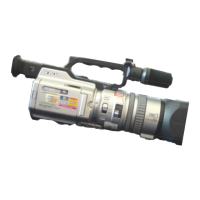
Sony VX-2000/PD150













 To Previous Page