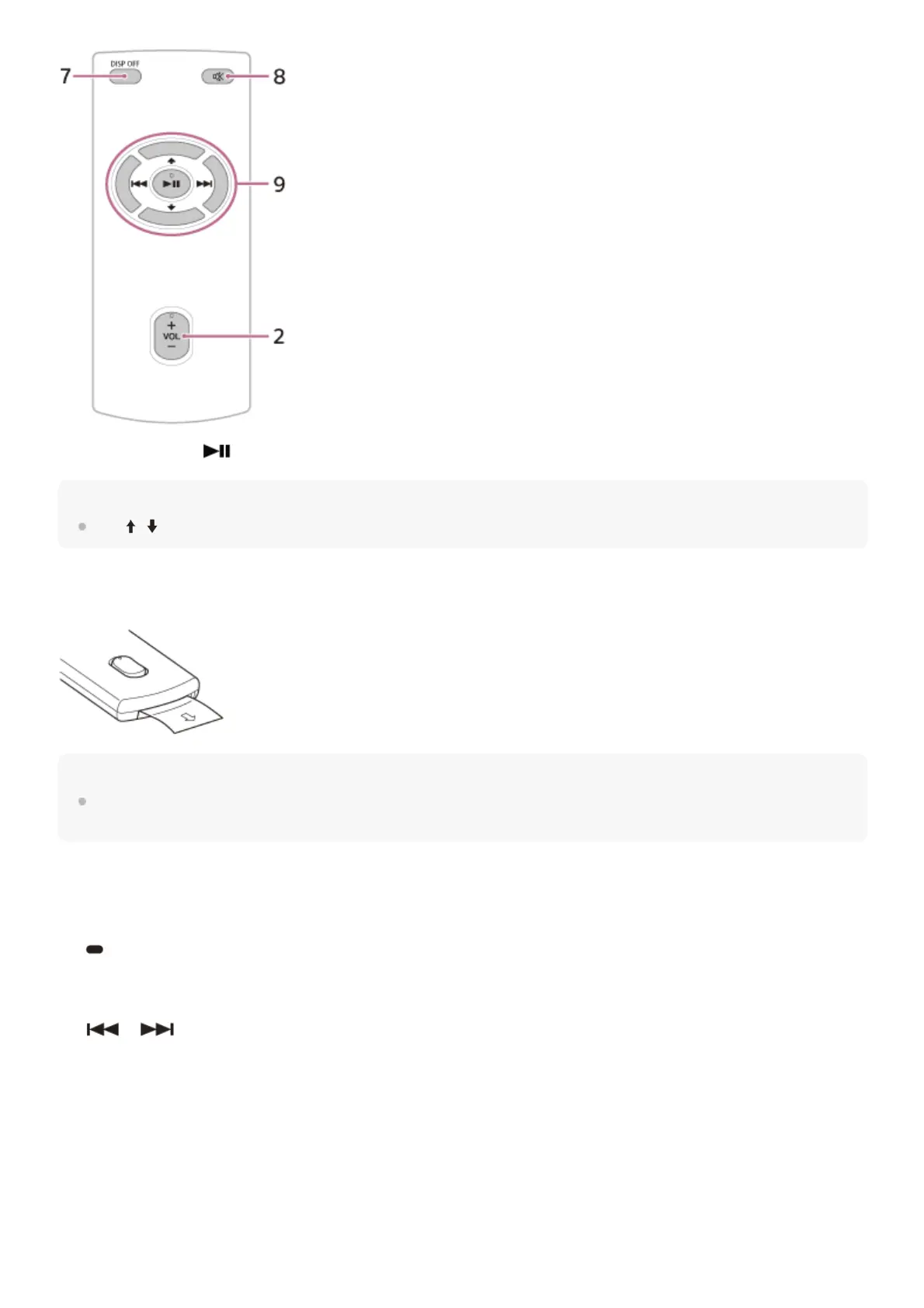
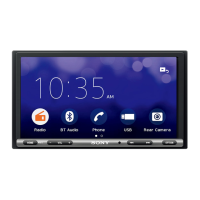
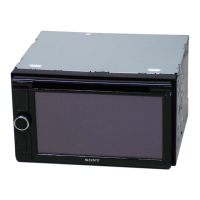
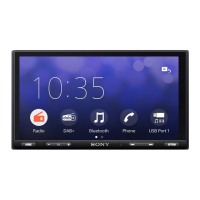
The VOL (volume) +/ (play/pause) buttons have a tactile dot.
Note
The
/ (up/down) buttons in the illustration above are not supported.
Remove the insulation film before use.
Hint
For XAV-9500ES(UC), the RM-X400 remote commander is available online at
https://encompass.com.
HOME
Displays the HOME screen.
STANDBY
Press and hold to turn off the unit.
Press and hold for more than 10 seconds to reset the unit.
1.
VOL (volume) +/–2.
/ (previous/next)
Functions differently depending on the selected source:
[Radio]: select a preset station.
[SiriusXM]: select a preset channel. (XAV-9500ES(UC))
[USB]: move to the previous/next content.
[Bluetooth Audio]: move to the previous/next content.
[Apple CarPlay]/[Android Auto]: move to the previous/next content.
Press and hold to:
[Radio]: tune into a station automatically (SEEK+/SEEK–).
[USB]: fast-reverse/fast-forward.
[Bluetooth Audio]: fast-reverse/fast-forward.
3.


 To Next Page