Help Guide
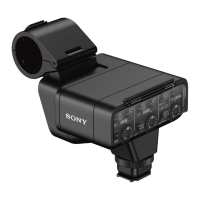
XLR Adaptor Kit
XLR-K3M
Attaching/removing the supplied microphone
Attach the supplied microphone (ECM-XM1) to the XLR adaptor.
Note
Before attaching/removing the microphone to the adaptor, be sure to set the INPUT1 (LINE/MIC/MIC+48V) switch to the position
other than “MIC+48V.” While the switch is set to “MIC+48V,” plugging/unplugging the cable from the microphone may cause a
loud noise or a malfunction of the microphone.
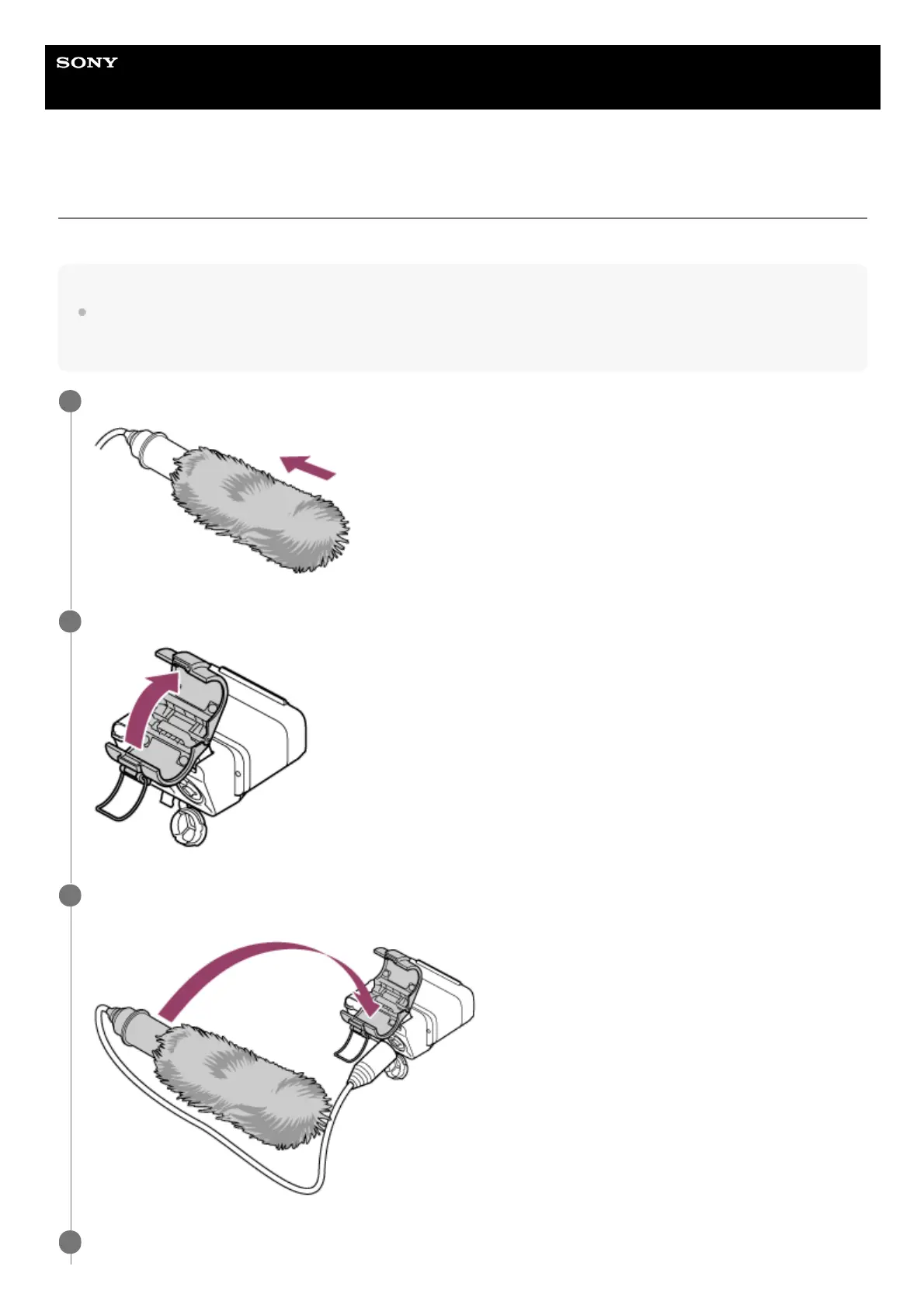
Fit the supplied wind screen over the microphone.
1
Unlock the microphone holder and open the lid of the holder.
2
Place the microphone on the microphone holder so that the model name (ECM-XM1) inscribed on the
microphone faces upward, close the lid of the holder, and then lock the holder.
3
Connect the cable from the microphone to the INPUT1 jack on the XLR adaptor.
4


 To Next Page