Help Guide
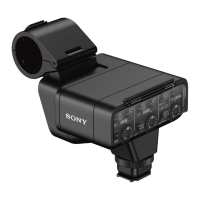
XLR Adaptor Kit
XLR-K3M
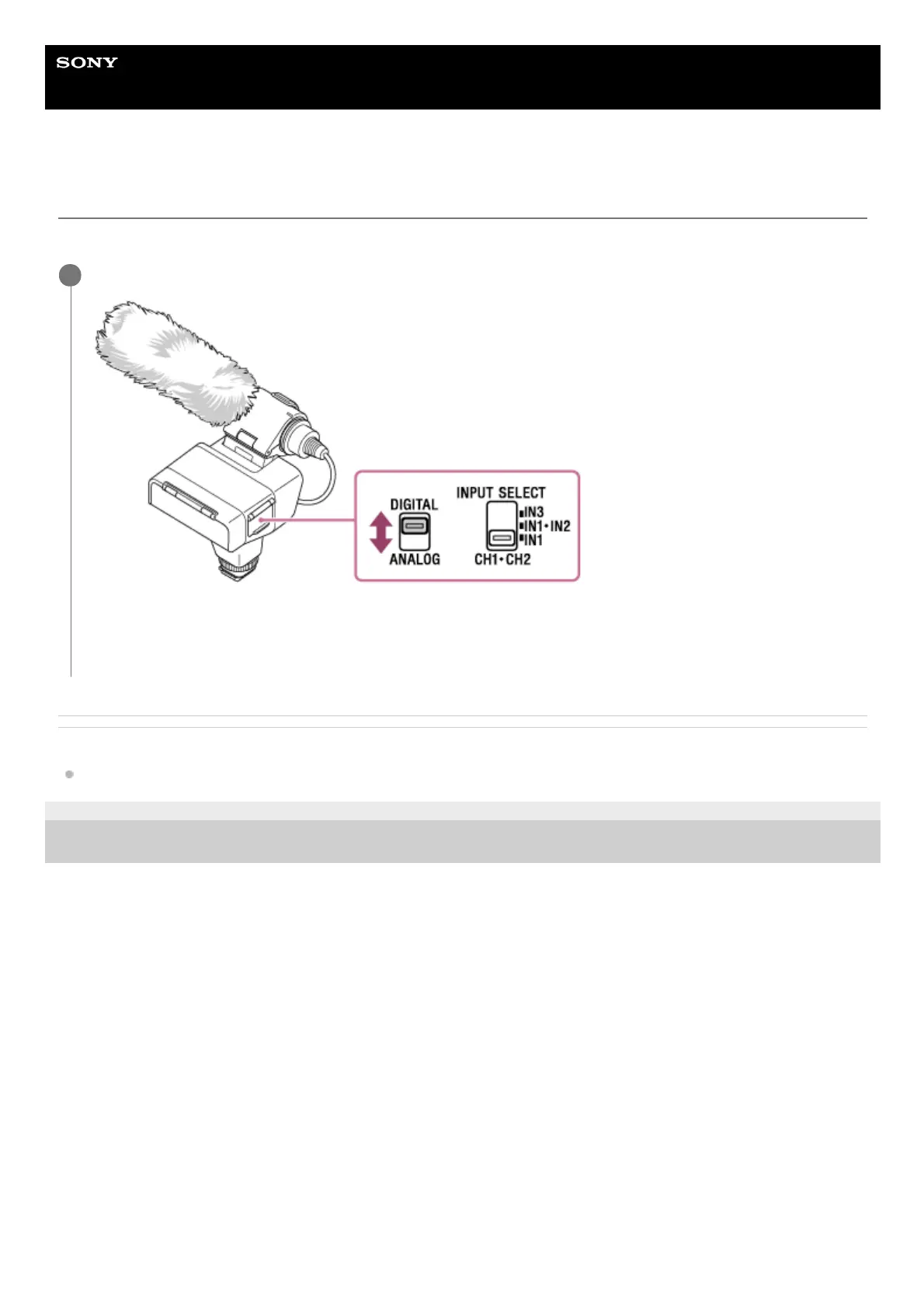
Selecting the digital or analog input type
Set the audio input type.
Related Topic
Supported camera models
5-008-246-11(1) Copyright 2019 Sony Corporation
Change the DIGITAL/ANALOG switch setting to suit your camera.
If your camera is compatible with the audio interface of the Multi Interface Shoe, set the switch to “DIGITAL.” This
allows the unit and the attached camera to communicate with each other with digital signals and provide audio
recording with minimum noise insertion.
1


 To Next Page