77
Cassette Player
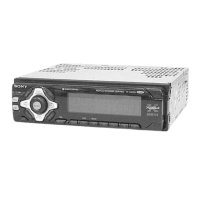
Listening to a tape
Insert a cassette.
Playback starts automatically.
The side facing up is played.
The side facing down is played.
Tip
To change the tape‘s playback direction, press m
and M.
To stop playback and eject the
cassette
Press Z.
Fast-winding the tape
During playback, press m or M.
* The indicator will flash while fast-winding the
tape.
To start playback during fast-forwarding or
rewinding, press the other fast-winding button
partially until the locked button is released.
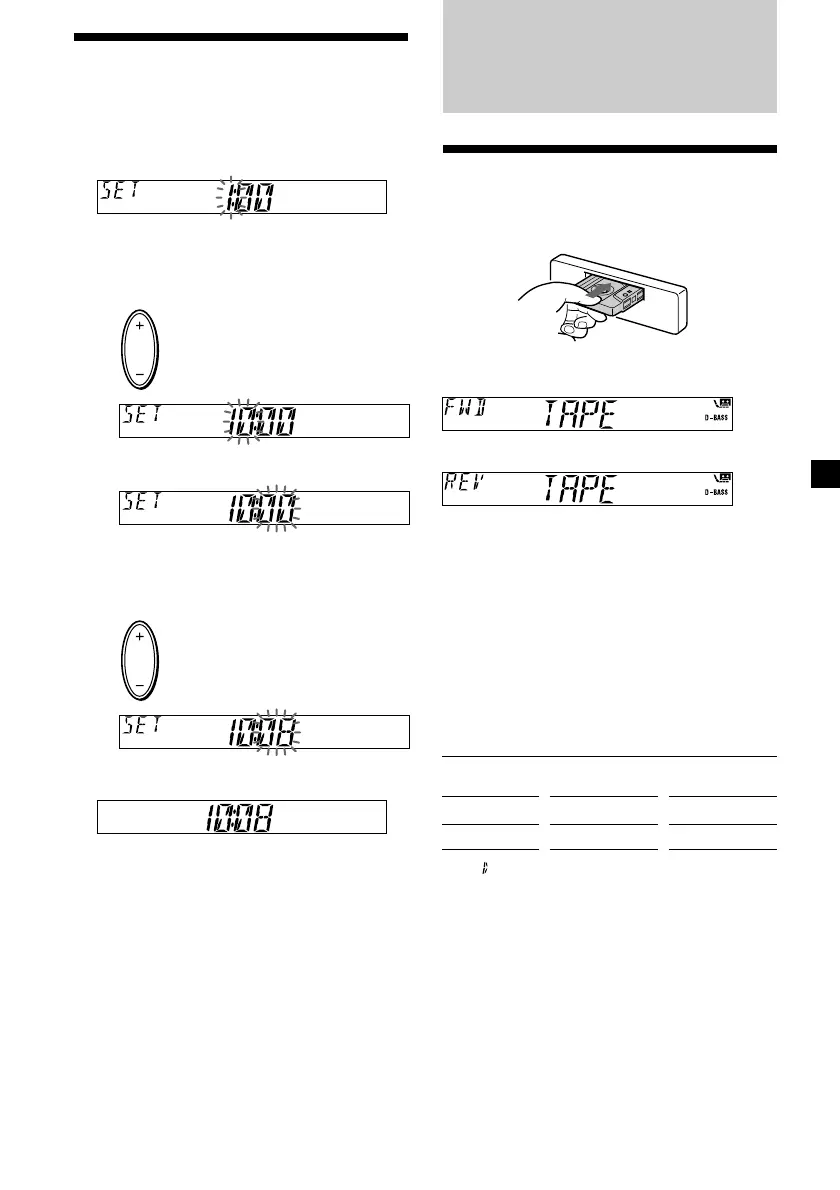
Setting the clock
The clock uses a 24-hour digital indication.
Example: To set the clock to 10:08
1 Press (DSPL) for two seconds.
The hour indication flashes.
1 Press either side of the volume button
to set the hour.
2 Press (SEL).
The minute indication flashes.
3 Press either side of the volume button
to set the minute.
2 Press (DSPL).
The clock starts.
After the clock setting is complete, the
display returns to normal playback mode.
To rewind
m
M
Direction
indicator*
FWD
REV
To advance
M
m
to go forward
to go back
to go forward
to go back



 To Next Page