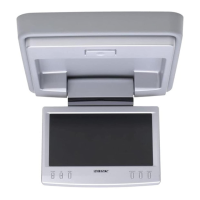
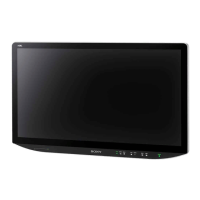
4
XVM-F65WL
SECTION 2
GENERAL
This section is extracted
from instruction manual.
6
7 8
43
2
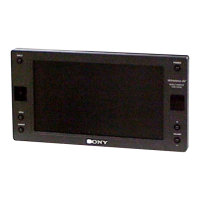
Location of controls
Monitor
*
If interference occurs while using several cordless headphones
If several monitors are installed and used simultaneously, interference may occur.
1 INPUT button
Press to select the input source.
2 Receptor for the card remote
commander/Transmitter for the
cordless headphones*
3 MENU button
Press to make various settings.
4 DIMMER button
Press to switch the dimmer on/off.
(When it is set to On, the display
darkens.)
5 POWER (on/off) button
Press to turn on/off the monitor.
6 VOLUME +/– buttons
Press to turn up or down the volume
(The default volume level is 25.) or
to select the item during menu
operation.
7
8 Monaural speaker
RESET button
15
6


 To Next Page
 Loading...