Help Guide
Digital Media Player
NW-A306
Adjusting the volume
Adjust the volume for “Music player”.
To adjust the volume with the volume dialog
Hint
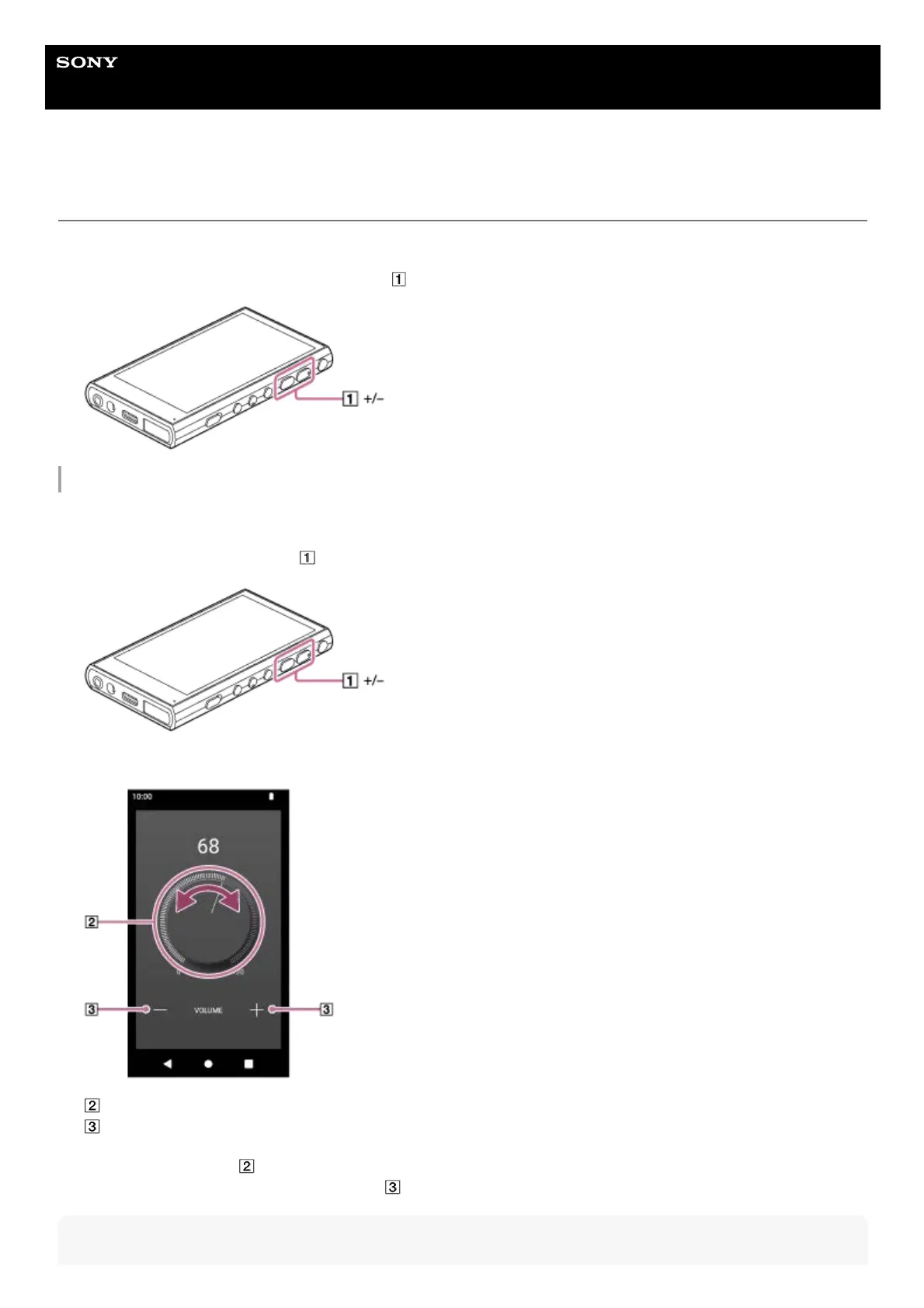
Press or hold down the +/– (volume) buttons (
).1.
Turn on the screen of the player.1.
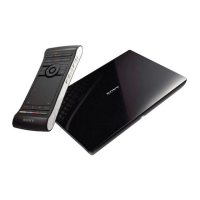
Press the +/– (volume) buttons (
) to display the volume panel.2.
Tap the volume scale or the digits on the volume panel to display the volume dialog.
Volume knob
+/– (volume)
3.
Turn the volume knob (
) to adjust the volume.
You can also tap or hold down +/– (volume) (
) to adjust the volume.
4.


 To Next Page