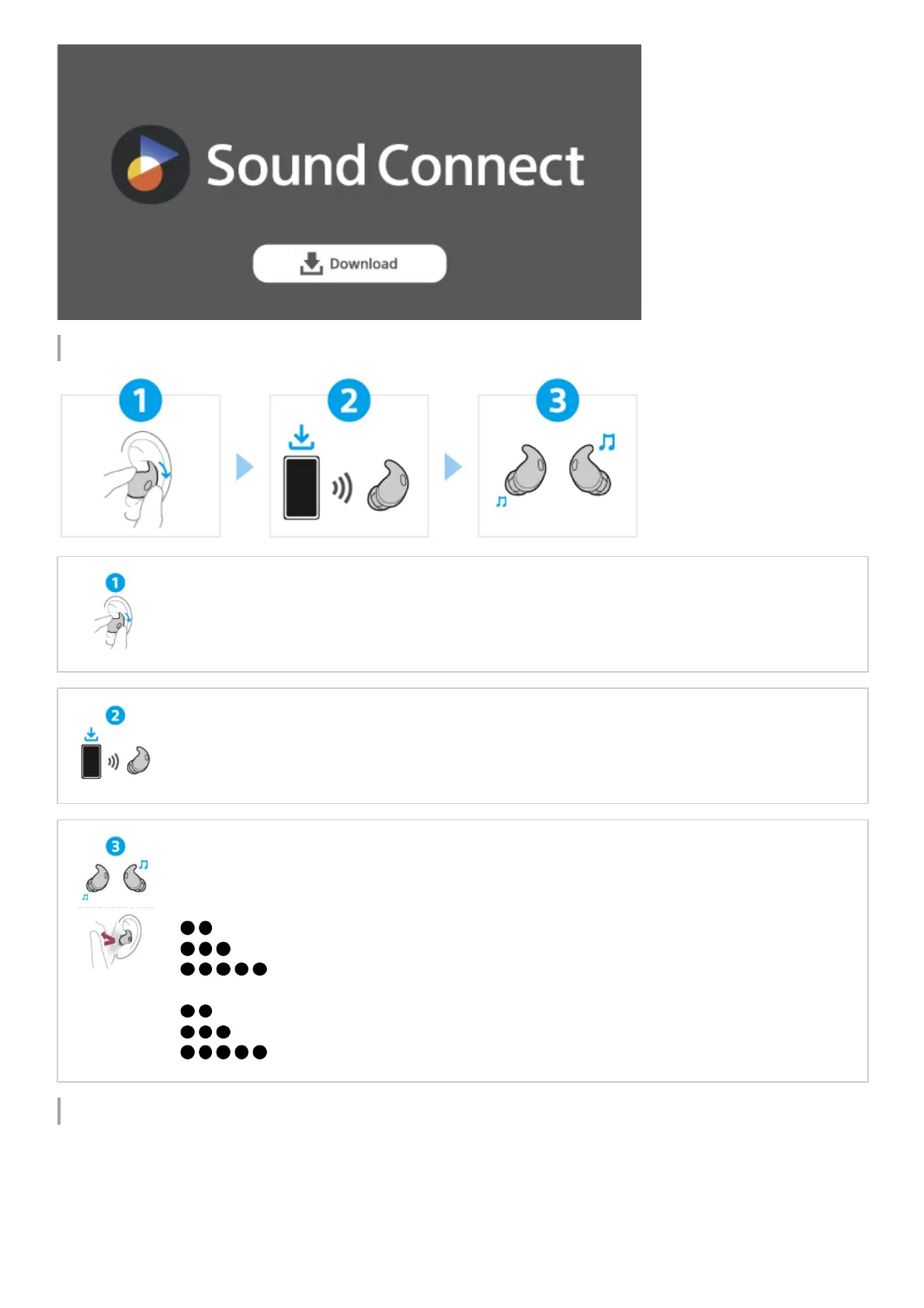
Let’s start to use
Related information
Establishing a Bluetooth connection manually
Charging the headset
WF-LS910N
Wearing the headset
Twist the headset unit to adjust its position for the best earbud tip.
Then, fit the fitting supporter into the upper part of your ear groove.
Establishing a BLUETOOTH® connection
The headset is turned on when the headset units are removed from the charging case.
Follow the downloaded “Sony | Sound Connect” app instructions.
Operating the headset
Tap the headset unit or in the area near your ear where the headset is worn (wide area tap).
Left
(Tap twice): To switch between the noise canceling function and Ambient Sound Mode
(Tap 3 times): Quick Access (setup required on the “Sony | Sound Connect” app)
...(Tap 5 or more times): To decrease the volume
Right
(Tap twice): To play/pause
(Tap 3 times): To skip to the beginning of the next track
...(Tap 5 or more times): To increase the volume



 To Next Page