Help Guide
Wireless Speaker
SRS-XV800
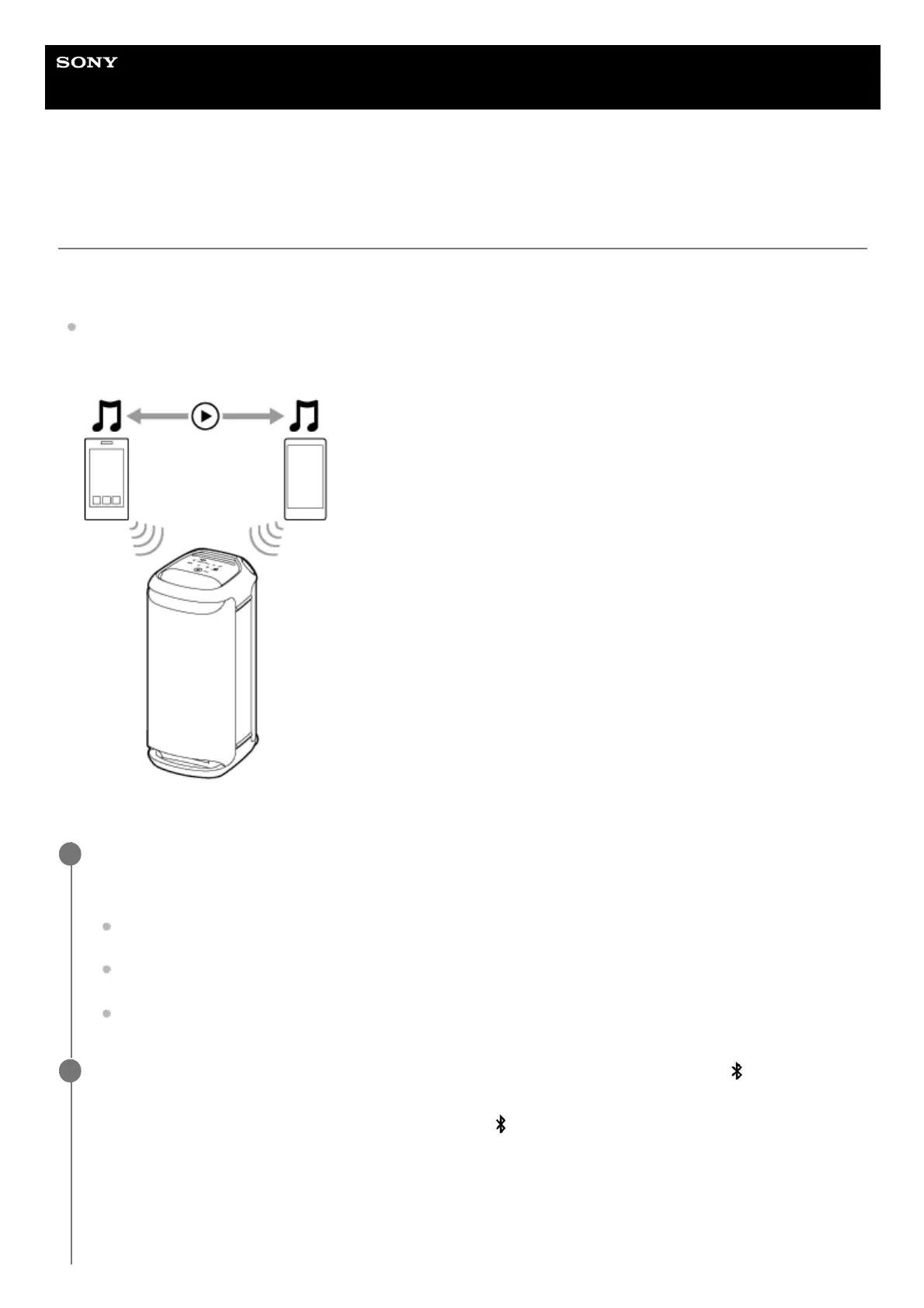
Connecting the speaker concurrently with 2 BLUETOOTH devices (multipoint
connection)
While the speaker is connected concurrently with 2 BLUETOOTH devices via BLUETOOTH connection, you can do the
following:
Switching the music playback source between 2 devices
You can switch the music playback source from one device to the other without reestablishing the BLUETOOTH
reconnection.
Connecting the speaker concurrently with 2 devices via BLUETOOTH connection
Connect the speaker with the first BLUETOOTH device.
For details about the BLUETOOTH connection procedure, see one of the following that is applicable to your device.
Pairing and connecting with BLUETOOTH
®
devices
Connecting with a computer via a BLUETOOTH connection (Windows
®
)
Connecting with a computer via a BLUETOOTH connection (Mac)
1
While keeping the speaker connected with the first BLUETOOTH device, touch and hold
(BLUETOOTH)
on the speaker for about 2 seconds.
You hear voice guidance (Pairing) from the speaker and the
(BLUETOOTH) indicator starts double flashing
(pairing mode).
2



 To Next Page