Changing the BLUETOOTH devices in multipoint connection
While keeping the speaker connected with 2 devices in multipoint connection, you can attempt to connect another device
via BLUETOOTH connection.
When you operate the speaker and the third device in an attempt to establish a BLUETOOTH connection, the
BLUETOOTH connection with one of the 2 devices used for the previous music playback is retained and the
BLUETOOTH connection with the other device is disconnected. Then, a BLUETOOTH connection is established
between the speaker and the third device.
Music playback while the speaker is connected with 2 devices in multipoint connection
When you operate the speaker to play music, music starts playing on one of the devices in multipoint connection that
was used for the previous playback.
Operate the second BLUETOOTH device to search for the speaker.
3
Follow the on-screen instructions to establish a BLUETOOTH connection.
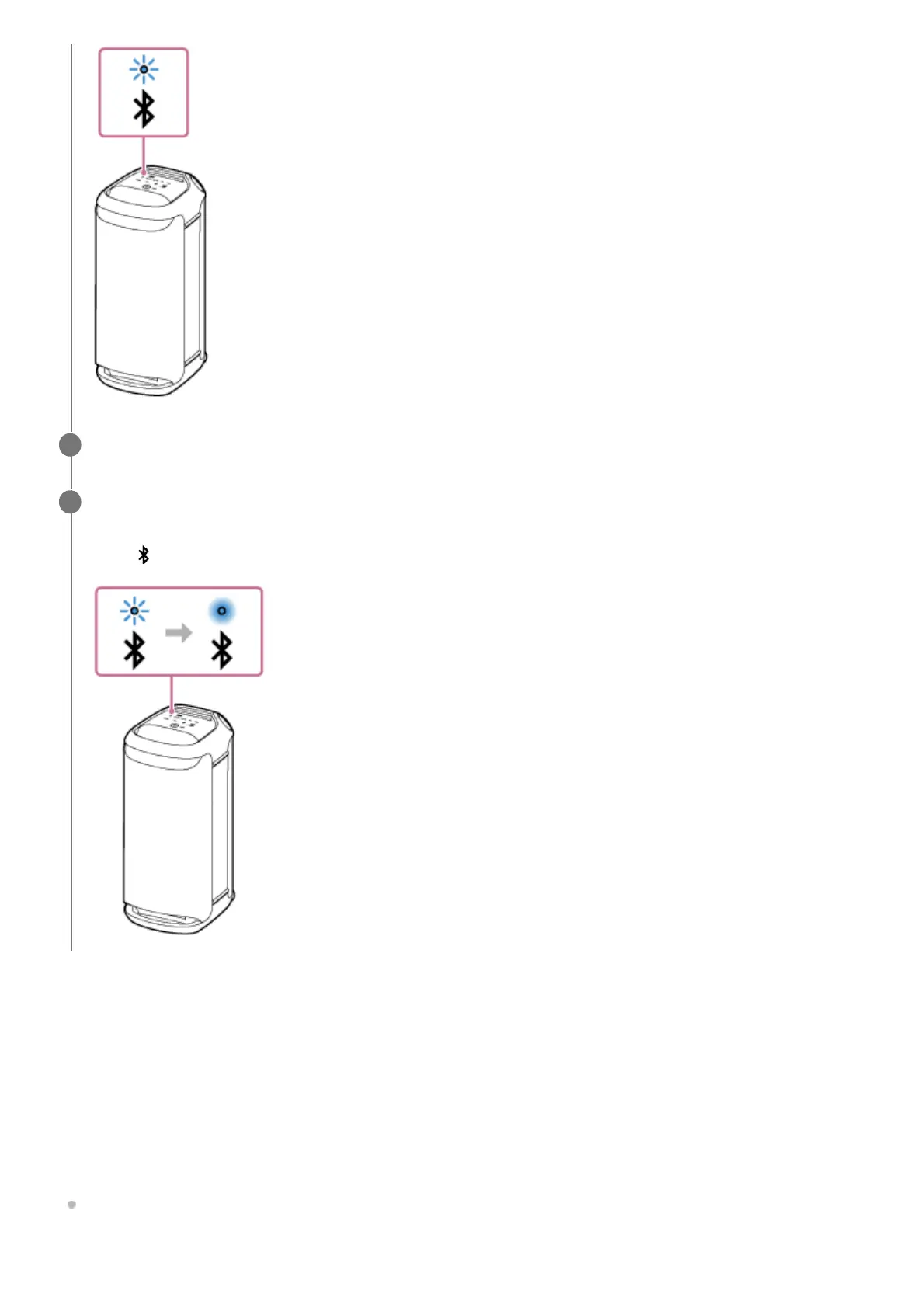
When a BLUETOOTH connection is established, you hear the notification sound from the speaker and the activity
of the
(BLUETOOTH) indicator changes from flashing to lit.
4



 To Next Page