Help Guide
Wireless Speaker
SRS-XV800
Listening to TV audio (with use of the TV Sound Booster function)
Sony's unique function, “TV Sound Booster,”
*
lets you enjoy the enhanced sound of audio visual contents, such as live
performance videos and movies. Owing to the deep bass and realistic high-pitched sounds spreading around, you can
taste a true audio visual experience that makes you feel as if you are attending a live performance.
Use the “Sony | Music Center” to make setup of the TV Sound Booster function.
Be sure to install “Sony | Music Center” on your mobile device, such as a smartphone, in advance.
Before using the TV Sound Booster function, place the speaker in the vertical orientation.
*
Connect the speaker with a TV.
For details, refer to Connecting the speaker with a TV.
1
Activate the TV Sound Booster function of the speaker.
2
Press the
(power) button to turn on the speaker.1.
Pair the speaker with your BLUETOOTH device, such as a smartphone, and establish a BLUETOOTH
connection.
When a BLUETOOTH connection is established, you hear the notification sound from the speaker.
2.
Tap [Music Center] on your smartphone, etc. to start up the application.
Music Center
3.
Tap [SRS-XV800].4.
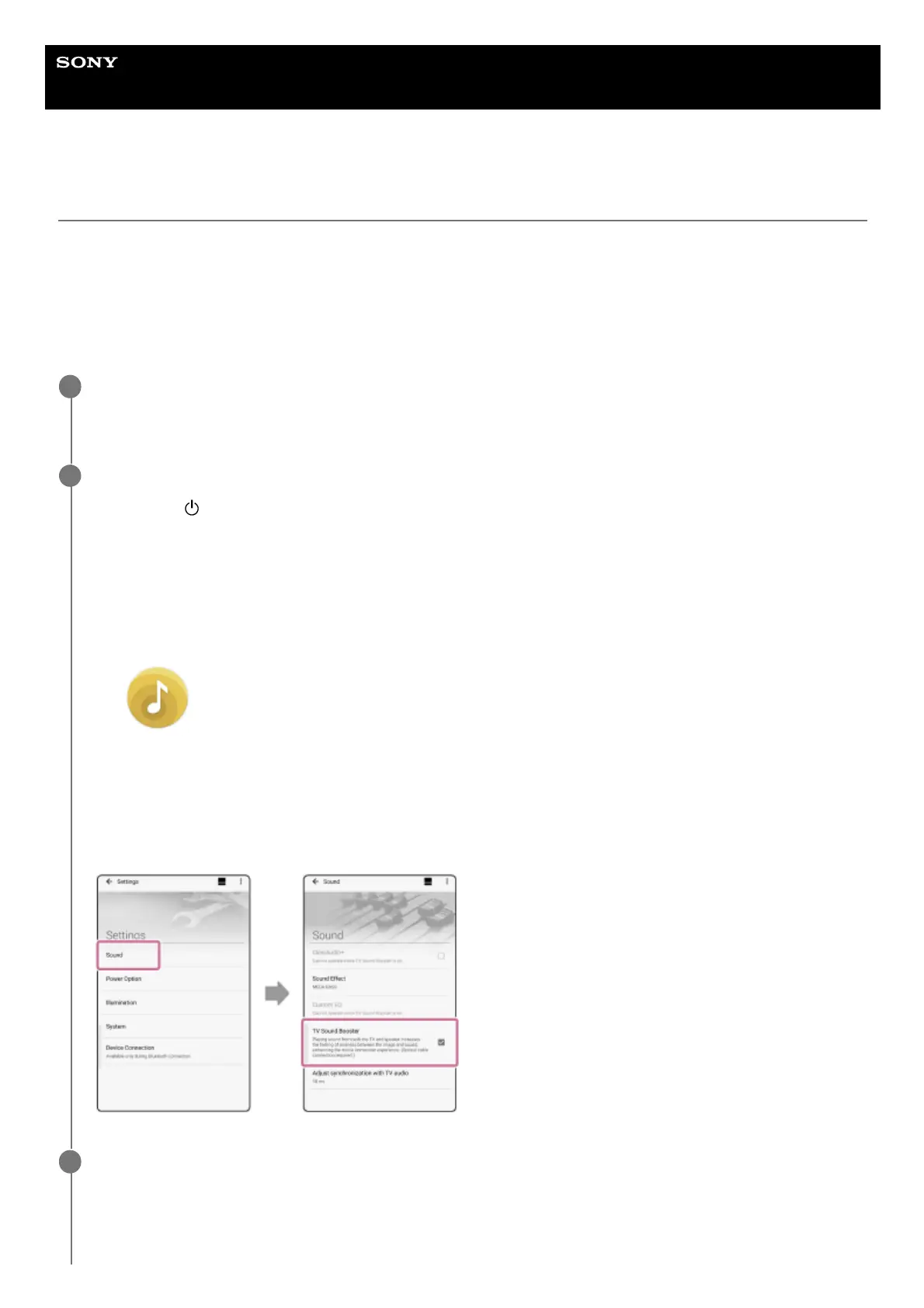
Tap [Settings] - [Sound], and then activate [TV Sound Booster].5.
Perform TV operations using the remote control supplied with your TV.
View/play contents. Adjust the TV volume to your preference.
3



 To Next Page