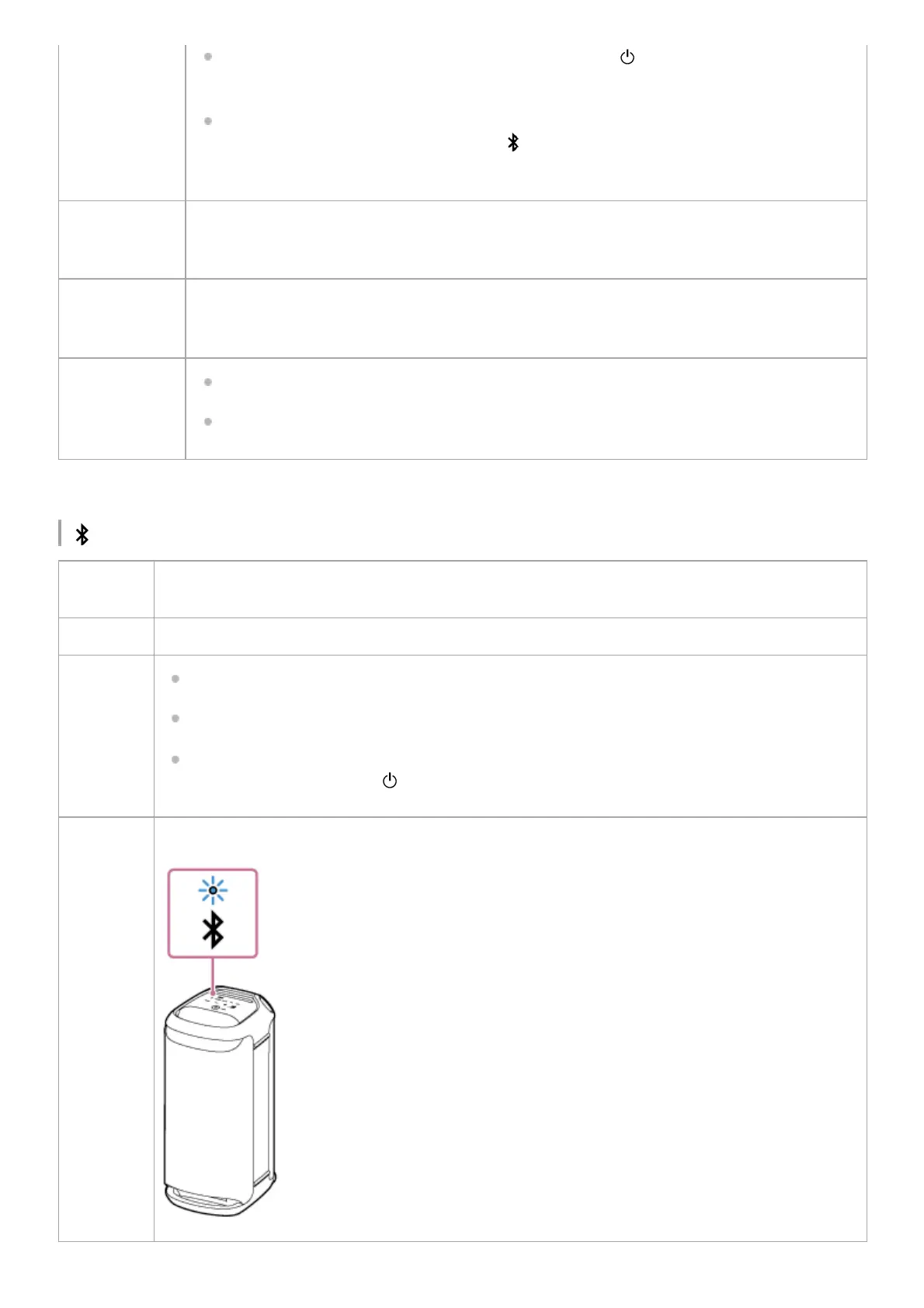
(BLUETOOTH) indicator (blue)
As the software update progresses, the activity of the green (power) indicator changes (from
5 flashes to 4 flashes, a single flash, and then unlit
*
).
When the speaker is turned on for the first time after software update, the indicator flashes 3
times in green along with the blue flashing
(BLUETOOTH) indicator to inform you that the
update is complete.
Double flashing
(orange)
An abnormality in the interior temperature or in the built-in rechargeable battery is detected. Turn
off the speaker, disconnect the AC power cord (mains lead), wait for a while, and then restart the
speaker. For details, see Notes on charging.
Triple flashing
(orange)
An abnormality, such as an invalid touch operation or disconnection of a BLUETOOTH connection,
is detected (an electric circuit error). Follow the steps described in Restarting the speaker to restart
the speaker.
Quadruple
flashing
(orange)
The software update was canceled by “Sony | Music Center.”
The software update failed.
Depending on the situation, you may not be able to see all flashing patterns.
*
Unlit
No BLUETOOTH connection is established with the speaker or the BLUETOOTH function is not
activated on the speaker.
Lit The speaker is connected to a BLUETOOTH device.
Flashes
The software update was canceled by “Sony | Music Center.”
The software update failed.
When the speaker turns on for the first time after the software update, the indicator flashes 3 times
along with the green flashing
(power) indicator to inform you that the update is complete.
Double
flashing
The speaker is in pairing mode.



 To Next Page