ZV-1
5-017-151-31(1)
GB
9
C:\5017151311_Book\5017151311ZV1CE3\01GB-ZV1CE3\01GB.indd
DTP data saved: 2019/12/12 09:01
PDF file created: 2019/12/12 09:01
GB
For details on how to connect to a smartphone, refer to the following
support sites:
https://www.sony.net/dics/iem01/
• For details on other connection methods, types of images that can be
transferred, or how to use the smartphone as a remote commander to
operate the camera, refer to the “Help Guide.”
• The Wi-Fi functions introduced in this manual are not guaranteed to
operate on all smartphones or tablets.
• The Wi-Fi functions of this camera are not available when connected to a
public wireless LAN.
Editing movies on a smartphone
You can edit recorded movies by installing the Movie Edit add-on to your
smartphone.
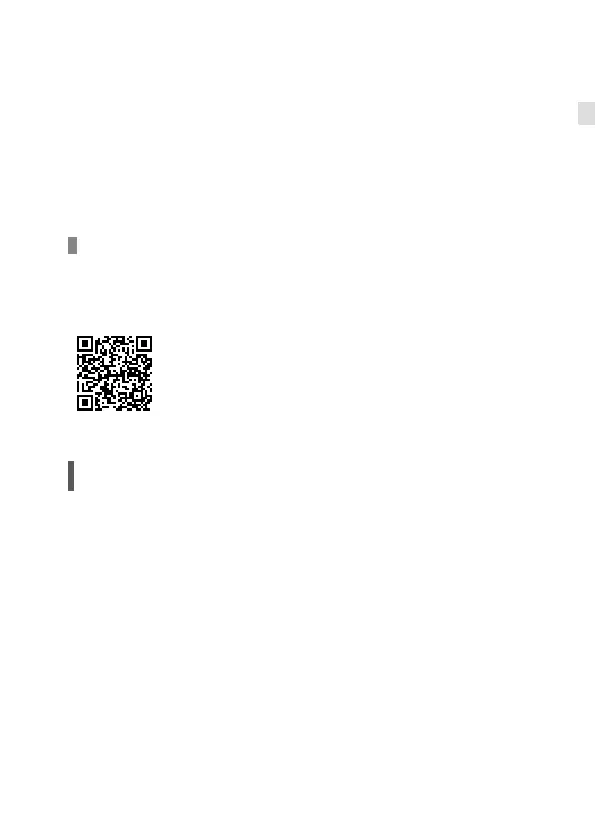
For details on installation and use, refer to the following URL:
https://www.sony.net/mead/
Managing and editing images
on a computer
PlayMemories Home
PlayMemories Home allows you to import still images and movies to your
computer and view or use them. You need to install PlayMemories Home to
import XAVC S movies or AVCHD movies to your computer.
Imaging Edge
Imaging Edge is a software suite that includes functions such as remote
shooting from a computer, and adjusting or developing RAW images
recorded with the camera.
For details on the computer software, refer to the following URL:
https://www.sony.net/disoft/



 To Next Page