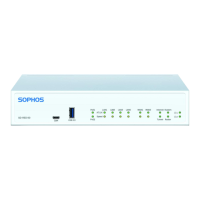
LCD messages
Booting up The RED device is booting
Shutting down The RED device is shutting down
Starting RED ID $RED_ID
The RED device is starting (the displays shows
the RED ID as printed on the product label)
Starting RED Network Setup The RED device is configuring DHCP or a static setup
Starting RED Try $uplink
The RED device is connecting to the
displayed uplink (wan1, wan2, or umts)
Starting RED UTM $hostname The RED device is connecting to the UTM appliance
Got new config The RED device has received a new configuration
Tunnel is up ($uplink) UTM $hostname
The RED tunnel has been established; $uplink
can be wan1, wan2, or umts; $hostname can be
hostname or IP address of UTM appliance
ERROR Invalid device ID The RED device has not been provisioned correctly
Technical specifications
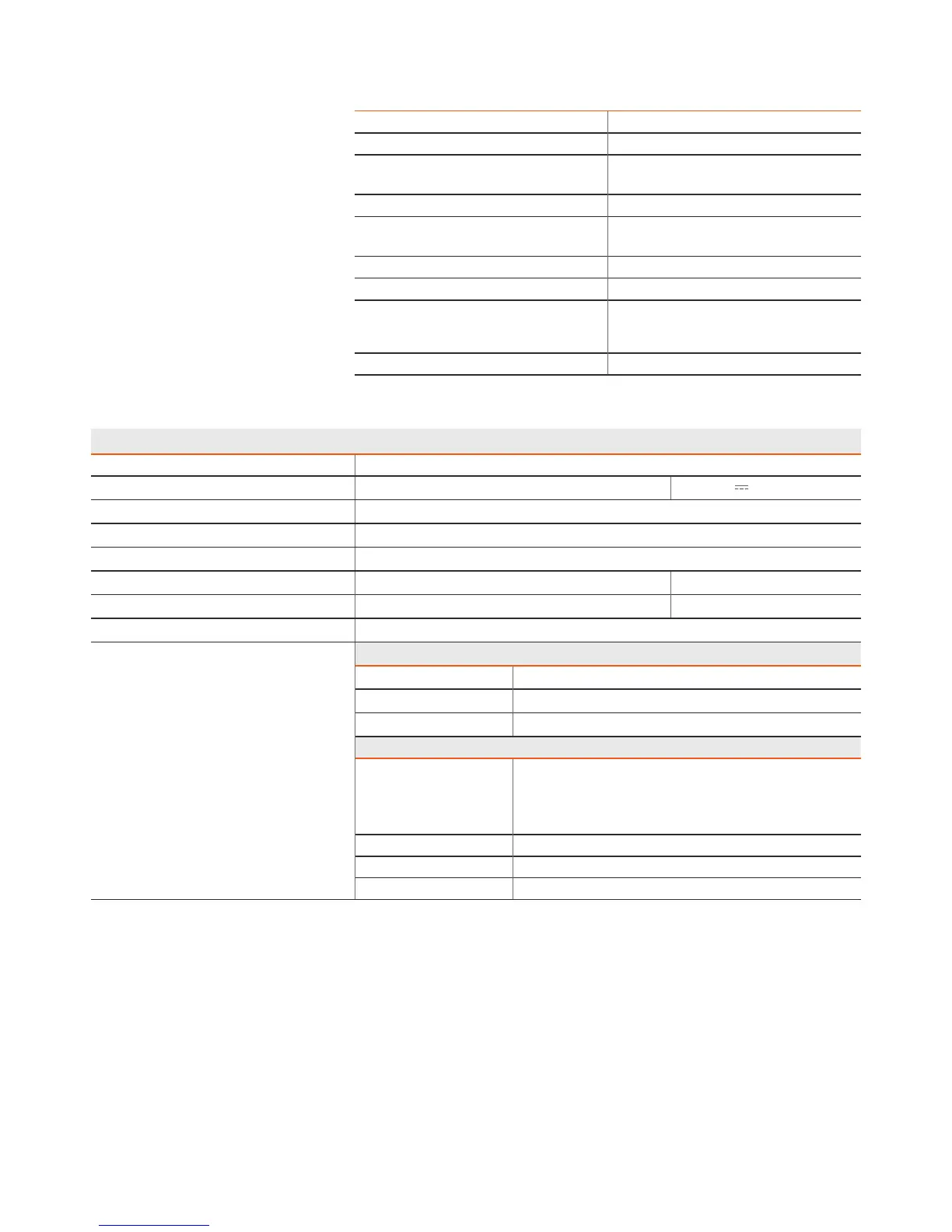
Sophos RED 50
Chassis Heavy-duty steel (painted white)
Power supply
Input: 100-240 V, 50-60Hz, 1.3 A Output: 12 V
3.33 A
Power consumption 38.2 W (max.)
Dimensions W x H x D 216 x 44 x 189 mm
Weight 1,1 kg
Temperature range Operating: 0°C to 40°C Storage: -20°C to 70°C
Humidity (non-condensing) Operating: 5% to 90% Storage: 5% to 95%
Mounting
Desktop/wall/rack (optional)
Regulatory compliance Safety
CB IEC 60950-1 (ed.2), IEC 60950-1 (ed.2); am1
CE EN 60950-1:2006+A11:2009+ A1:2010+A12:2011
UL UL 60950-1, CSA C22.2 No. 60950-1-07
EMC
CE EN 55022:2010 Class A
EN 61000-3-2:2006+A1:2009+A2:2009
EN 61000-3-3:2008
EN 55024:2010
FCC CFR 47, Part 15 Subpart B, Class A
C-Tick AS/NZS CISPR 22:2009 Class A
VCCI V-3/2012.04, Class A ITE


 To Next Page
 Loading...