Cranex® D Site Ceph Beam Alignment (White Panel Version)
Rev. 1 Cranex® D Ceph Beam Alignment (White Panel) Page 13 of 13
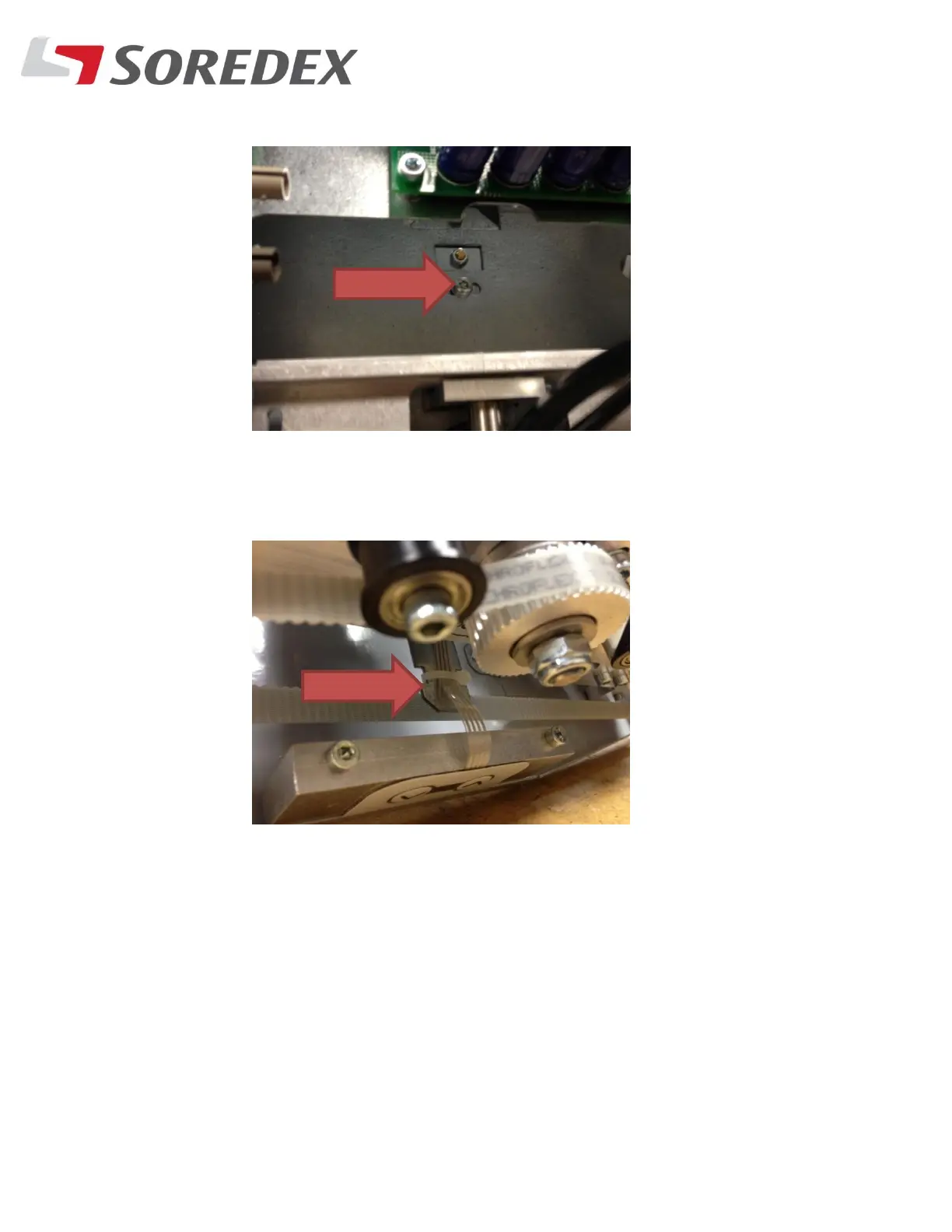
1. Loosen the fixing screw at the rear of the Ceph head
2. Adjust the horizontal position by moving the rod located
behind the up/down membrane in the Ceph head.
Take a final exposure and make sure the scan and ear rods
are all set. Unit is now done.



 To Previous Page