Cranex® D Site Ceph Beam Alignment (White Panel Version)
Rev. 1 Cranex® D Ceph Beam Alignment (White Panel) Page 4 of 13
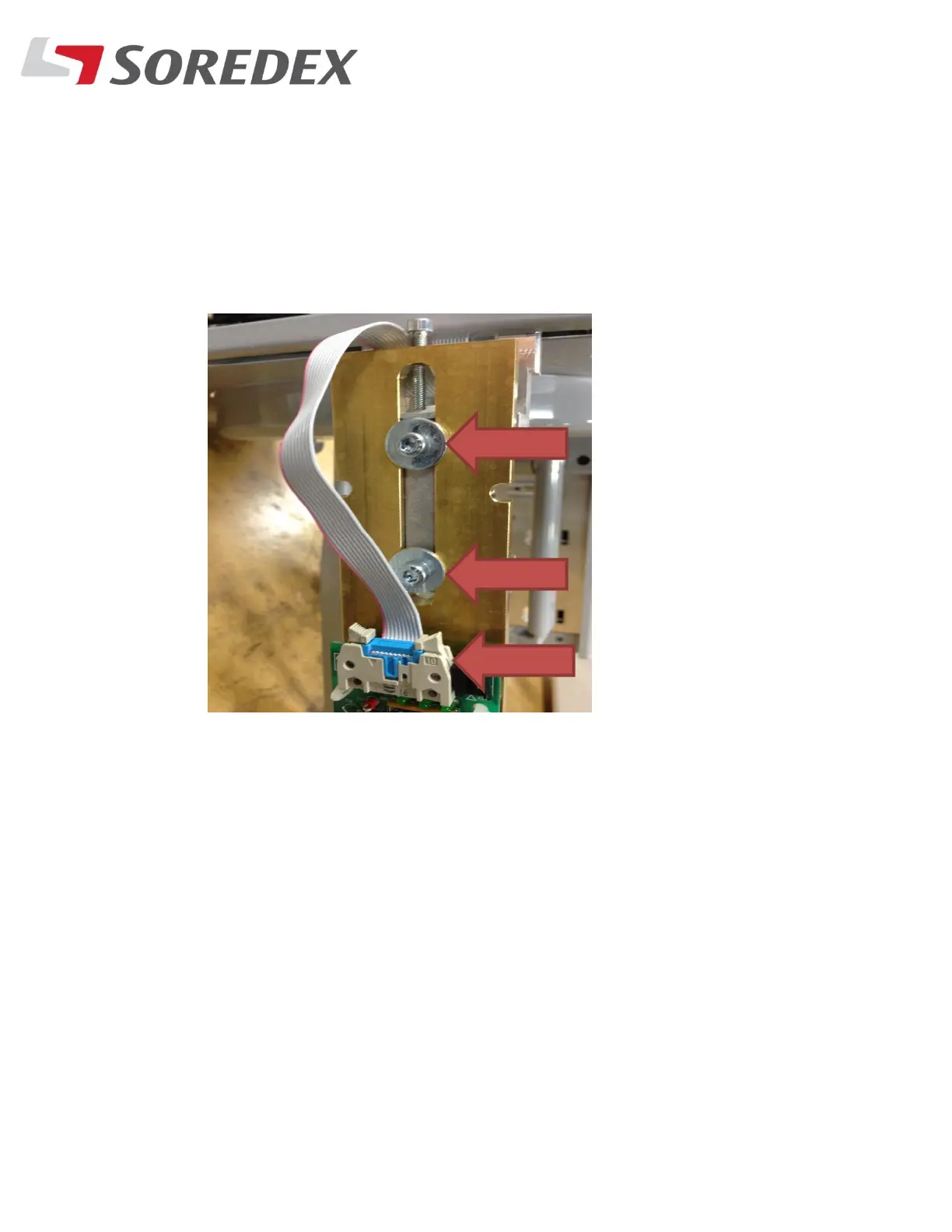
Step #4: Remove the secondary collimator from the Ceph head by
removing the lock bolts and unplugging the ribbon cable.
Step #5: With the unit now in EPS mode and centered, make sure the
display reads 85 kV, 10 mA and 2.00 seconds. This gives you a
long enough exposure time to see the beam.



 To Next Page