Cranex® D Site Ceph Beam Alignment (White Panel Version)
Rev. 1 Cranex® D Ceph Beam Alignment (White Panel) Page 5 of 13
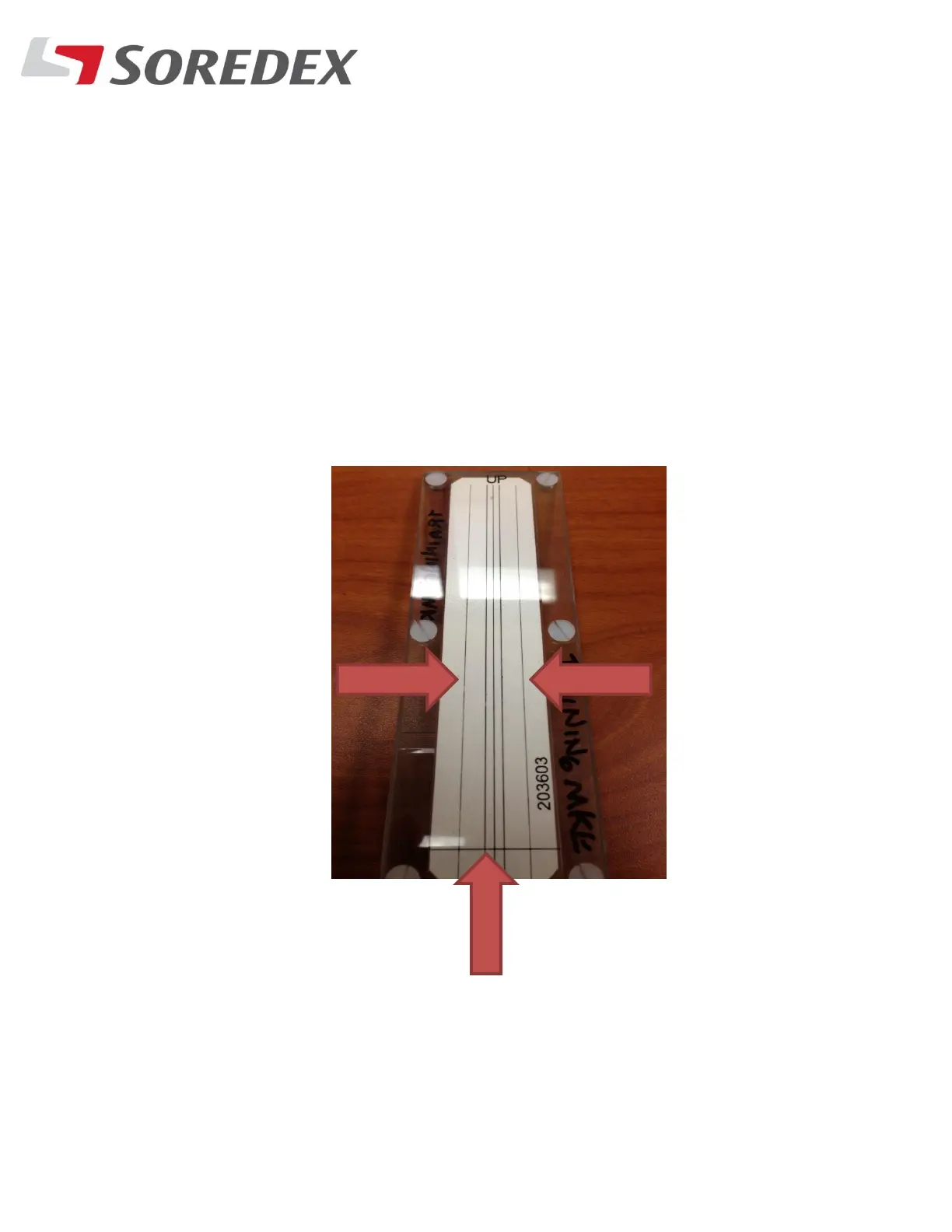
Step #6: Take an exposure, what’s needed is for the beam to
be within the Two outer vertical lines on the beam alignment
tool and also at the bottom line as shown below. Remember
the secondary collimator is off



 To Next Page