Cranex® D Site Ceph Beam Alignment (White Panel Version)
Rev. 1 Cranex® D Ceph Beam Alignment (White Panel) Page 6 of 13
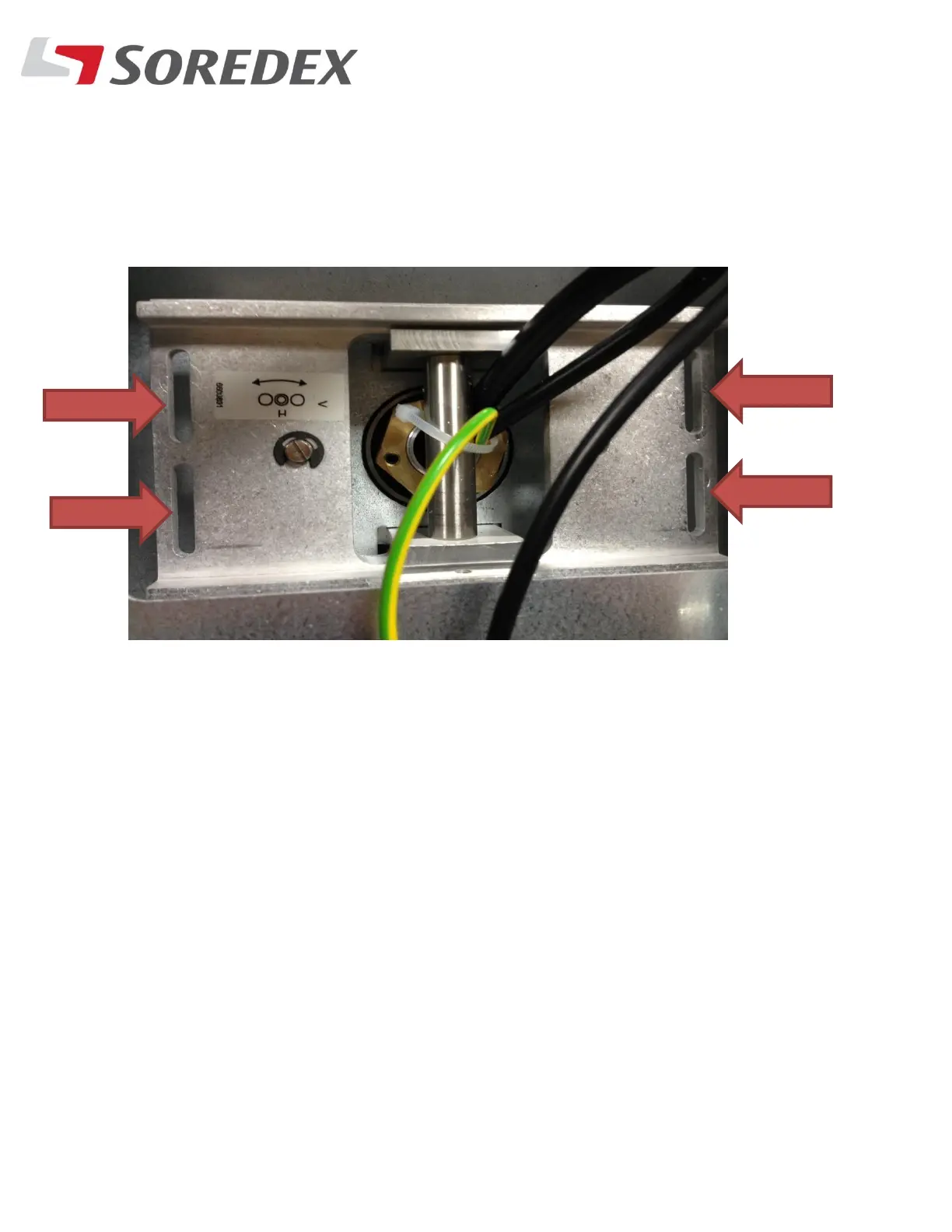
Step #7: If the beam is not within the lines horizontally, Loosen the
Four Torx screws that hold the Ceph head onto the arm. Slide the
head in or out until the beam is centered properly. Be sure to lock the
screws down once the beam is aligned.



 To Next Page