Cranex® D Site Ceph Beam Alignment (White Panel Version)
Rev. 1 Cranex® D Ceph Beam Alignment (White Panel) Page 7 of 13
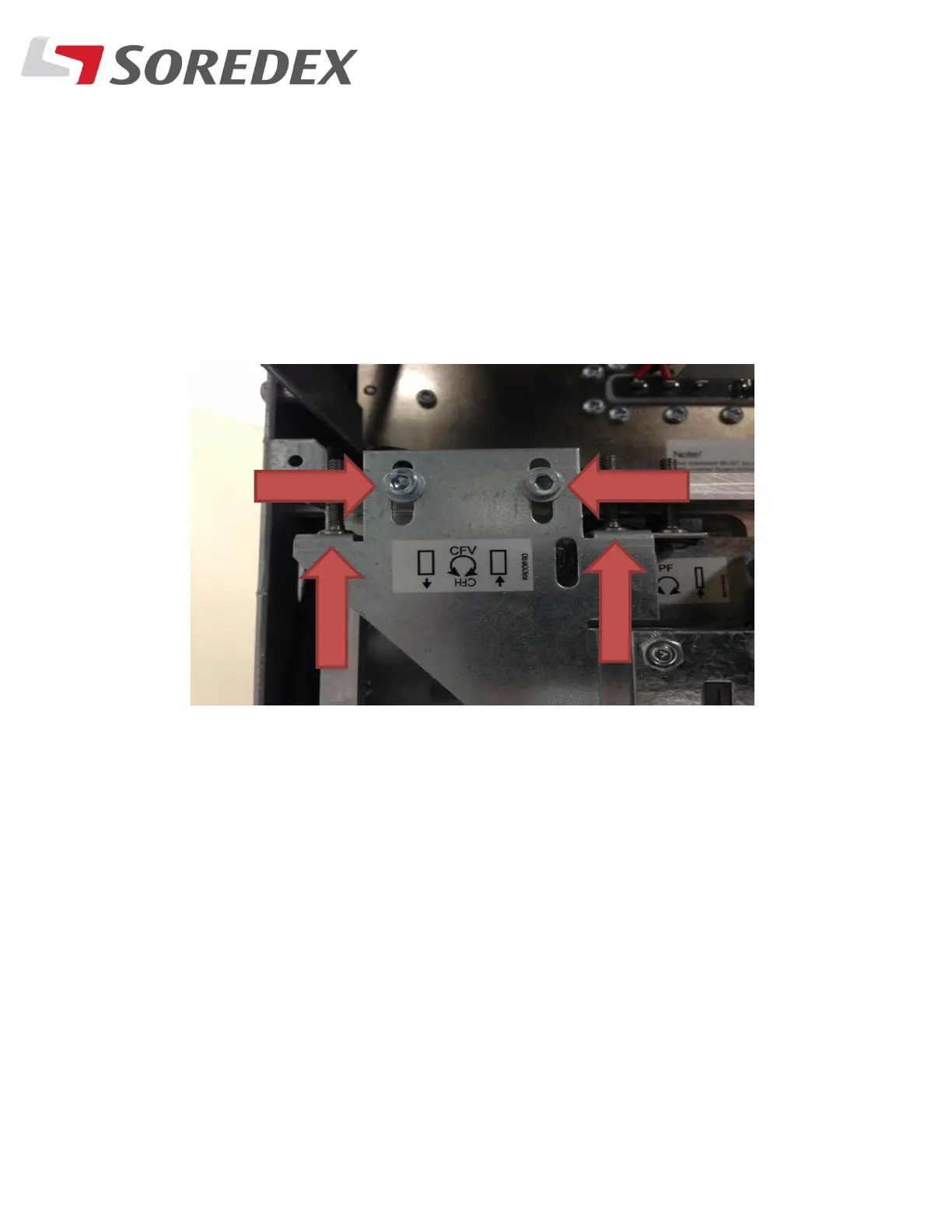
Step #8: If the beam is not touching the bottom line in the tool, loosen
the Two bolts on the collimator that is in front of the
tubehead and then adjust both alignment screws. Be sure to
adjust these screws the same amount so the beam stays level.



 To Next Page