Cranex® D Site Ceph Beam Alignment (White Panel Version)
Rev. 1 Cranex® D Ceph Beam Alignment (White Panel) Page 8 of 13
Step #9: With the beam now centered, reattach the secondary
collimator and ribbon cable.
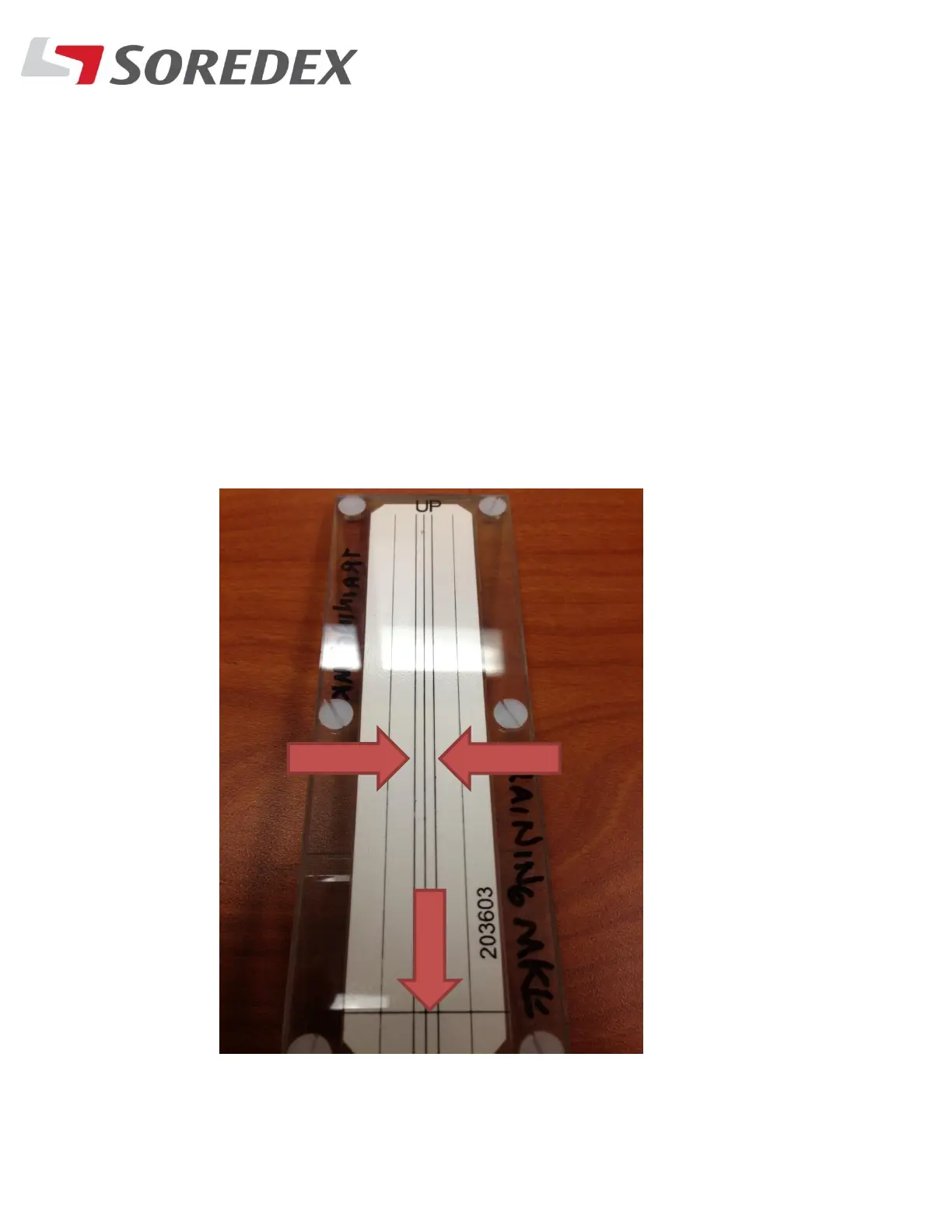
Step #10: With the unit still in EPS mode and the beam tool attached
to the ceph sensor, take another exposure. The beam needs to fall on
the entire Three inner vertical lines on the beam tool and also on the
bottom line. If the beam is way off, redo steps 7,8 and 9 again to
ensure the beam is correctly aligned



 To Next Page