Cranex® D Site Ceph Beam Alignment (White Panel Version)
Rev. 1 Cranex® D Ceph Beam Alignment (White Panel) Page 9 of 13
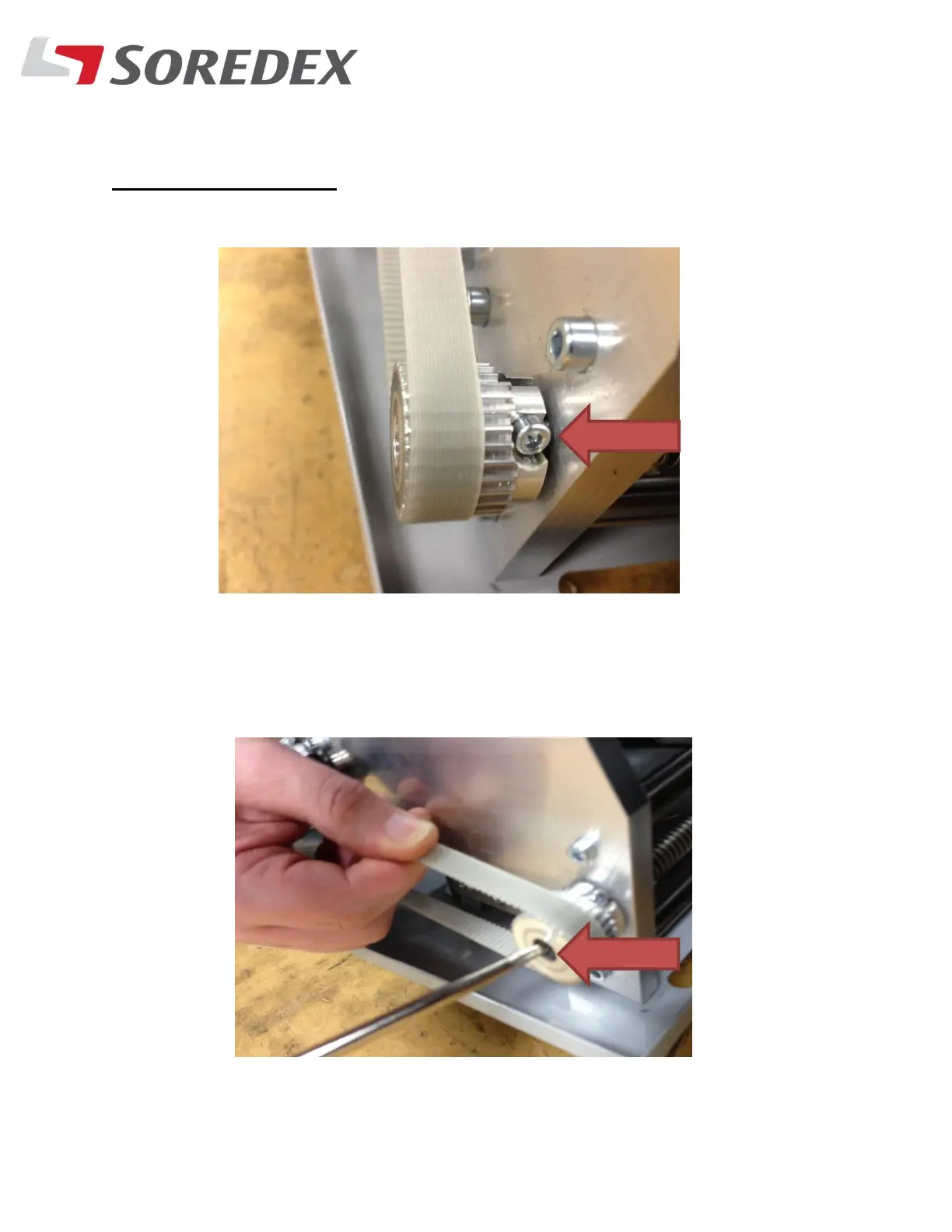
Step #11: If the beam is out of alignment, then do the following:
Horizontal alignment:
A. Loosen the screw on the belt cog wheel
B. Insert a slotted screwdriver into the cog wheel end, while
holding the belt turn the screw in the desired direction to get the
secondary aligned properly.



 To Next Page