Cranex® D Site Ceph Beam Alignment (White Panel Version)
Rev. 1 Cranex® D Ceph Beam Alignment (White Panel) Page 10 of 13
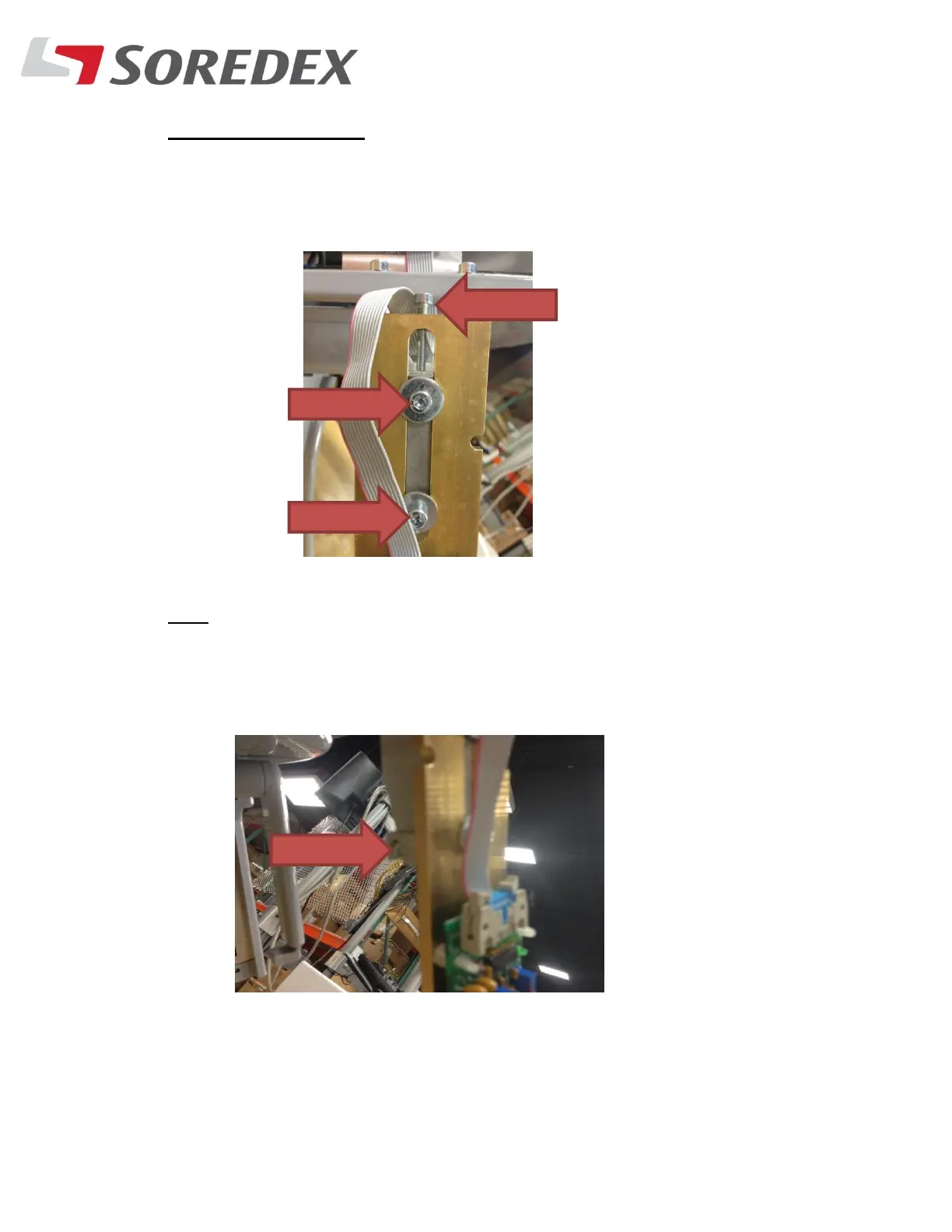
Vertical alignment:
C. If the beam is above or below the bottom horizontal line, loosen
the Two mounting screws and then adjust the top screw.
Tilt:
D. If the beam is going in a diagonal direction, adjust the side screw
to get the beam straight.



 To Next Page