Cranex® D Site Ceph Beam Alignment (White Panel Version)
Rev. 1 Cranex® D Ceph Beam Alignment (White Panel) Page 11 of 13
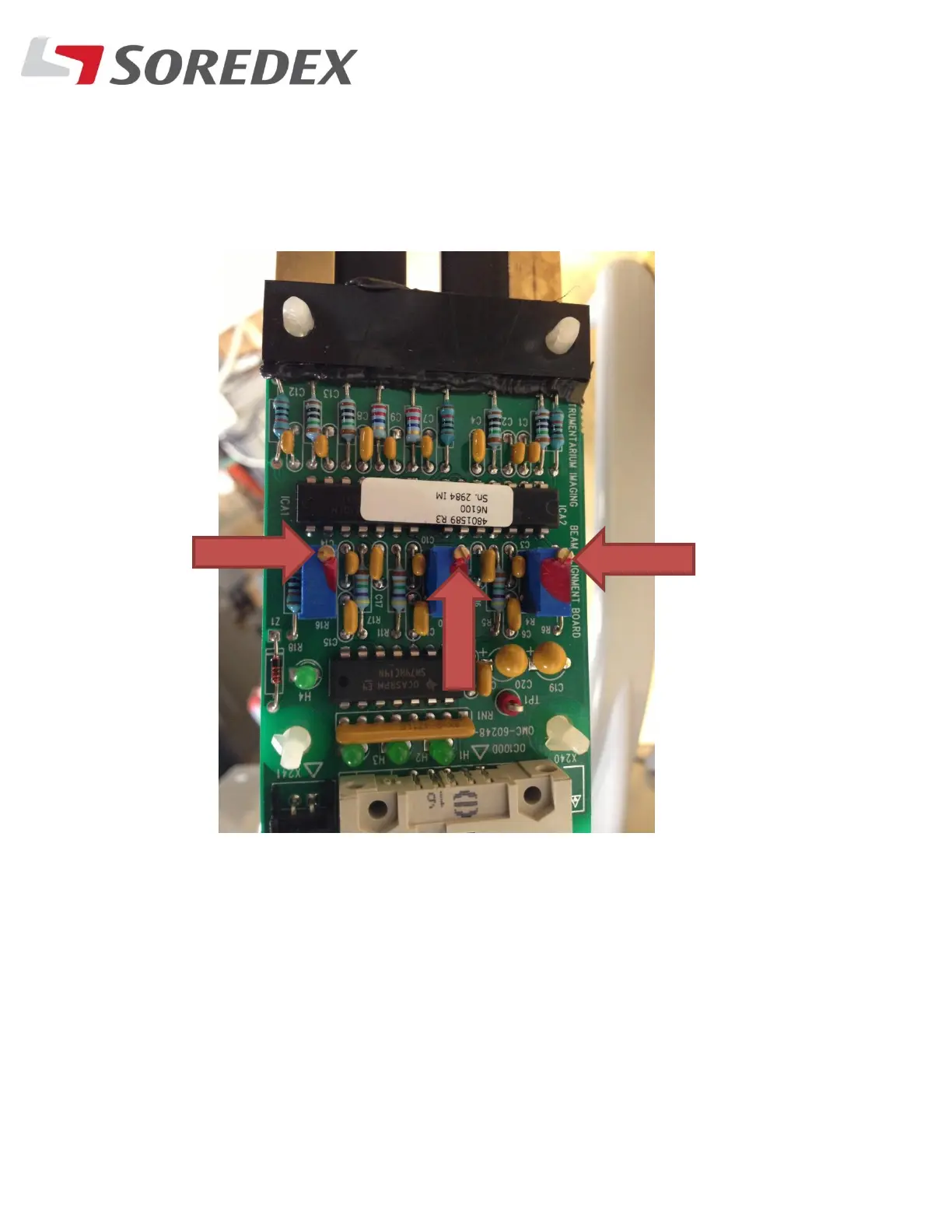
Step #12: With the alignments now done, Turn all Three trimpots
on the beam detector board Two turns fully counter-clockwise.
This increases the sensitivity of the board so it can detect the
beam at low and high settings.
Step #12: Try a Ceph now in normal scan mode. Be sure the scan
goes all of the way through.



 To Next Page