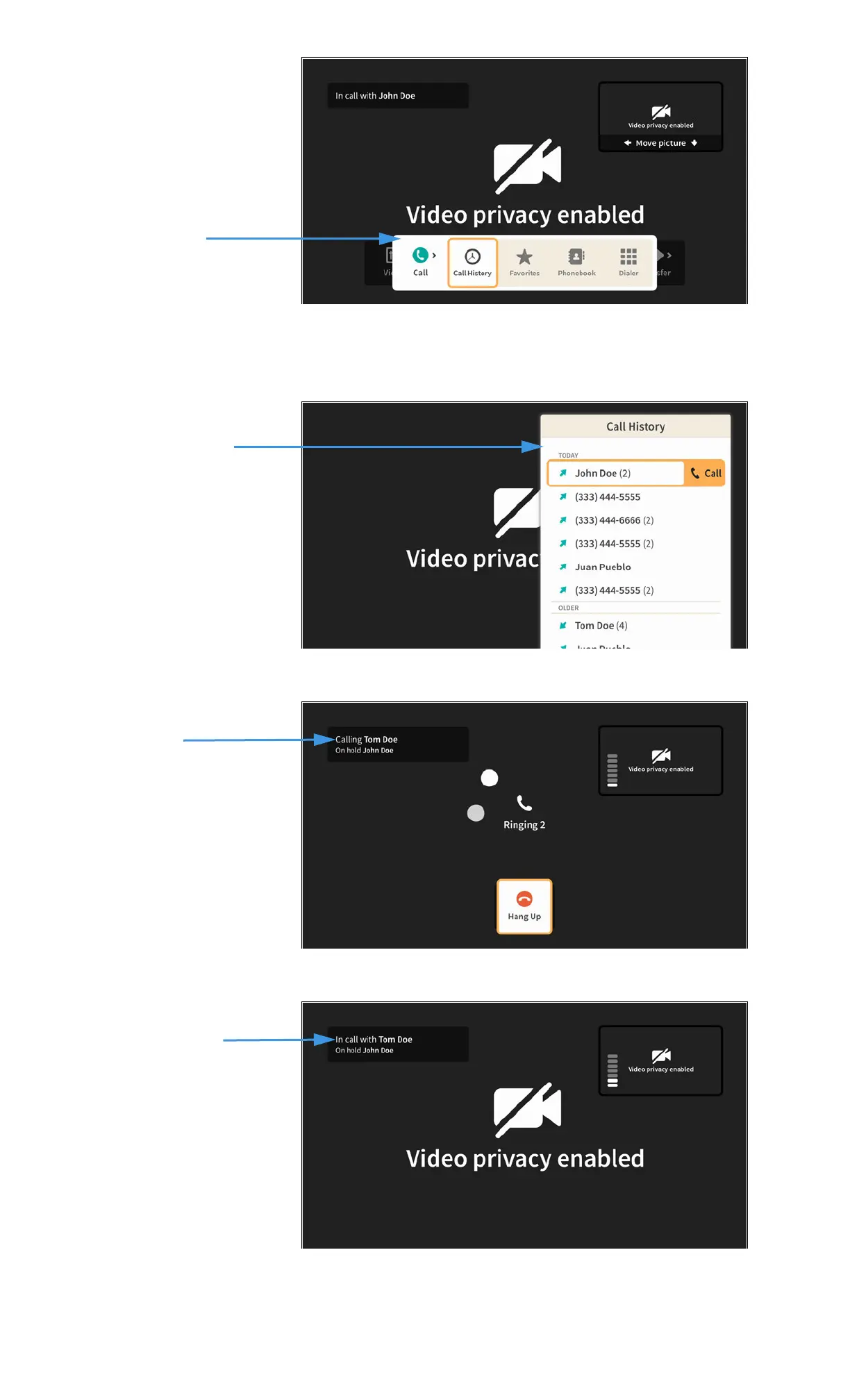
Step 3. Select the Call button to open the Call menu as shown below.
You can choose to make a call from your Call History list, Favorites list, Phonebook
Contacts list or dial a number using the on-screen keypad.
Step 4. Select the Call History button to open the dialog shown below.
Step 5. Select a phone number (or name) from the list to dial a call as shown below.
Step 6. When the new call is answered, you will see a message like that shown below.
Call on hold, new call
being dialed
In call with new caller,
first caller on hold



 To Next Page