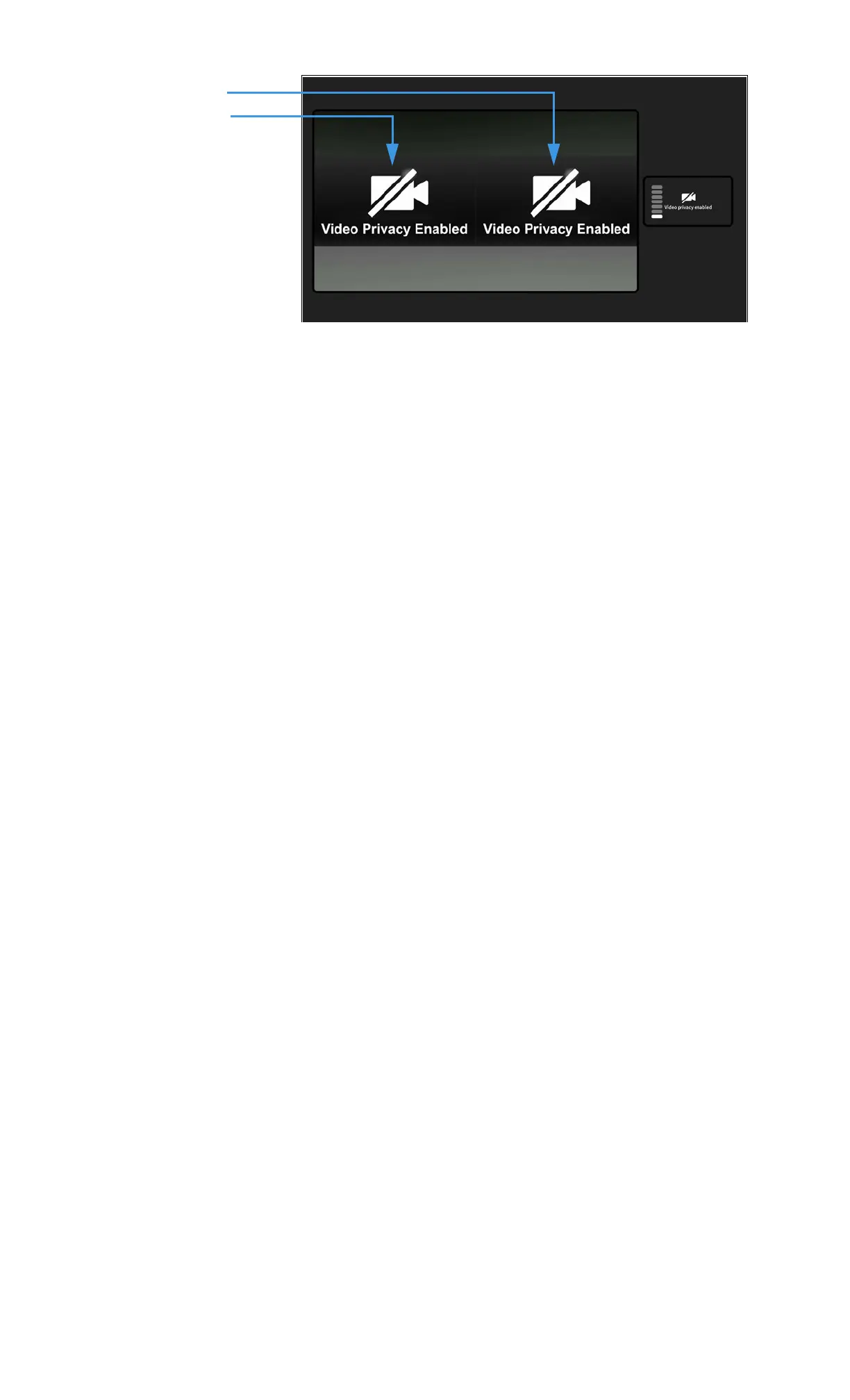
Step 11. After the calls are joined, you will see the received video images from both calls
appear in the center of the screen as shown below.
Step 12. To add more calls to the Group Call, repeat Steps 1 through 10 above. You can add
up to 2 other calls (for a total of 4 persons other than yourself) at one time.
Everyone in the Group Call will see the same four images on their screens.
1st Received image
2nd Received image



 To Next Page