EasyManua.ls Logo

Sound Magus ET150.4 - User Manual

Default Icon
13 pages
Print Icon
To Next Page IconTo Next Page
Loading...
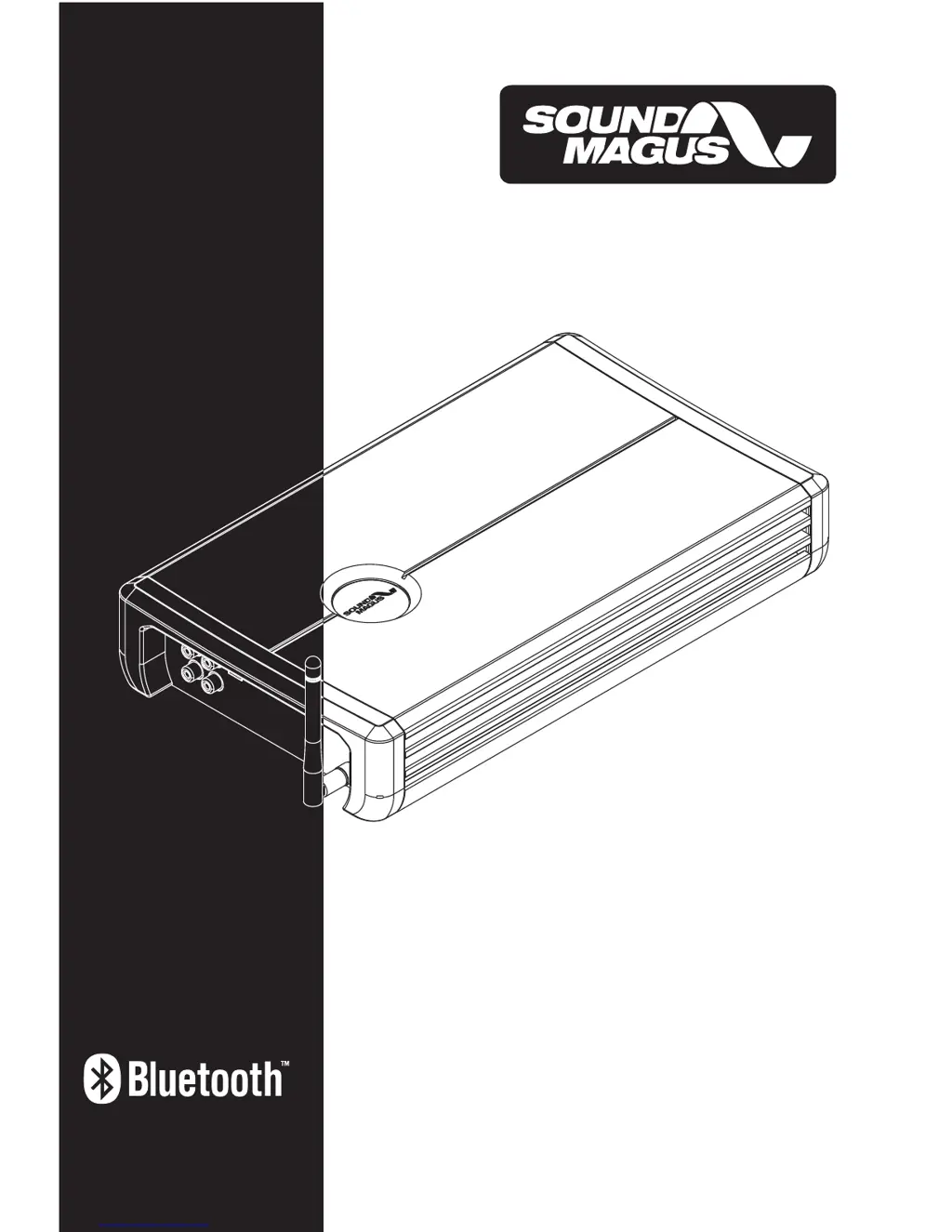
OWNER'S MANUAL
ET90. 4/ET150.4
SOUNDMAGUS Bluetooth car amplifier

Questions and Answers

  • A
    Adam RojasAug 4, 2025
    Why is the protection LED on my Sound Magus ET150.4?
    • A
      Anthony BrownAug 4, 2025
      The protection LED might be on due to short circuits on the speaker leads, so check for any shorts. Also, ensure the speaker load isn't beyond the minimum. Try removing the speaker lead and resetting the amplifier. If the LED remains on, the amplifier may be faulty and require servicing.
  • D
    David WilliamsAug 8, 2025
    What to do if my Sound Magus ET150.4 will not power up?
    • L
      Laura UnderwoodAug 8, 2025
      First, ensure you have a solid ground connection. Next, verify battery power is reaching the (+) terminal. After that, inspect all fuses and replace any that are blown. Finally, confirm that the Protection LED is not lit.
  • J
    Jordan MannAug 13, 2025
    Why is my Sound Magus ET150.4 getting very hot?
    • L
      lallenAug 13, 2025
      Ensure that the minimum load impedance for your amplifier model is correct. Also, make sure there's good air circulation around the amplifier. In some cases, you might need to add an external cooling fan.
  • D
    Danielle KirbyAug 16, 2025
    Why is there distorted sound coming from my Sound Magus ET150.4 Car Amplifier?
    • S
      Sherry GalvanAug 16, 2025
      Check that the input level control is appropriately set to match the head unit's signal level, keeping it as low as possible. Also, verify that all crossover frequencies are properly configured. Finally, inspect the speaker leads for any short circuits.
  • P
    Paula MooreAug 21, 2025
    What to do if there is no output from my Sound Magus ET150.4 Car Amplifier?
    • B
      bridgesalexanderAug 21, 2025
      Check that the RCA audio cables are correctly plugged into the proper inputs. Inspect all speaker wiring. Also, check both the headunit output and the amplifier level setting.
  • J
    Julia SmithAug 26, 2025
    How to fix low output on Sound Magus ET150.4 Car Amplifier?
    • M
      maddoxangelaAug 26, 2025
      Try resetting the level control. Also, check the crossover control settings.
  • J
    Jasmine HansonAug 30, 2025
    Why is there a high hiss in the speakers connected to my Sound Magus ET150.4?
    • B
      Brandon KramerAug 30, 2025
      Check that the RCA cable isn't shorted to the power ground at the amplifier side. Also, inspect the amplifier grounding.

Summary

INTRODUCTION

RECOMMENDATION

FEATURES

CONTROLS & FUNCTIONS

SPEAKERS Connection

Instructions for connecting speakers, emphasizing correct polarity and cable gauge.

+12 V Battery Terminal

Guidelines for connecting the main power supply, including fuse placement.

REM

Explanation of the remote terminal for automatic amplifier power control.

GND

Instructions for connecting the ground wire to the vehicle chassis for proper grounding.

RCA audio-input

Details on using RCA inputs for audio sources, specifying minimum input level.

RCA audio-output

Explanation of the buffered RCA output for daisy-chaining amplifiers.

REMOTE-output

Describes the remote output for controlling other amplifiers.

GAIN

Guidance on adjusting the gain control for optimal signal matching without distortion.

LPF;FULL;HPF selector & frequency adjustive knob

How to use the crossover controls for different speaker types and frequency filtering.

ANT

Information about the 2.4G high gain antenna for Bluetooth connectivity.

RUN Indicator

Alarm Indicator

PREINSTALLATION

AMPLIFIERS INSTALLATION

WIRING DIAGRAM

OUTPUT WIRING CONFIGURATION

REMOTE OUTPUT WIRING CONFIGURATION

CONNECTION OF BT AMPLIFIER AND MOBILE PHONE

TROUBLE SHOOTING

SPECIFICATIONS

Sound Magus ET150.4 Specifications

General IconGeneral
Channels4
RMS Power @ 4 Ohms150W x 4
RMS Power @ 2 Ohms230W x 4
RMS Power @ 4 Ohms Bridged460W x 2
Frequency Response10Hz - 30kHz
Signal to Noise Ratio>90dB
THD<0.05%
Input Sensitivity200mV - 6V
Crossover Frequency50Hz - 500Hz
Bass Boost0 - 12dB
CrossoverHPF/LPF
Dimensions300mm x 200mm x 60mm
Fuse Rating40A

Related product manuals