EasyManua.ls Logo

Soundbot SB512 - Device Operation and Troubleshooting; Recharging the Speaker; Key Button Functions; Common Troubleshooting Scenarios

Soundbot SB512
6 pages
Print Icon
To Next Page IconTo Next Page
To Previous Page IconTo Previous Page
Loading...
6
TROUBLE SHOOTING
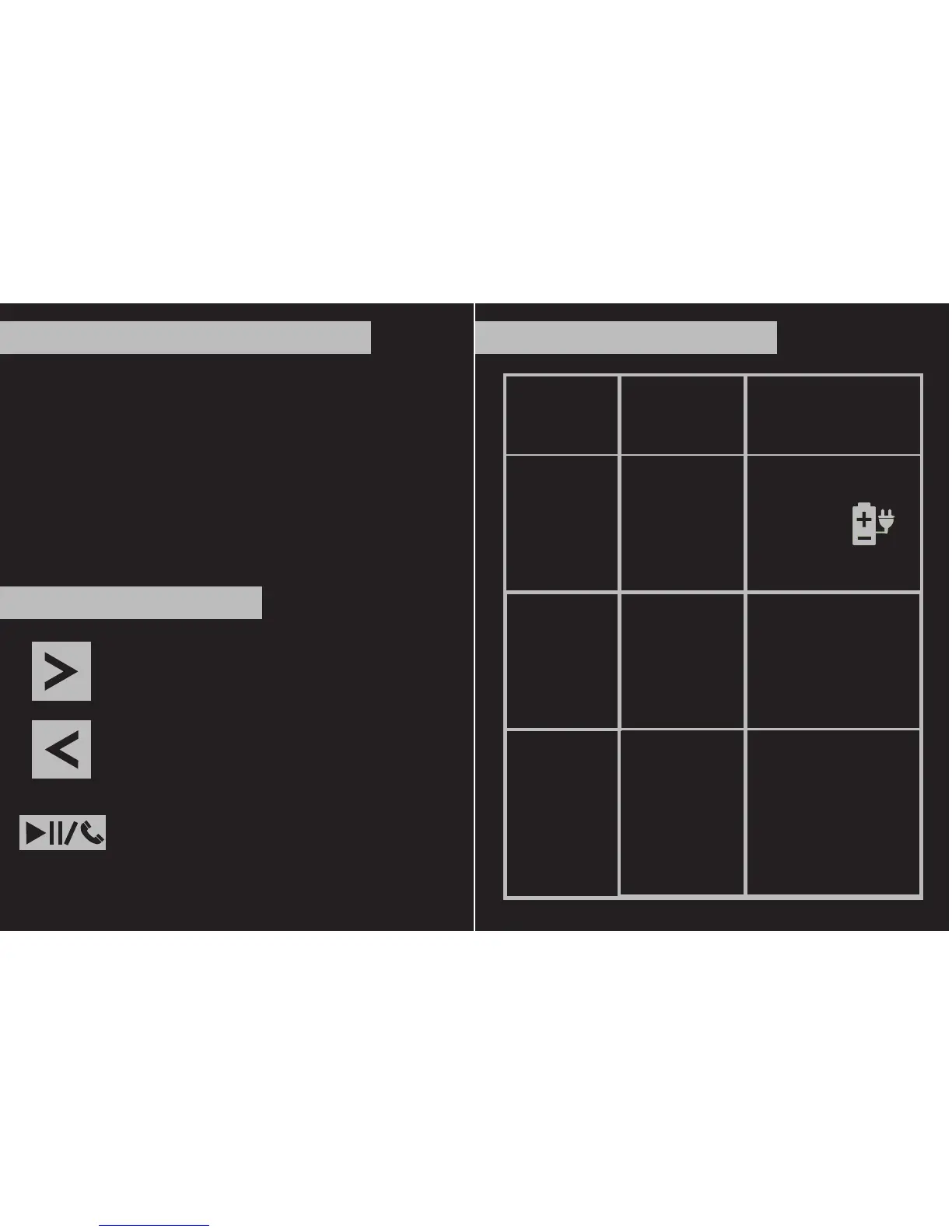
Symptoms Causes Solutions
SB512 cant
be powered
on
Not able to
pair w/ the
speaker
Volume too
low
Low battery
level
SB512 is
already on
or not to
the pairing
mode
Battery is not
charged up
or Volume is
not set to the
maximum on
SB512 &
media player.
Recharge
the
battery
Refer to
“Bluetooth
pairing section”
in the previous
page
Increase the
volume via
press & hold the
volume up button
on SB512 Increase
the volume on
the Media Players.
5
Short press to skip to the next soundtrack
Press and hold to increase the volume
Short press to skip to the previous soundtrack
Press and hold to decrease the volume
Short press to play/pause the music
Short press to answer/end call
1. Release the USB charging port cover.
2. Connect the USB charging cable to a standard USB
charging port such as computer or USB charger from
the USB socket on SB512. Please recharge the
battery for 4-6 hours prior to initial use.
The Bluetooth speaker is powered by a built-in
rechargeable lithium battery that can be operated
by the following steps
RECHARGING THE DEVICE
KEY DEFINITIONS